
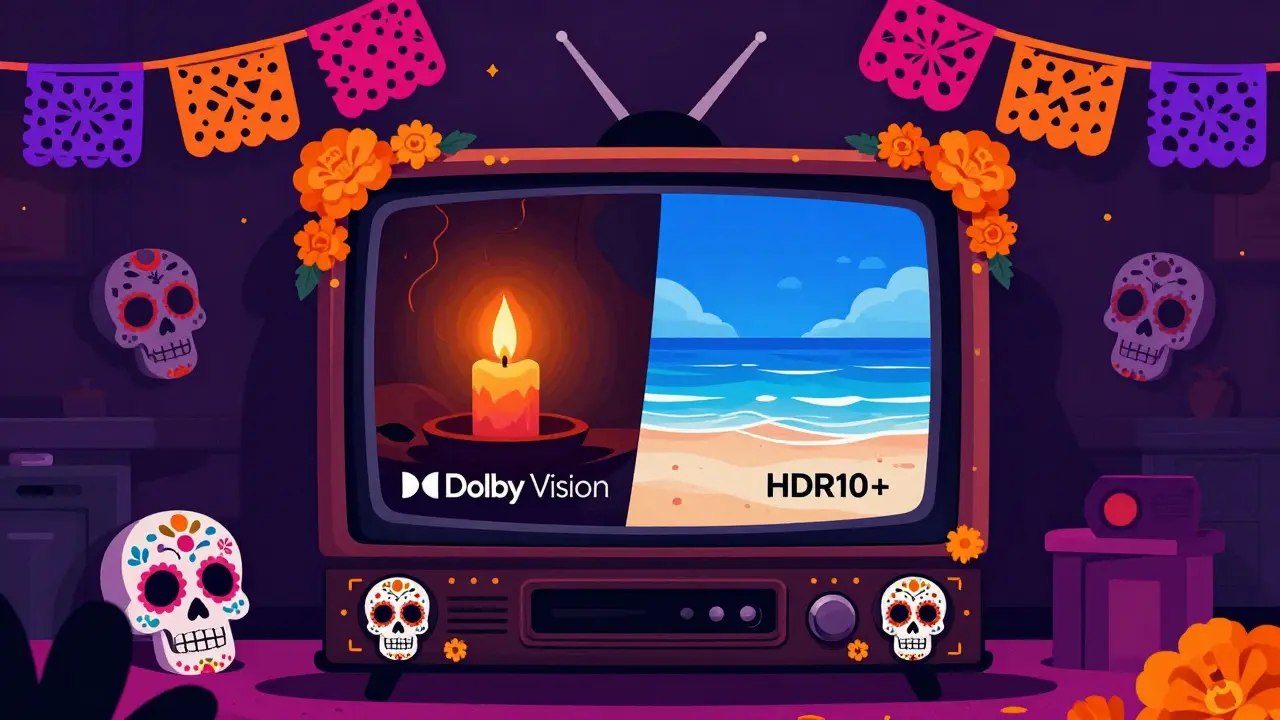
You’ve just bought a stunning 4K OLED television. You’re watching your favorite show, and suddenly the screen goes pitch black except for a single candle flame. Is that detail lost forever? Or does the image pop with realistic warmth and shadow depth? The answer often comes down to a silent war happening behind the scenes: Dolby Vision versus HDR10+. These two formats promise to make your movies look better than ever by using "dynamic" metadata, but they work differently, cost differently, and are supported by different services. If you are trying to decide which TV to buy or which streaming plan offers the best picture, understanding this rivalry is crucial.
In 2026, high dynamic range (HDR) is no longer a luxury; it’s the standard for premium content. But not all HDR is created equal. Standard HDR10 uses static metadata-essentially telling your TV, "This entire movie was mastered at this brightness level." That works okay for some films, but it fails miserably for others. A horror movie needs deep blacks, while a daytime beach scene needs bright highlights. Static settings can’t handle both simultaneously without crushing shadows or blowing out skies. This is where Dolby Vision and HDR10+ step in, adjusting the image frame-by-frame to ensure every pixel looks exactly as the director intended.
How Dynamic Metadata Changes the Picture
To understand why one format might "win," you first need to grasp what makes them special. Both Dolby Vision and HDR10+ use dynamic metadata. Imagine you are grading a photo. With static HDR, you apply one filter to the whole album. With dynamic HDR, you adjust the lighting for each individual photo. This technology sends instructions to your TV for every single frame of video, telling it how to map colors and brightness levels specifically for that moment.
Dolby Vision is a proprietary HDR format developed by Dolby Laboratories that uses dynamic metadata to optimize picture quality on a per-scene or per-frame basis. It supports up to 12-bit color depth, meaning it can display over 68 billion colors compared to the 1.07 billion colors in standard 10-bit HDR. While most current TVs don't fully utilize 12-bit panels, the extra data allows for smoother gradients and less banding in skies and shadows.
HDR10+ is an open-standard HDR format developed by Samsung and backed by Disney, Fox, and Panasonic that also uses dynamic metadata but remains royalty-free. It sticks to 10-bit color depth but achieves similar visual improvements through smarter tone-mapping algorithms. Because it is an open standard, manufacturers don’t have to pay licensing fees to include it, which keeps costs down for consumers.
The real difference isn't just technical specs; it's about ecosystem control. Dolby licenses its tech, giving them leverage to push for adoption across studios and hardware makers. HDR10+ relies on industry cooperation, led heavily by Samsung. This fundamental business model difference dictates which shows support which format.
The Streaming Service Showdown
If you own a TV that supports both formats (which many mid-range and high-end models do), the deciding factor usually becomes your streaming subscriptions. In 2026, the landscape has settled into distinct camps.
| Service | Primary HDR Format | Secondary Support | Key Content Examples |
|---|---|---|---|
| Netflix | Dolby Vision | HDR10 (Static) | Squid Game, Stranger Things |
| Disney+ | Dolby Vision | HDR10 (Static) | Mandalorian, Marvel Films |
| Amazon Prime Video | Dolby Vision | HDR10 (Static) | The Boys, Rings of Power |
| Max (HBO) | Dolby Vision | HDR10 (Static) | The Last of Us, House of the Dragon |
| Apple TV+ | Dolby Vision | HDR10 (Static) | Ted Lasso, Foundation |
| Paramount+ | Mixed | HDR10+ | Star Trek Series |
As you can see, the major US-based streamers heavily favor Dolby Vision. Netflix, Disney+, Amazon, Max, and Apple TV+ all deliver their premium 4K libraries in Dolby Vision. If you subscribe to these services, having a Dolby Vision-compatible TV ensures you get the best possible image quality from these platforms.
HDR10+ finds its strongest support in specific regional markets and certain studio releases. For example, in Europe and Asia, some local broadcasters and streaming services prefer HDR10+ due to lower licensing costs. Additionally, if you watch physical media like Blu-rays, many titles released by Warner Bros. Discovery offer both formats, allowing you to choose based on your TV’s capabilities.
Hardware Compatibility and TV Brands
Your television brand plays a huge role in this debate. Samsung, historically, has been the biggest proponent of HDR10+. Their QLED and Neo QLED lines support HDR10+ extensively. However, even Samsung TVs now often include basic Dolby Vision compatibility in newer models to avoid alienating customers who use Netflix or Disney+. Conversely, LG OLEDs and Sony Bravia TVs have long supported Dolby Vision natively.
If you are buying a new TV in 2026, here is what you need to check:
- Samsung: Look for models that explicitly state "Dolby Vision Compatible." Older Samsung sets may only support HDR10+ and HDR10.
- LG: Most OLED and NanoCell models support Dolby Vision perfectly. They also support HDR10+ via firmware updates in recent years.
- Sony: Bravia XR and X90 series models support Dolby Vision and often provide superior tone-mapping processing, making even HDR10 content look closer to Dolby Vision.
- TCL & Hisense: These budget-friendly brands often include both Dolby Vision and HDR10+ support in their mid-range and premium Roku TV models, offering great value for money.
The key takeaway is that exclusive support for one format is becoming rare. Most modern 4K TVs support both, along with the baseline HDR10. The limitation is rarely the TV itself anymore; it’s the content source.

Visual Quality: Can You Tell the Difference?
Let’s be honest: unless you sit three feet away from a 75-inch screen in a completely dark room, the difference between Dolby Vision and HDR10+ is subtle. Both formats solve the main problem of static HDR-crushed blacks and blown-out highlights. A well-mastered HDR10+ film will look nearly identical to a Dolby Vision version on the same TV.
However, Dolby Vision has an edge in consistency. Because Dolby works directly with filmmakers during post-production, they often create a "reference" version of the movie that is then adapted for various displays. This process, called "Dolby Vision IQ," uses sensors in compatible TVs to adjust the image based on ambient light in your room. HDR10+ lacks this level of integration with environmental sensors, though some TVs implement similar features independently.
Color accuracy is another point. Dolby Vision’s support for wider color gamuts (Rec. 2020) means it can reproduce more vibrant reds and greens, especially noticeable in nature documentaries or animated films. HDR10+ stays within the Rec. 709 or DCI-P3 ranges, which are still excellent but slightly less expansive.
That said, a poorly mastered Dolby Vision file will look worse than a well-mastered HDR10+ file. The format is only as good as the effort put into mastering it. Some indie films or older remasters cut corners, resulting in flat images regardless of the metadata type.
Cost and Licensing Implications
Why doesn’t everyone just use Dolby Vision? Money. Dolby charges licensing fees to manufacturers and content creators. This cost is passed down, albeit slightly, to consumers. HDR10+ is free to implement. For budget TV manufacturers, avoiding Dolby licensing keeps the retail price lower. For smaller streaming services with tight margins, HDR10+ reduces operational costs.
This economic reality creates a fragmented experience. You might find that a low-cost Android TV box supports HDR10+ but not Dolby Vision because the manufacturer didn’t want to pay the license fee. Similarly, some niche streaming apps may only offer HDR10+ to save on encoding and delivery costs.
For the average consumer, this means checking device compatibility before purchasing accessories. If you buy a cheap external HDMI switch or an older gaming console, it might strip out Dolby Vision metadata, falling back to standard HDR10. HDR10+ is more universally accepted in budget hardware ecosystems.

Gaming and Future-Proofing
If you game on your TV, the HDR format matters too. Xbox consoles support both Dolby Vision and HDR10+, but Microsoft has shifted focus toward Auto HDR and VRR (Variable Refresh Rate) rather than pushing one specific dynamic format. PlayStation 5 supports Dolby Vision but not HDR10+. Nintendo Switch OLED does not support either dynamic format, sticking to HDR10.
Most PC games rely on manual HDR calibration rather than dynamic metadata, so neither format gives a significant advantage there. However, as cloud gaming services like NVIDIA GeForce Now and Xbox Cloud Gaming improve, they increasingly stream in Dolby Vision to match the quality of native console experiences.
Looking ahead, the next generation of HDR standards aims to unify these efforts. Hybrid Log-Gamma (HLG) continues to gain traction for live broadcasting because it doesn’t require metadata at all. Meanwhile, developers are working on universal dynamic metadata containers that could eventually make the Dolby Vision vs. HDR10+ debate obsolete. Until then, we live in a world of choice-and compromise.
Which One Should You Choose?
Here is the bottom line: Don’t buy a TV solely based on whether it supports Dolby Vision or HDR10+. Instead, prioritize panel quality, peak brightness, and viewing angles. A mediocre OLED with Dolby Vision will look worse than a brilliant LCD with HDR10+. Once you have a good TV, ensure it supports both formats. In 2026, almost any TV priced above $400 should support both.
If you must pick a winner for streaming, Dolby Vision takes the crown simply due to volume. More movies, more shows, and more major platforms use it. HDR10+ is a strong runner-up, especially valuable if you watch a lot of physical media or use budget-friendly hardware. Ultimately, the best format is the one that delivers the most content to your screen in the highest quality. And thanks to widespread dual-support, you probably don’t have to choose anymore.
Is Dolby Vision better than HDR10+?
Visually, they are very similar, but Dolby Vision has broader support among major streaming services like Netflix, Disney+, and Amazon Prime. It also supports 12-bit color depth, whereas HDR10+ is limited to 10-bit. However, HDR10+ is royalty-free, making it more common in budget hardware and certain regional broadcasts.
Does my TV need to support both Dolby Vision and HDR10+?
Ideally, yes. Most mid-range and high-end TVs sold in 2026 support both formats. Supporting both ensures you can enjoy the best possible image quality regardless of which streaming service or disc format you are using. Check the specifications of your TV model to confirm compatibility.
Can I convert HDR10+ to Dolby Vision?
No, you cannot convert one format to the other dynamically. The metadata is baked into the video file during mastering. If a movie is mastered in HDR10+, it will play in HDR10+. If it is mastered in Dolby Vision, it will play in Dolby Vision. Your TV will automatically detect and apply the correct format.
Why does Samsung not support Dolby Vision on older models?
Samsung promoted HDR10+ as an alternative to Dolby Vision to avoid paying licensing fees. As a result, many Samsung TVs released before 2023 do not support Dolby Vision. Newer models have added compatibility to meet consumer demand, but legacy devices remain locked to HDR10+ and HDR10.
Do gaming consoles support Dolby Vision?
Yes, both Xbox Series X/S and PlayStation 5 support Dolby Vision for gaming and media playback. However, support varies by game title. Many games use standard HDR10 or manual HDR calibration instead of dynamic metadata. Nintendo Switch does not support Dolby Vision.
