
Subscription fatigue is real. You sign up for one service, then another, and suddenly you’re paying more for entertainment than your rent. The industry’s answer to this chaos? Bundles. But not all bundles are created equal. Some save you money, while others just lock you into expensive ecosystems.
If you’re trying to decide between the Disney Bundle, which groups together major family-friendly networks; the carrier-linked Verizon Disney+ perks tied to phone plans; or the tech-heavy Apple One suite, you need to look beyond the monthly price tag. You need to understand what content you actually watch, what storage you need, and whether you’re already locked into a specific hardware or telecom ecosystem.
The Core Contenders: What Are We Comparing?
To make sense of these options, we first need to define what each bundle actually contains. These aren’t just random collections of apps; they are strategic plays by tech giants to keep you in their walled gardens.
The Disney Bundle is a straightforward aggregation of three streaming services: Disney+, Hulu, and ESPN+. It targets families and sports fans who want a broad range of content without managing three separate subscriptions. The key value here is the inclusion of Hulu, which offers next-day access to current TV shows from major broadcast networks like ABC, NBC, and Fox.
Verizon Disney+ isn’t exactly a standalone product you buy directly from Verizon. Instead, it’s a benefit attached to certain high-tier postpaid mobile plans, such as the Unlimited Ultimate plan. For years, Verizon offered Disney+, Hulu, and ESPN+ for free with these plans. However, as of mid-2024, Verizon shifted its strategy. They now offer discounted rates or temporary promotions rather than a permanent "free" add-on, depending on your region and contract status. This makes it a conditional value proposition rather than a direct competitor to the other two bundles.
Apple One is different because it mixes media with utility. It combines Apple Music, Apple TV+, Apple Arcade, and iCloud+ storage. It doesn’t include live TV or a massive library of licensed movies like Disney+. Instead, it focuses on original content, music, gaming, and cloud storage. This bundle is designed for people deeply embedded in the Apple ecosystem.
Price Breakdown: Who Actually Saves You Money?
Let’s talk numbers. In 2026, pricing has stabilized after years of inflation-driven hikes, but the gap between individual subscriptions and bundles remains significant.
| Bundle Option | Included Services | Estimated Monthly Cost | Individual Service Total | Savings |
|---|---|---|---|---|
| Disney Bundle | Disney+, Hulu (w/ ads), ESPN+ | $15.99 | $33.97 | $17.98 |
| Apple One Individual | Music, TV+, Arcade, 50GB iCloud | $19.95 | $33.97 | $14.02 |
| Verizon Plan Perk | Discounted Disney/Hulu/ESPN+ | Varies (Plan dependent) | N/A | Conditional |
The Disney Bundle offers the highest raw dollar savings if you use all three services. If you only watch Disney+ and ignore Hulu and ESPN+, you’re overpaying. The same logic applies to Apple One. If you don’t care about cloud storage or games, the $19.95 price point feels steep compared to just buying Apple Music ($10.99) and Apple TV+ ($9.99) separately, though even that separate total is higher than the bundle.
Verizon’s offering is tricky. If you are already paying $85-$90 a month for an unlimited data plan, getting a discount on streaming services is nice, but it doesn’t lower your base bill. You have to evaluate whether the phone plan itself is worth the cost before considering the streaming perk.
Content Library: Volume vs. Quality
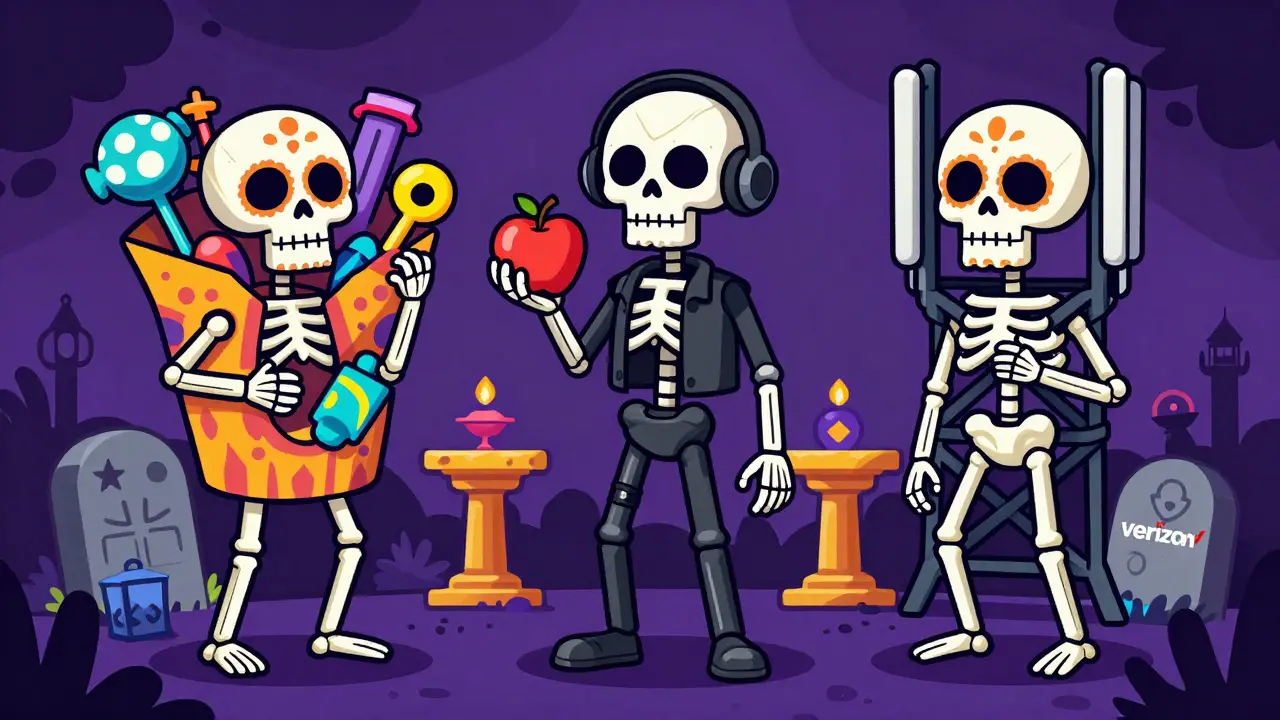
This is where the philosophical differences between the bundles become clear. Disney bets on volume and nostalgia; Apple bets on prestige and exclusivity.
Disney+ holds the rights to Marvel, Star Wars, Pixar, National Geographic, and Disney Animation. That’s a massive library of thousands of hours. When you add Hulu, you get access to current season episodes of shows like The Bear, Fargo, and Selling Sunset. ESPN+ adds niche sports coverage, including UFC fights, soccer leagues, and college sports that aren’t on linear TV. If you are a household with kids, sports fans, and adults who want next-day TV, this bundle covers every demographic.
Apple TV+, on the other hand, has a tiny library. As of 2026, it has fewer than 100 original titles. However, the quality is consistently high. Shows like Silo, Severance, and Shrinking are critically acclaimed. There are no blockbusters from Hollywood studios here-no James Bond, no Avatar, no Friends reruns. You go to Apple TV+ for new, high-budget originals. If you are tired of scrolling through hundreds of mediocre movies to find one good show, Apple’s curated approach might feel less overwhelming.
Then there is Apple Music. With over 100 million tracks, spatial audio support, and lossless audio at no extra cost, it competes directly with Spotify and Amazon Music. If you listen to music daily, this component alone justifies half the cost of the Apple One bundle. Disney Bundle has no music component.
Ecosystem Lock-In: The Hidden Costs
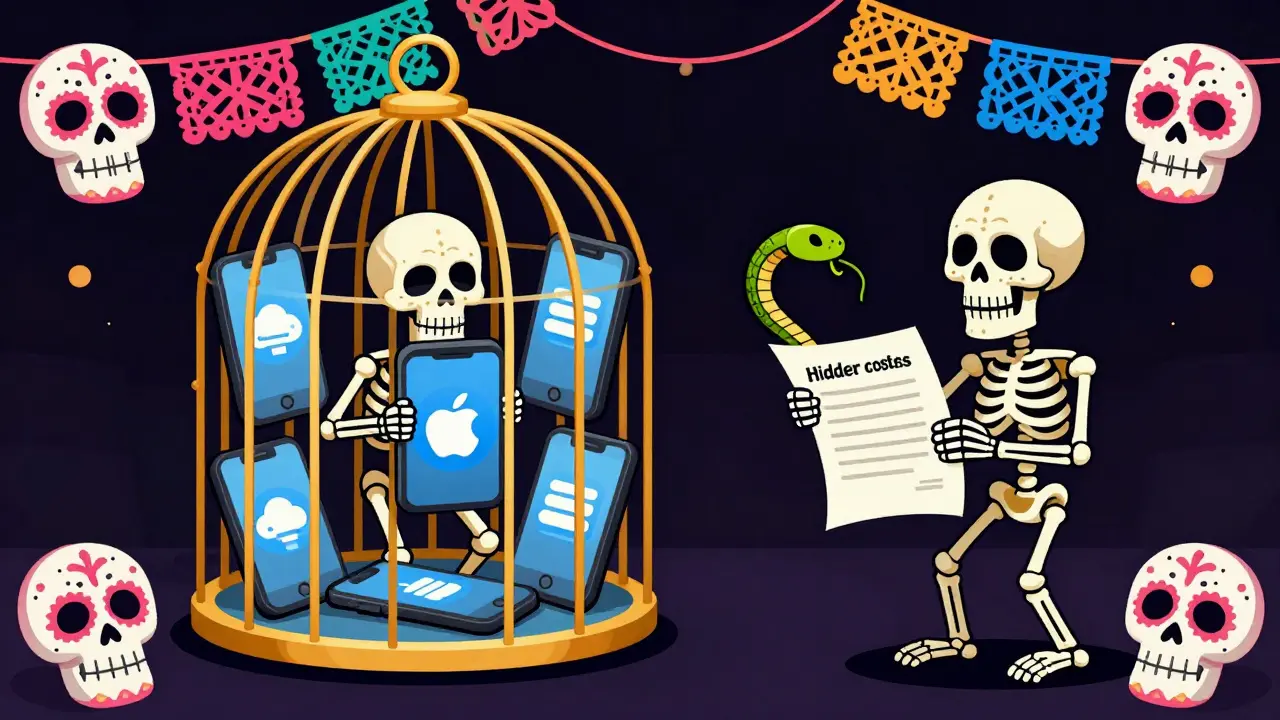
You can’t talk about these bundles without addressing the devices required to enjoy them fully.
The Disney Bundle is platform-agnostic. It works on Roku, Fire TV, Samsung Smart TVs, Android phones, iPhones, and web browsers. You can cancel it tomorrow and switch to a cheap Android phone without losing access to your content. This flexibility is a huge advantage for consumers who hate being tied down.
Apple One requires an Apple device to function properly. While you can access Apple Music and Apple TV+ on Windows PCs or Android phones via a browser, the experience is clunky. You lose features like seamless switching between devices, Siri integration, and the ability to download content for offline viewing easily. Furthermore, iCloud+ storage is most useful if you are backing up iPhone photos and syncing documents across Macs and iPads. If you use Android, the iCloud portion of Apple One is nearly useless to you.
Verizon ties the benefit to your phone contract. If you switch carriers to T-Mobile or AT&T to save money on your phone bill, you immediately lose the streaming discount or free tier. This creates a high barrier to exit. Many users stay with Verizon not because they love the network coverage, but because they don’t want to pay for Disney+ separately. This is a classic vendor lock-in strategy.
Who Should Choose Which Bundle?
There is no single "best" bundle. The right choice depends entirely on your current habits and hardware.
- Choose the Disney Bundle if: You have children who watch cartoons, you follow sports (especially college or international soccer), and you want to catch up on last night’s episode of popular cable TV shows. It is the best value for families and casual viewers who want variety.
- Choose Apple One if: You own an iPhone, Mac, or iPad, you listen to music every day, and you prefer high-quality original dramas over blockbuster franchises. It is the best value for tech enthusiasts who want convenience and integration.
- Consider Verizon Perks if: You are already committed to a long-term contract with Verizon and your plan includes the streaming benefit. Do not switch to Verizon solely for the streaming discount unless the network coverage in your area is significantly better than your current provider.
Pitfalls to Avoid
Before you subscribe, check for hidden traps. First, verify the ad-supported vs. ad-free tiers. The standard Disney Bundle often includes ads on Hulu. If you hate commercials, you must upgrade to the premium tier, which jumps the price to around $25 per month. Similarly, Apple One does not include ads, but Apple TV+ occasionally promotes its own shows during loading screens, which some users find intrusive.
Second, be aware of auto-renewal changes. Both Disney and Apple frequently change their promotional rates. A $15 bundle today might increase to $18 in six months. Set a calendar reminder to review your subscription costs quarterly. Finally, remember that you can always mix and match. If you only want Disney+ and Apple Music, buying them separately might cost slightly more than the bundles, but you avoid paying for services you never use, like ESPN+ or iCloud storage you don’t need.
Can I combine Disney Bundle and Apple One?
Yes, you can subscribe to both simultaneously. They are independent services. However, doing so will cost you approximately $36 per month, which may exceed your budget if you are looking for a single comprehensive solution.
Does Verizon still give Disney+ for free?
As of 2026, Verizon no longer provides Disney+, Hulu, and ESPN+ for free indefinitely with all plans. They offer discounted rates or limited-time trials depending on your specific Unlimited plan and account tenure. Check your Verizon account dashboard for current eligible perks.
Is Apple One worth it if I don't use iCloud?
If you do not use iCloud for photo backups or file syncing, the value of Apple One decreases significantly. You would be paying for storage you don't need. In this case, consider subscribing to Apple Music and Apple TV+ separately, or just Apple Music if you don't watch much original content.
Which bundle has better 4K content?
Both bundles offer 4K HDR content. Disney+ has a larger volume of 4K movies due to its library of Marvel and Pixar films. Apple TV+ streams all its original content in 4K Dolby Vision and Dolby Atmos by default, ensuring consistent high quality across its smaller library.
Can I share my subscription with friends?
Apple One allows sharing within an Apple Family Sharing group (up to six people). The Disney Bundle allows multiple profiles under one account, but simultaneous streams are limited based on your tier. Sharing passwords outside of official family plans violates terms of service for both providers.
