
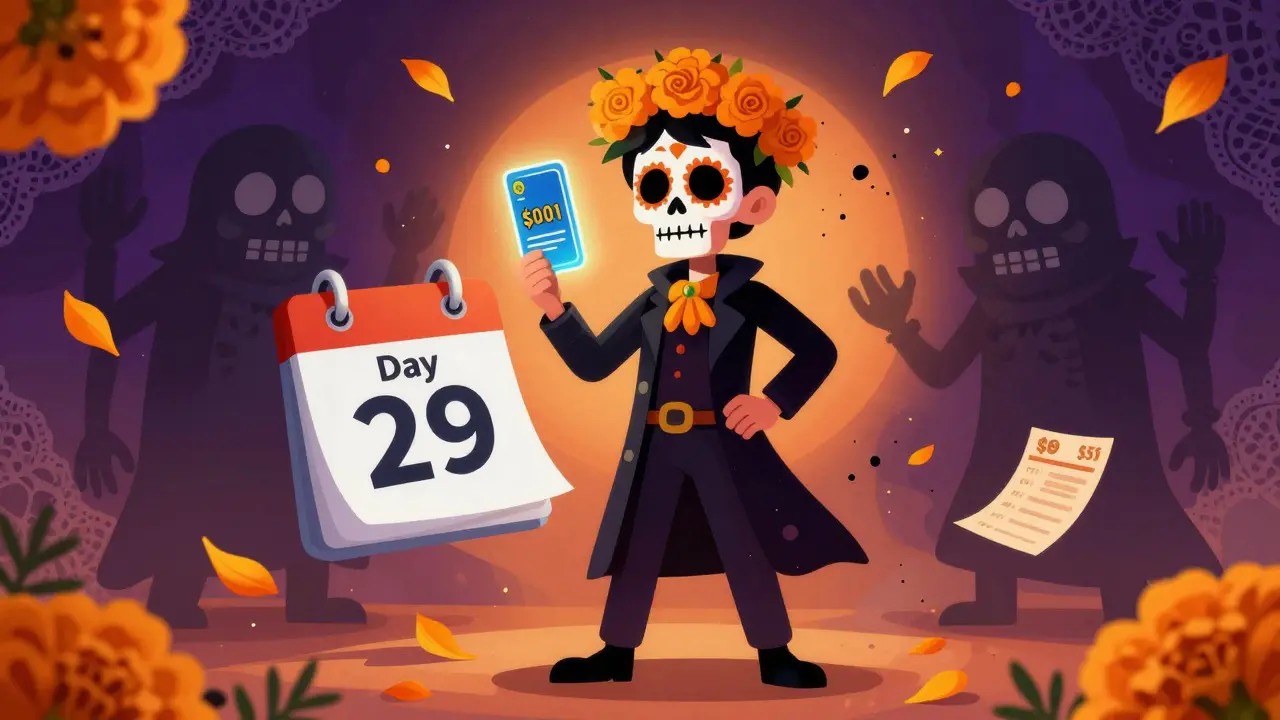
Free trials are everywhere. Streaming services, fitness apps, meal kits, even software for your phone - they all want you to sign up with zero upfront cost. But here’s the catch: most of them automatically charge you after 7, 14, or 30 days. And if you forget to cancel, you’re stuck paying $15, $20, or even $50 a month for something you barely used.
That’s where virtual cards come in. Not the kind you carry in your wallet. These are digital, single-use, or limited-amount cards issued by your bank or a fintech app. They let you sign up for a free trial without risking your real credit card. No auto-renewal surprises. No hidden fees. Just control.
Why Free Trials Turn Into Silent Bills
Companies don’t trick you on purpose - at least not always. They rely on forgetfulness. You sign up for a free trial of a meditation app during a stressful week. Two weeks later, you’re not even thinking about it. Then, one morning, you see a $12 charge on your statement. You didn’t cancel. You didn’t get a reminder. The system just took the money.
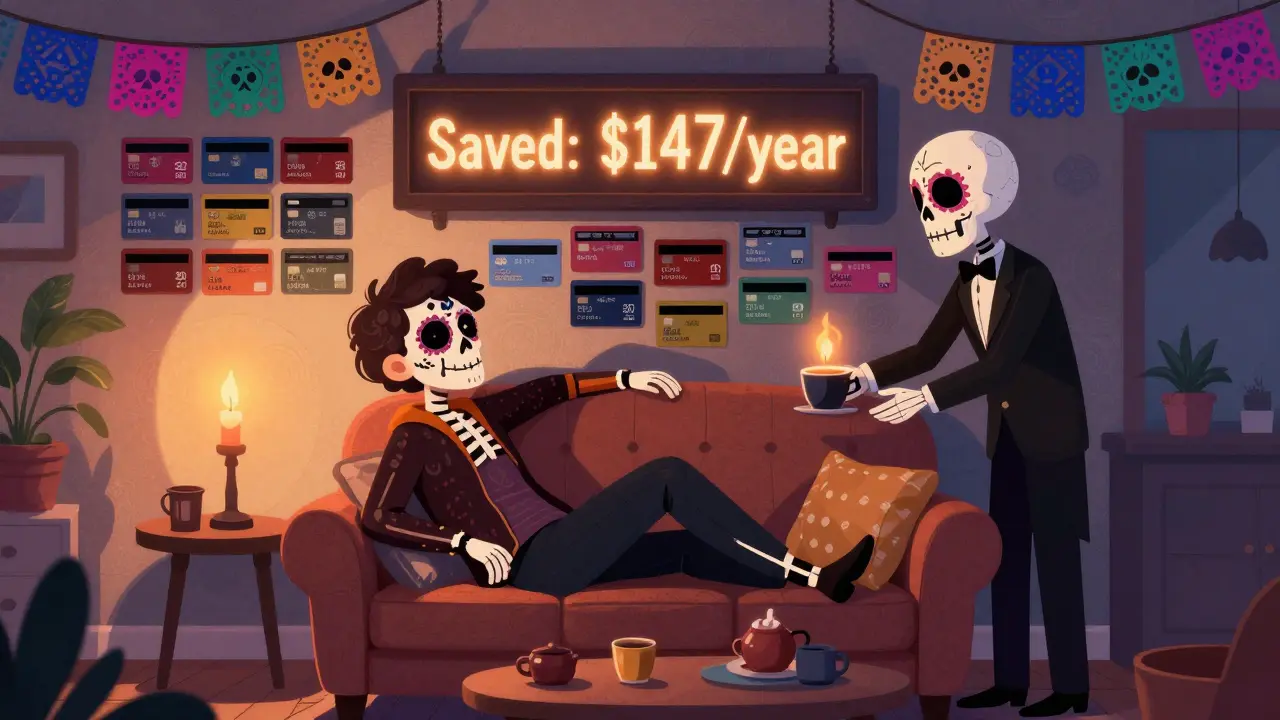
According to a 2025 study by the Consumer Financial Protection Bureau, over 62% of people have been charged for a subscription they didn’t realize they were still paying for. The average hidden cost per person? $147 a year. And it’s not just small apps. Big names like Hulu, Peloton, and even Amazon Prime trials do this. They send one email. Maybe two. Then they charge.
It’s not fraud. It’s design. And it’s working.
How Virtual Cards Break the Cycle
A virtual card is a 16-digit number, CVV, and expiration date - just like your real card - but it’s created online and tied to a specific spending limit. You can set it to expire after one use, or cap it at $0.01 so it can’t charge you later.
Here’s how it works in practice:
- You want to try out a 30-day free trial of a language-learning app.
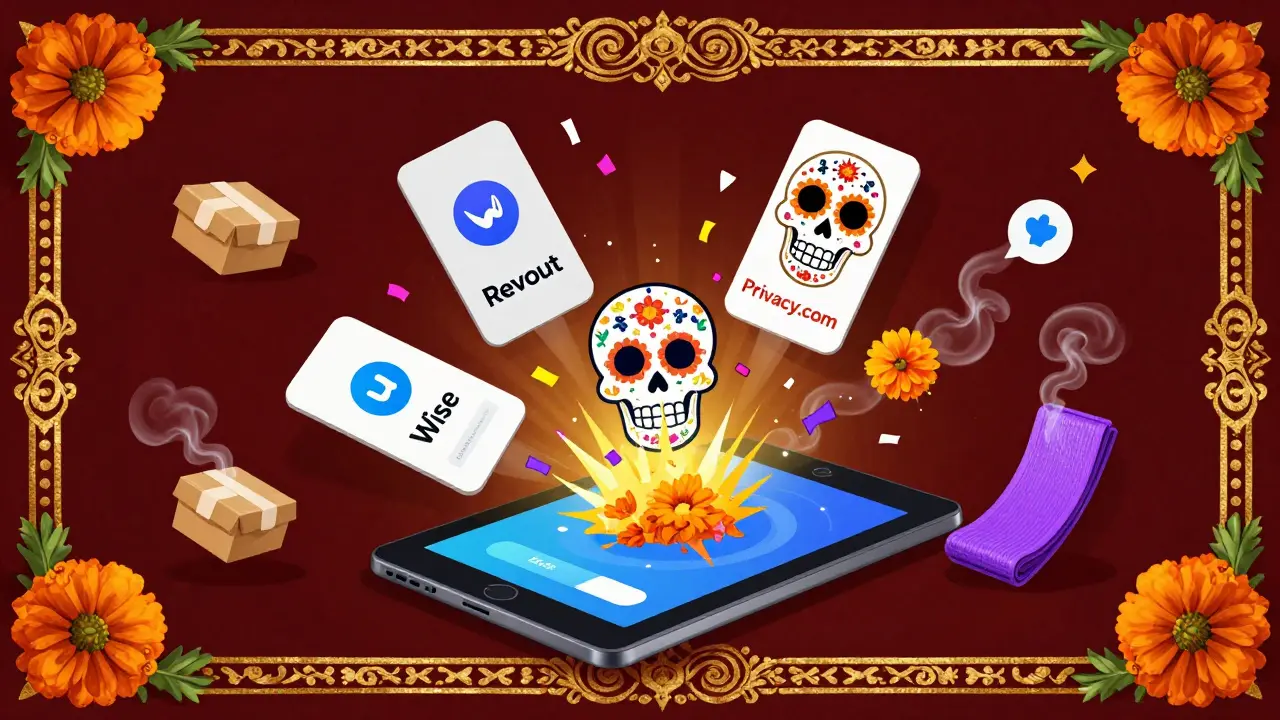
- You open your bank’s app or a service like Revolut, Wise, or Privacy.com.
- You generate a new virtual card with a $0.01 limit and an expiration date set for Day 29.
- You enter that card number during signup.
- On Day 29, the system tries to charge you - but the card is either expired or has no money left.
- No charge. No fuss. No subscription.
You didn’t have to remember to cancel. You didn’t have to dig through emails. The system couldn’t charge you - because you made sure it couldn’t.
Real-World Examples That Work
Let’s say you’re trying out a new meal kit service. They offer a free first box. But their terms say you’ll be billed $70 after delivery unless you cancel. You don’t want to risk your main card.
You create a virtual card with a $75 limit. You use it for the trial. The company charges $70. You get your food. You don’t want to continue. On Day 28, you log in and delete the virtual card. Next month, they try to charge again - but the card is gone. No money taken. No calls to customer service. No guilt.
Another example: a fitness app that wants your credit card to start a free 14-day yoga challenge. You use a virtual card with a $10 limit. Even if they try to charge $15 later, the transaction fails. You never get a call. You never get an email. The system just moves on.
People who use virtual cards for trials report a 90% drop in unwanted charges within three months. It’s not magic. It’s just control.
Where to Get Virtual Cards (And What to Avoid)
Not all banks offer virtual cards. But many fintech apps do - and they’re often better than traditional banks.
- Revolut: Lets you create unlimited virtual cards with custom spending limits and expiry dates. Free plan includes 1 card per month. Paid plans unlock more.
- Wise: Offers virtual cards tied to your multi-currency account. You can freeze, unfreeze, or delete them anytime.
- Privacy.com: Built for this exact use case. You can create disposable cards, set spending caps, and even block recurring payments. Free tier available.
- Apple Card / Google Pay: Both allow virtual card generation for online purchases, but with less control over limits and expiration.
- Traditional banks (Chase, Bank of America): Some offer virtual cards, but they’re often hidden in settings. Not reliable for trial use.
Avoid free trial services that ask you to use a prepaid gift card. Many block them. And never use a card with a real balance you can’t afford to lose. Virtual cards are meant to be disposable. Treat them that way.
What Happens If a Company Blocks Virtual Cards?
Sometimes, they will. You’ll get an error saying “Payment method not accepted.” That’s not a bug - it’s a policy. Some companies only accept cards tied to verified bank accounts. They’re trying to reduce fraud.
Here’s what to do:
- Try a different virtual card provider. Privacy.com works more often than others.
- Use a card with a small balance ($1-$5) instead of $0.01. Some systems reject cards with $0.
- Check the company’s FAQ. Some say they accept virtual cards - you just need to use the right one.
- If all else fails, use your real card - but set a calendar reminder to cancel 2 days before the trial ends.
Most services that block virtual cards are the ones you shouldn’t trust anyway. If they’re this aggressive about locking you in, they’re probably not worth your time.
Other Ways to Stay in Control
Virtual cards aren’t the only tool. But they’re the most reliable.
- Use a dedicated email for free trials. That way, you can spot renewal notices fast.
- Set calendar alerts for trial end dates. Do it the day you sign up.
- Check your bank statements monthly for small recurring charges. $4.99 looks like a mistake - until it’s $60 a year.
- Use subscription trackers like Rocket Money or Truebill. They scan your statements and flag renewals.
But none of these work if you don’t act. Virtual cards remove the need to act. They’re automated protection.
Start Today - It Takes 90 Seconds
You don’t need to be tech-savvy. You don’t need to cancel anything. Just open your bank app or download Privacy.com. Create one virtual card. Use it for your next free trial. That’s it.
By the end of the month, you’ll have saved money you didn’t even know you were losing. And you’ll never have to explain to your partner why your credit card statement looks like a list of forgotten apps.
Control isn’t about being careful. It’s about setting up systems that work even when you’re not paying attention. Virtual cards do that. And they cost nothing to try.
Can virtual cards be used for any free trial?
Most free trials accept virtual cards, especially from services like Privacy.com, Revolut, or Wise. Some companies block them if they require verified bank accounts or have fraud filters. If a virtual card is rejected, try a small balance ($1-$5) instead of $0.01, or switch providers.
Do virtual cards cost money?
Many are free. Privacy.com’s basic plan lets you create unlimited cards at no cost. Revolut and Wise offer free tiers with limited virtual cards. Premium features like higher limits or extra cards may cost $5-$10/month, but you don’t need them for free trials.
What if I forget to cancel and get charged anyway?
If you used a virtual card with a $0.01 limit or expired date, you won’t get charged. If you used your real card and forgot to cancel, contact the company immediately. Most will refund you if you ask within 30 days - especially if you’re a new user. Keep your virtual card as proof you didn’t intend to subscribe.
Are virtual cards safe to use?
Yes. Virtual cards are encrypted and issued by regulated financial institutions. If a merchant is compromised, your real card details are never exposed. You can freeze or delete a virtual card instantly. They’re safer than using your real card for unknown services.
Can I use virtual cards for recurring subscriptions I actually want to keep?
You can, but it’s not ideal. Virtual cards are best for trials or one-time payments. If you want to keep a subscription, use your real card and set a reminder to review it every 3 months. Virtual cards work best when you plan to cancel.
