
Key Takeaways for New Viewers
- Cost: Completely free (no subscription required).
- Model: Ad-supported (FAST), meaning commercials are part of the experience.
- Content: Mix of licensed studio films, niche indie titles, and Tubi Originals.
- Accessibility: Available on smartphones, smart TVs, and gaming consoles.
- Requirement: An account is optional; you can watch as a guest, but accounts save your progress.
How Tubi Actually Works
You might be wondering how a company can give away thousands of movies for free. Tubi doesn't charge the user; they charge the advertisers. By utilizing the FAST model, they create an ecosystem where movie studios get a share of ad revenue for their older titles, and viewers get a zero-cost alternative to Netflix or Disney+. Unlike some "free" services that give you three days of a trial before hitting you with a bill, Tubi has no hidden paywalls. You simply download the app or visit the site and start playing.
The platform uses a recommendation engine that analyzes your viewing habits to suggest similar titles. If you spend your Sunday binge-watching 80s slasher films, your home screen will quickly transform into a curated horror hub. Because it's owned by Fox Corporation, Tubi has an incredible pipeline for high-quality content, ranging from major studio hits to obscure documentaries you won't find anywhere else.
Exploring the Content Library
The library is a bit of a wild west. On one hand, you have big-budget cinema from the 90s and 2000s. On the other, you'll find "so-bad-it's-good" B-movies that have gained cult status. This variety is exactly why people love it. You can jump from a critically acclaimed drama to a low-budget creature feature in two clicks.
Then there are the Tubi Originals. These are projects developed and funded by the platform itself. Instead of just buying old movies, Tubi is investing in new stories, often focusing on underserved genres or creators who don't fit the traditional Hollywood mold. These originals are a great way to see where the platform is heading-moving from a digital archive to a legitimate content creator.
| Feature | Tubi TV | Paid Services (Netflix/Hulu) |
|---|---|---|
| Monthly Cost | $0 | $7 - $23+ |
| Ad Experience | Frequent Commercials | None or Limited |
| Sign-up Requirement | Optional | Mandatory |
| Content Sourcing | Licensed + Originals | Heavy focus on Exclusive Originals |

Setting Up Your Device
Getting started is pretty straightforward. You don't need to worry about complex installations. Most Smart TVs-like those from Samsung or LG-have Tubi pre-installed in their app stores. If you're using a mobile device, you can grab the app from the Google Play Store or the Apple App Store. For those who prefer a big screen but don't have a smart TV, Roku and Amazon Fire TV are the most reliable options.
Here is the quick path to getting it running:
- Open your device's app store.
- Search for "Tubi".
- Install the app.
- (Optional) Create a free account using your email to sync your "My List" across different devices.
- Start browsing by genre or using the search bar.
Pro Tips for Better Binging
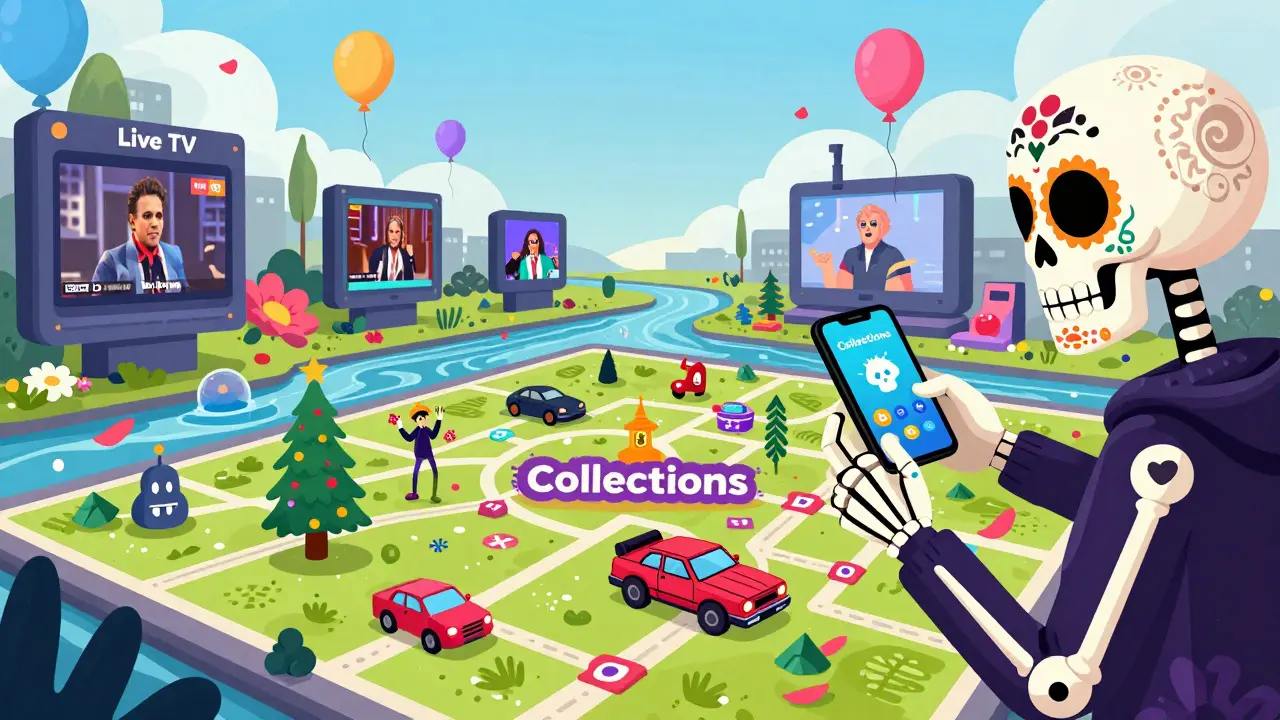
Since there are so many titles, the "Recommended" section can sometimes feel overwhelming. A better way to find gems is to use the "Collections" tab. This is where Tubi groups movies by specific themes-like "Christmas Horror" or "90s Action Gems"-which is far more helpful than a generic genre list.
Another trick is to lean into the "Live TV" section. Tubi isn't just on-demand; it has linear channels that stream content 24/7. If you're in the mood to just let something play in the background while you cook or clean, the live channels are a perfect substitute for cable TV. You can find everything from dedicated movie channels to news and niche hobby streams.
If you find a movie you love, add it to your "My List". Since the licensing agreements for free movies change frequently, a title available today might vanish tomorrow. Saving it allows you to track what you've seen and quickly find related content through the app's algorithm.
The Trade-offs: What to Expect
Let's be real: the "price" of free is the ads. You will encounter commercial breaks. They aren't usually longer than what you'd see on a standard TV show, but they do interrupt the flow of the movie. For most people, this is a fair trade for not paying a monthly fee. However, if you're someone who can't stand any interruptions, this might be a dealbreaker.
Another point to consider is regional availability. Tubi's library varies by country due to licensing laws. While it's massive in the US and Canada, the selection might differ if you're accessing it from other parts of the world. This means some of the "must-watch" lists you see online might not apply to your specific region.
Is Tubi TV really free?
Yes, Tubi is completely free. There are no subscription tiers or hidden fees. The service is funded entirely by advertisements that play during your movies and shows.
Do I need an account to watch Tubi?
No, you can watch content without an account. However, creating a free account allows you to save movies to your list and keep track of where you left off in a series across different devices.
What is the difference between Tubi and Pluto TV?
Both are FAST services. Tubi generally focuses more on a massive on-demand library of movies and TV shows, while Pluto TV emphasizes a more traditional "channel surfing" experience with a heavy focus on linear live TV, though both offer both styles of viewing.
Is Tubi legal?
Yes, Tubi is a fully legal service. They pay licensing fees to studios and creators to host their content, which is why they show ads to cover those costs.
Can I watch Tubi on my phone?
Absolutely. Tubi has dedicated apps for both iOS and Android devices, making it easy to stream on the go.
Troubleshooting and Next Steps
If the app is lagging or a video won't load, the first thing to check is your internet connection. Since Tubi streams in high definition, it requires a stable connection. If you're on a smart TV, try clearing the app cache in your system settings or simply restarting the device. Most streaming glitches are solved with a quick reboot.
For those who have mastered Tubi and want more, you might want to explore other FAST services. Combining Tubi with platforms like Pluto TV or The Roku Channel can give you a virtually endless supply of entertainment without ever spending a dime. Start by exploring the "Tubi Originals" section today to see how the platform is evolving from a simple library into a studio in its own right.
