
You’re three days from the final cut. The director hates the temp track you used because it’s too expensive to license. You have $50 left in the budget. Do you scramble to find a composer who can work overnight? Or do you open a library music site and hope for the best? Most filmmakers have been there. It’s stressful, but choosing library music doesn’t have to mean settling for generic corporate ukulele tracks that sound like every other YouTube ad.
The trick isn't just picking a song; it's understanding how these tracks are built, licensed, and mixed so they don't scream "stock audio." Let’s break down how to make smart choices with production music while avoiding the traps that ruin a scene’s emotional impact.
What Actually Is Library Music?
Library music, also known as production music, is pre-composed and pre-recorded music intended for use in media productions such as television, radio, advertising, video games, and online videos. Unlike commercial songs by bands or pop stars, which are released for public consumption first, library music is created specifically to be licensed for background use. This distinction matters because it changes everything about how you interact with the track.
When you buy a hit song, you’re paying for cultural recognition. When you buy library music, you’re paying for utility and mood. These tracks are composed to fit specific dramatic beats-tension, resolution, joy, dread-without distracting lyrics or recognizable melodies that pull the audience out of the story. They are designed to sit under dialogue, not compete with it.
Think of it like buying furniture versus commissioning a custom piece. A custom score (commissioned music) fits your space perfectly but costs a fortune and takes time. Library music is high-quality off-the-shelf furniture. If you know what you’re looking for, you can find something that looks great, fits well, and saves you weeks of waiting.
The Licensing Minefield: Royalty-Free vs. Rights-Managed
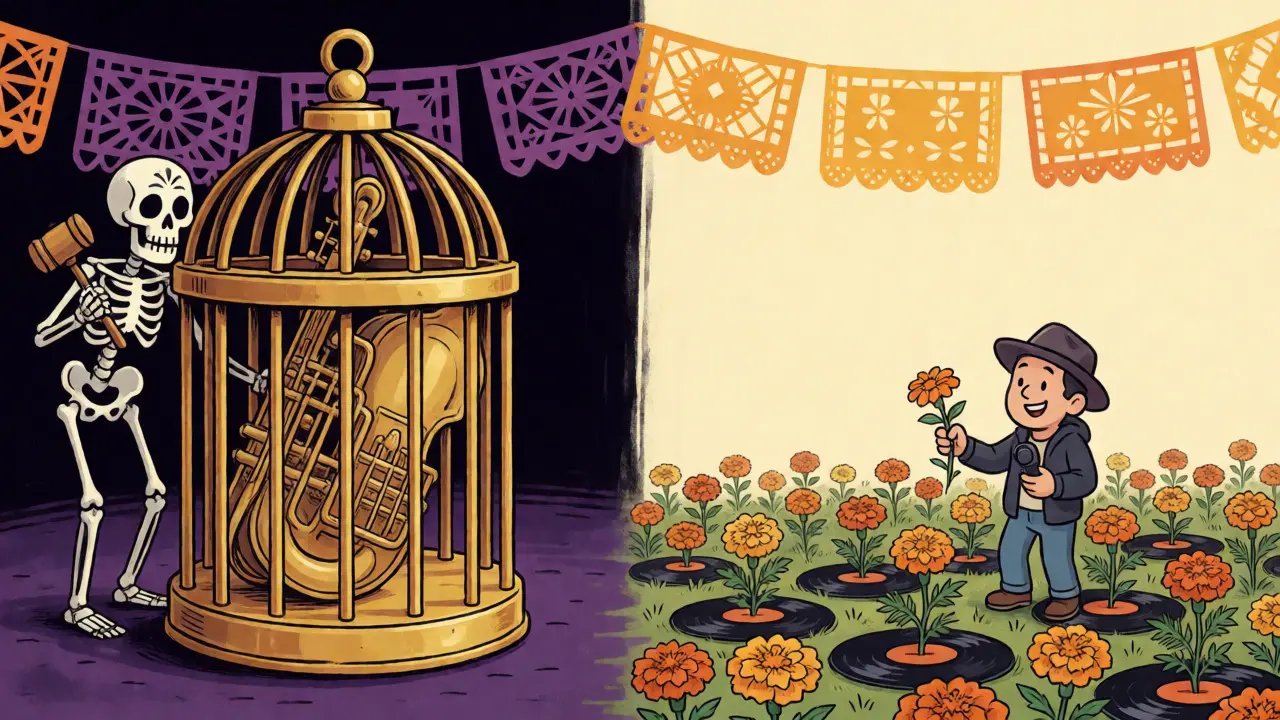
This is where most indie filmmakers get burned. You see "Royalty-Free" on a website and think, "Great, I pay once and never worry again." But that term is often misleading. In the industry, "royalty-free" usually means you don’t pay ongoing royalties based on viewership numbers, but you still pay an upfront synchronization fee. That’s fine. The real danger lies in the difference between Royalty-Free and Rights-Managed licenses. Rights-Managed licenses are more restrictive. They limit how long you can use the track, where you can broadcast it, and sometimes even who else can use it during that period.
If you plan to submit your film to festivals or sell it to a streaming platform like Netflix or Amazon Prime, check the license terms carefully. Some cheap subscriptions only cover "online use" or "social media." If your short film gets picked up for TV distribution, you might owe thousands in retroactive fees because your initial license didn’t cover broadcast rights.
| License Type | Cost Structure | Usage Scope | Best For |
|---|---|---|---|
| Royalty-Free (Standard) | One-time flat fee | Broad digital use, limited broadcast | YouTube creators, small indie films |
| Rights-Managed | High upfront, usage-based | Exclusive, specific duration/region | Major ad campaigns, national TV spots |
| Public Domain | Free (if recording is PD) | Unlimited | Historical docs, low-budget projects |
| Creative Commons | Free or Attribution | Varies strictly by CC type | Student films, non-commercial web content |
A quick tip: Always download the actual PDF license agreement, not just the screenshot of the pricing page. Read the clause on "broadcast rights." If it says "non-broadcast," you cannot put your film on cable TV without renegotiating.
How to Spot Generic Tracks Before You Download
We’ve all heard that one piano chord progression that sounds like every sad movie trailer since 2010. The problem with library music is that libraries recycle motifs heavily. To avoid sounding cliché, you need to listen actively, not passively.
First, skip the first 15 seconds. Many library tracks start with a generic intro to help editors find the beat. Jump straight to the middle section where the melody develops. Does it feel unique, or does it sound like a loop you’ve heard in a car dealership commercial? Second, look at the instrumentation. If a track lists "orchestral swell" and "emotional strings," it’s likely safe but boring. Search for specific instruments instead. Try searching for "prepared piano," "modular synth," or "bowed vibraphone." These niche instruments create textures that feel bespoke rather than stock.
Also, check the waveform. If the dynamic range is compressed to death (a solid brick wall of volume), it will fight your dialogue. Good library music should have dynamics-it should breathe. If the track is loud everywhere, you’ll spend hours in post-production ducking the volume, making it sound unnatural.
Editing Tricks to Make Stock Music Sound Custom
Even if you pick a mediocre track, good editing can save it. Here are three techniques I use when my budget won’t stretch to a composer:
- The Chop and Loop: Don’t play the whole track. Find the two bars that actually support the emotion of the scene. Cut those out and loop them seamlessly. This gives you control over the pacing. If the actor pauses, you can drop the music out completely for impact, then bring it back subtly.
- Add Foley and Ambience: Dry library music sounds fake because it lacks context. Layer the music with realistic room tone, footsteps, or city noise. When the brain hears environmental sounds, it accepts the music as part of the world rather than an overlay.
- EQ Out the Mids: Dialogue lives in the mid-frequency range (300Hz-4kHz). Most library tracks are mixed to sound full and rich, meaning they are loud in those mids. Use a parametric EQ to cut 2-4dB around 1kHz on the music track. This creates a pocket for the voice to sit clearly without lowering the music volume too much.
These tweaks cost nothing but time, yet they dramatically increase perceived production value.
Pitfalls: When Library Music Fails
Sometimes, no amount of editing fixes a bad choice. Here are the red flags that signal you should keep looking:
- The "Temp Love" Trap: You fell in love with a complex, lyrical song during editing. Now you’re trying to replace it with a simple instrumental. The scene feels empty. Solution: Simplify the scene’s expectation. Accept that the new track serves a different purpose-support, not lead.
- Mismatched Tempo: Your scene has fast cuts, but the music has a slow, dragging tempo. This creates cognitive dissonance for the viewer. Either speed up the music (which can sound chipmunk-y if done poorly) or re-edit the visuals to match the music’s rhythm.
- Overused Hits: Avoid tracks that have been featured in major Hollywood trailers recently. Audiences recognize them subconsciously. If a track reminds people of Inception or Interstellar, it distracts from your story.
Another common mistake is ignoring the mix environment. Library music is often mastered for headphones or laptop speakers. Test your edit on a proper monitor setup or even in a car. If the bass disappears on small speakers, your emotional punch is gone.
Where to Look: Curating Your Source List
Not all libraries are equal. Big names like Artlist or Epidemic Sound offer huge catalogs but can feel homogenized. Niche libraries often provide higher quality for specific genres.
For documentary work, look into archives like the BBC Sound Effects or specialized historical music collections. For horror, seek out independent composers who sell stems (individual instrument parts) on platforms like Bandcamp or Gumroad. Buying stems allows you to remove the drums if they clash with your sound design, giving you compositional control without hiring a pro.
Always preview tracks in your actual video timeline. What sounds cool alone might sound chaotic against your visual cuts. Upload a rough cut to your editing software, drag the candidate tracks in, and watch the interaction. If you find yourself adjusting the timing of the video to fit the music, pause. Ask yourself: Is the music driving the story, or is the story fighting the music?
Is library music legal for monetized YouTube videos?
Yes, provided you purchase the correct license. Standard personal or business licenses usually cover YouTube monetization. However, always check if the license covers "ad revenue" or requires attribution. Some free tracks require you to credit the artist in the description box.
Can I modify library music to make it sound original?
Most licenses allow minor edits like trimming, looping, and volume adjustment. Significant alterations, such as changing the key, adding new instruments, or remixing, may require a specific "derivative works" clause in the contract. Check your license agreement before releasing a remix version.
Why does my library music sound muddy in the final mix?
This is usually due to frequency masking. Library tracks are often fully produced with bass, mids, and highs. If your dialogue and sound effects occupy similar frequencies, they clash. Use side-chain compression or EQ cuts to carve out space for the voice, ensuring clarity.
What is the difference between sync rights and master rights?
Sync rights allow you to synchronize music with visual media (your video). Master rights refer to the ownership of the specific recording. In library music, you typically buy both simultaneously via a single license. In commercial music, you might need separate permissions from the publisher (sync) and the record label (master).
Do I need to credit library musicians in my film credits?
It depends on the license. Premium subscriptions often waive attribution requirements for paid tiers. Free or Creative Commons licenses frequently require explicit credit in the end titles or video description. Always verify the specific terms of your chosen track to avoid copyright strikes.
