
That blinking red light on your TV remote is the universal symbol of modern frustration. You just want to watch a movie, but you’re stuck buffering or navigating a menu that looks like it was designed in 2012. In 2025, your television’s built-in smart features are often not enough. They lag, they crash, and they rarely support the latest high-efficiency codecs like AV1. This is why a dedicated streaming device matters more than ever. It transforms a dumb screen into a fast, reliable portal to every major service.
Picking the right box isn't about finding the 'best' one in a vacuum. It’s about matching the hardware to how you actually use your TV. Do you game? Do you care about Dolby Atmos audio? Are you locked into an ecosystem? Let’s cut through the marketing noise and look at what actually works this year.
The Heavyweight Champion: Roku Ultra
If you want simplicity without compromise, Roku Ultra is the most versatile standalone streaming player for users who value interface neutrality and ease of use. Roku has dominated the market because its interface doesn’t push any specific content provider over another. It’s just a grid of icons. That’s it. For many people, that lack of opinion is a feature, not a bug.
The 2025 model brings significant improvements to the remote. The lost remote finder uses Bluetooth LE to ping your phone when you can’t find the clicker under the couch cushions-a small detail that saves hours of annoyance. The processor handles 4K HDR10+ and Dolby Vision smoothly, even when switching between apps rapidly. If you have multiple TVs in different rooms, Roku’s private listening feature via headphones works seamlessly across all devices.
- Best for: Families who share the TV and want a neutral platform.
- Weakness: No voice assistant integration as deep as Alexa or Siri.
- Price Point: Mid-range premium ($99-$129).
The Ecosystem Powerhouse: Apple TV 4K (A15 Bionic)
For those already invested in the Apple world, Apple TV 4K is a high-performance media center that integrates deeply with iOS, macOS, and HomeKit. It remains the fastest streaming device on the market. The A15 Bionic chip, borrowed from the iPhone 13 Pro, ensures that menus snap instantly and games run at buttery smooth framerates. If you play cloud-based titles via GeForce Now or Xbox Cloud Gaming, this is arguably the best controller experience you’ll get on a big screen.
The real magic here is the integration. AirPlay 2 allows you to mirror your iPad or iPhone screen effortlessly. Shortcuts in the Control Center let you launch apps, adjust brightness, or start a workout playlist with a single tap. The remote itself is a trackpad, which feels strange at first but becomes intuitive for scrolling long lists. However, if you don’t own an iPhone, half the value proposition disappears. You’re paying for a premium build and speed, but you lose the seamless handoff features that make it special.
- Best for: iPhone users, gamers, and home automation enthusiasts.
- Weakness: Higher price point; closed ecosystem limits flexibility.
- Price Point: Premium ($179-$199).
The Value King: Amazon Fire TV Stick 4K Max
Amazon’s strategy is simple: give you incredible performance for a low price. Amazon Fire TV Stick 4K Max is an affordable streaming dongle powered by Alexa voice control and optimized for Prime Video. In 2025, this device supports Wi-Fi 6E, which means less interference if you live in a dense apartment complex with dozens of competing networks. The latency is low, and the upscaling engine does a decent job making older 1080p content look sharper on a 4K panel.
The trade-off is obvious. The interface is heavily skewed toward Amazon content. Prime Video originals sit front and center, and search results prioritize Amazon rentals over other stores. If you are a heavy Amazon shopper, the voice control is fantastic-ask Alexa to check your order status or add milk to your shopping list while watching cooking shows. But if you prefer Netflix or Disney+, you’ll spend more time navigating past ads and promotional banners than you would on Roku.
- Best for: Budget-conscious buyers and Amazon Prime subscribers.
- Weakness: Cluttered interface with heavy advertising.
- Price Point: Budget-friendly ($39-$59).
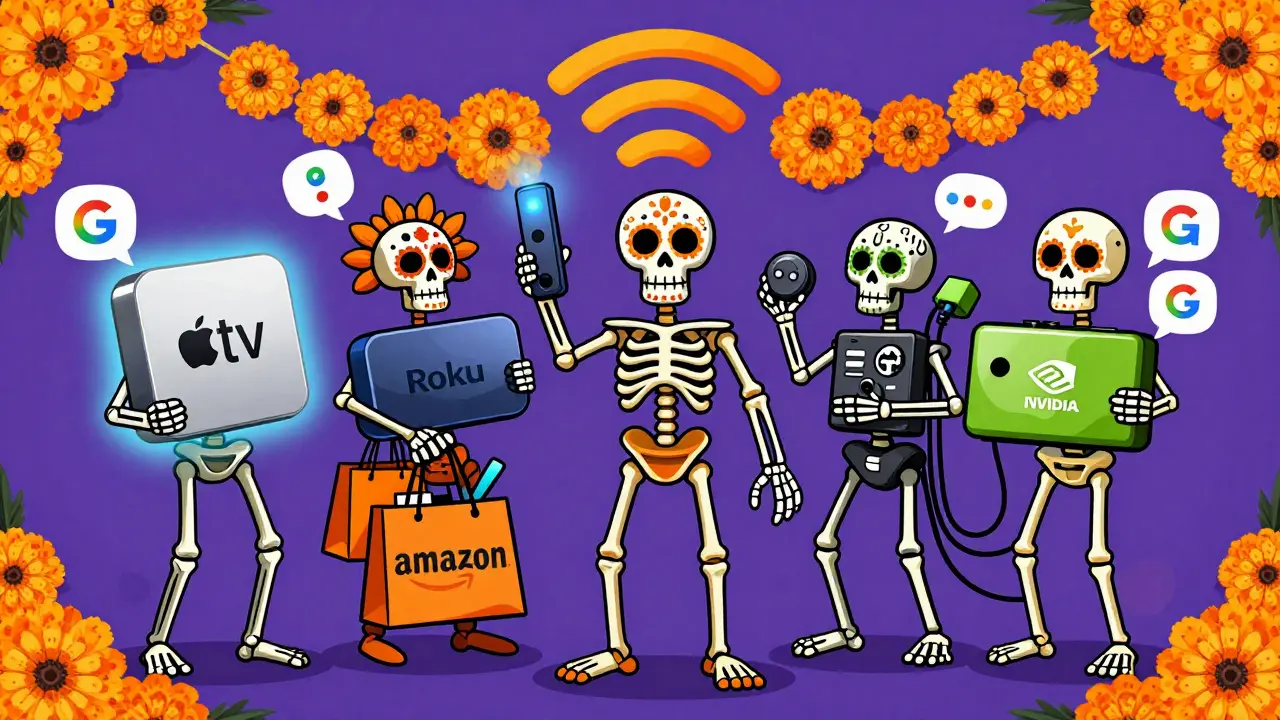
The Android Power User: NVIDIA Shield TV Pro
This isn’t just a streaming stick; it’s a mini-computer. NVIDIA Shield TV Pro is a powerful Android TV box capable of local media transcoding and high-end cloud gaming. If you have a large library of personal video files stored on a NAS (Network Attached Storage), this is the only device that can transcode them on the fly to ensure they play perfectly on any screen. It also remains the king of PC gaming passthrough. If you have a desktop with an RTX 40-series card, the Shield streams those games to your TV with minimal compression artifacts.
The AI upscaling technology is genuinely impressive. It uses machine learning to enhance standard definition content to near-4K quality in real-time. Old DVDs or Blu-rays look significantly better than they should. However, this power comes with heat and complexity. The setup requires more technical know-how, and the interface can feel bloated if you don’t customize it extensively. It’s also the most expensive option on this list, rivaling the cost of some budget laptops.
- Best for: Tech enthusiasts, local media libraries, and PC gamers.
- Weakness: Expensive; steep learning curve for non-techies.
- Price Point: High-end ($199-$249).
The Simple Switch: Chromecast with Google TV
Google’s approach focuses on discovery. Chromecast with Google TV is a compact streaming device that aggregates content recommendations across multiple services. The 'Home' screen doesn’t just show app icons; it scans your subscriptions and suggests movies based on your viewing history. If you watched a Marvel movie on Disney+ last week, it might suggest a related series on Hulu today. For casual viewers who suffer from choice paralysis, this is a huge benefit.
The hardware is modest compared to the Apple TV or Shield, but it gets the job done. It supports Dolby Vision and Atmos, and the remote includes dedicated buttons for Netflix, Disney+, and YouTube. The casting feature remains robust-if you want to play a video from your laptop browser directly to the TV, it’s still the most reliable method. Just be aware that Google’s data collection practices are more extensive than Roku’s, so privacy-conscious users may prefer alternatives.
- Best for: Casual viewers who want personalized recommendations.
- Weakness: Less powerful hardware; privacy concerns.
- Price Point: Budget-friendly ($29-$49).
Comparison Table: At a Glance
| Device | Processor | HDR Support | Voice Assistant | Best Feature |
|---|---|---|---|---|
| Roku Ultra | Custom Quad-Core | Dolby Vision, HDR10+ | Built-in Mic | Neutral Interface |
| Apple TV 4K | A15 Bionic | Dolby Vision, HDR10 | Siri | Speed & Integration |
| Fire TV Stick 4K Max | Quad-Core Cortex-A73 | Dolby Vision, HDR10+ | Alexa | Value & Wi-Fi 6E |
| NVIDIA Shield TV Pro | Tegra X1+ | Dolby Vision, HDR10+ | Google Assistant | Local Transcoding |
| Chromecast w/ Google TV | Quad-Core ARM | Dolby Vision, HDR10 | Google Assistant | Content Discovery |
Key Decision Factors for 2025
Before you buy, consider these three critical factors that often get overlooked.
Wi-Fi Standards Matter More Than You Think
In 2025, streaming 4K content requires consistent bandwidth. Older devices using Wi-Fi 5 (802.11ac) struggle in crowded environments. Look for Wi-Fi 6 or Wi-Fi 6E support. This reduces latency and prevents buffering during peak usage hours. If your router is older, a wired Ethernet adapter might be necessary for the best experience, especially for the Roku Ultra and Shield TV Pro.
Codec Compatibility: The AV1 Shift
YouTube and Netflix are increasingly using AV1 compression to deliver higher quality at lower bitrates. Most mid-range devices now support hardware decoding for AV1, but older models rely on software decoding, which drains battery (if portable) and causes stuttering. Ensure your new device explicitly mentions AV1 hardware acceleration.
Remote Control Ergonomics
You will touch the remote thousands of times. Cheap plastic remotes with tiny buttons become frustrating quickly. The Apple TV remote feels premium but lacks tactile feedback. The Roku remote is chunky and satisfying. The Amazon remote is functional but slippery. Try to hold the remote before buying if possible.
Frequently Asked Questions
Do I need a new streaming device if my TV is 'Smart'?
Yes, usually. Smart TV interfaces tend to slow down after two years due to limited processing power and outdated operating systems. Dedicated streaming devices receive regular updates, have faster processors, and support newer codecs like AV1 and Dolby Vision longer than built-in TV software.
Which streaming device is best for gaming?
The NVIDIA Shield TV Pro is the best for cloud gaming and PC passthrough due to its low-latency encoder and HDMI 2.1 support. For mobile game mirroring, the Apple TV 4K offers the smoothest AirPlay experience. For casual mobile games, the Fire TV Stick 4K Max is sufficient.
Can I use my smartphone as a remote for these devices?
Yes. All major brands offer companion apps (Roku, Apple TV, Amazon Fire TV, Google TV). These apps allow you to control playback, type text using your phone keyboard, and sometimes even cast audio directly to your headphones for private listening.
Is Wi-Fi 6E worth the extra cost?
If you have a Wi-Fi 6E router, yes. It provides a cleaner spectrum with less interference from neighbors' networks, resulting in smoother 4K streaming and faster load times. If your router is older, Wi-Fi 6 is still a significant upgrade over Wi-Fi 5.
What is the difference between Dolby Vision and HDR10+?
Both are dynamic HDR formats that adjust brightness scene-by-scene. Dolby Vision is supported by Apple TV, Roku, and Shield. HDR10+ is supported by Samsung TVs and Amazon Fire TV. Check your TV’s specifications to see which format it supports, as they are not always compatible.
