
There is nothing worse than sitting down with a cold drink, ready to watch the big game, only to see a static screen telling you that the event is "blackout in your area." It feels like a personal insult. You paid for the subscription. You have a fast internet connection. But because of some archaic broadcasting rule from the 1990s, you are locked out. This happens constantly for cord-cutters who rely on live TV streaming services instead of traditional cable.
The good news? You aren't stuck. The bad news? Fixing it requires a bit more effort than just clicking "play." In this guide, we will break down exactly why these blackouts happen, which streaming services are most prone to them, and the specific tools and tips you need to get back into the game. We are going to cover everything from legitimate regional workarounds to the technical tools that bypass geographic restrictions.
Why Do Sports Blackouts Exist?
To beat the system, you first need to understand how it works. Sports blackouts are not random acts of cruelty by tech companies; they are contractual obligations enforced by leagues like the NFL, NBA, MLB, and NHL. These leagues sell exclusive broadcasting rights to local networks (like Fox, CBS, or NBC) to protect their local affiliates.
If everyone in a city could watch the game nationally via streaming, fewer people would buy the local cable package or subscribe to the local sports network. The league loses money, and the local station loses leverage. So, the rule is simple: if a team plays a home game, fans within a certain radius (usually 75 miles) cannot watch that game on national channels. They must watch it on the local channel. Since many live TV streaming services bundle national channels but exclude local sports packages, you get hit with the blackout.
This logic applies primarily to home games. Away games are rarely blacked out because they don't compete with the local market's primary broadcast. However, during playoffs or special events, rules can shift, making the landscape even more confusing.
Which Streaming Services Are Most Affected?
Not all streaming platforms treat blackouts the same way. Your experience depends heavily on whether you use a service that carries local antennas or one that relies purely on satellite/cable feeds.
| Service | Local Channels Included? | Blackout Risk Level | Best For |
|---|---|---|---|
| YouTube TV | Yes (Antenna-based) | Low | Cord-cutters wanting full local access |
| Hulu + Live TV | Yes (Antenna-based) | Low | Users who want DVR and on-demand content |
| Sling TV | No (Optional add-on) | High | Budget users willing to risk blackouts |
| FuboTV | Yes (Antenna-based) | Low | Sports enthusiasts needing international channels |
| NFL Sunday Ticket | No | Extreme | Fans of teams outside their home market |
Services like YouTube TV, Hulu + Live TV, and FuboTV scan local antenna signals in your city. If you are within range of a tower broadcasting the local game, you can usually watch it without issue. The blackout restriction mostly applies to the *national* feed of that same game. Sling TV, however, does not include local channels by default. If you subscribe to Sling Blue, you might get ESPN and TNT, but you won't get the local Fox or CBS affiliate carrying the game. That is where the blackout hits hard.
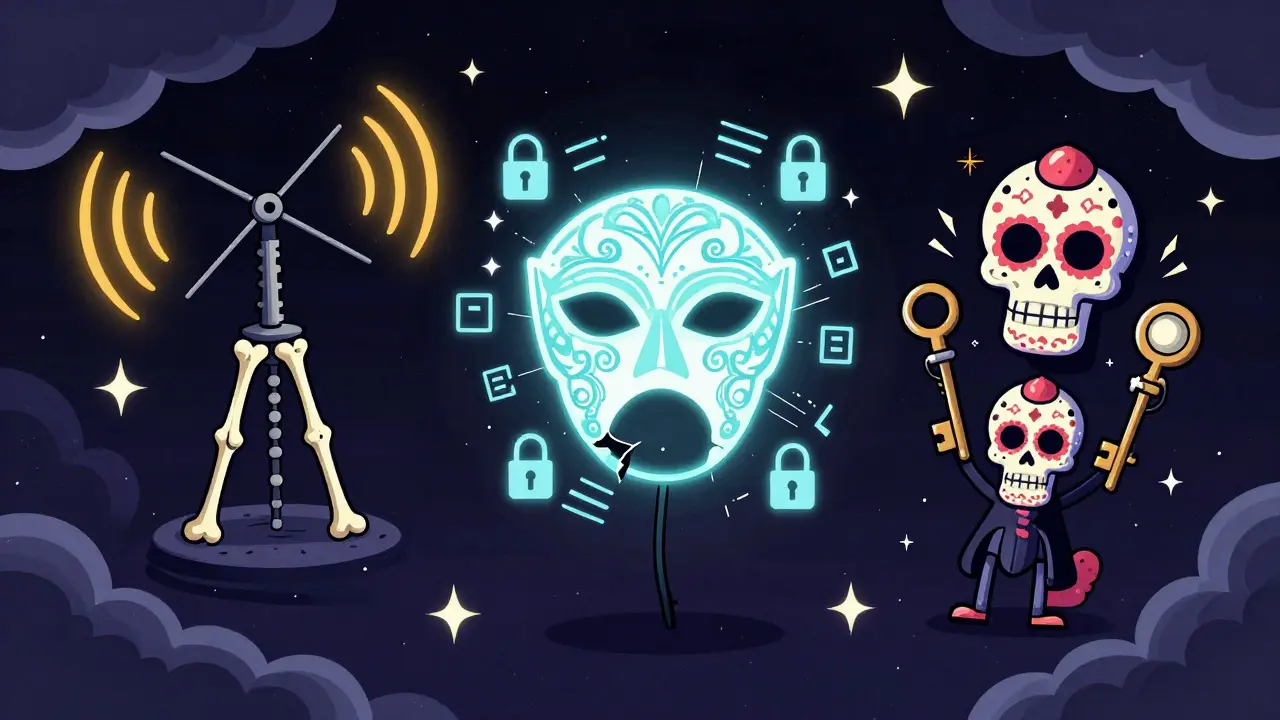
Tool #1: The Over-the-Air Antenna
Before you spend money on software, look at your hardware. The most reliable way to avoid blackouts is to receive the signal directly from the air. An Over-the-Air (OTA) antenna is cheap, requires no subscription, and provides HD quality without compression artifacts.
If you live in an urban or suburban area, a simple indoor antenna might pick up major networks like ABC, CBS, FOX, and NBC. These are the very networks that carry most local sports games. By connecting this antenna to your TV or a digital tuner box, you bypass the streaming service entirely. You are watching the broadcast source, so there is no blackout to trigger. This is the "old school" method, but it remains the most effective defense against geographic restrictions.
Tool #2: Virtual Private Networks (VPNs)
When an antenna isn't an option-perhaps you live in a rural area with poor reception, or you are traveling-you need a digital workaround. This is where a Virtual Private Network (VPN) comes in. A VPN masks your actual IP address and makes it appear as though you are browsing from a different location.
Here is how it works for sports:
- You connect to a VPN server located in a city that is *not* subject to the blackout (e.g., if you are in Chicago and trying to watch a Bears game, connect to a server in New York).
- The streaming service sees your request coming from New York.
- New York is not in the blackout zone for that specific game, so the stream unlocks.
However, not all VPNs are created equal. Streaming services actively block known VPN IP addresses. You need a premium provider with dedicated "stealth" servers. Look for services that offer high-speed connections, as buffering during a live goal is unacceptable. Providers like ExpressVPN or NordVPN often update their servers to stay ahead of detection algorithms. Keep in mind that using a VPN violates the Terms of Service for most streaming platforms, so use this method at your own discretion.
Tool #3: Browser Extensions and Proxy Servers
If installing a full VPN feels too heavy-handed, browser extensions can sometimes do the trick. Extensions like Hide My Location or similar geo-unblocking tools can change your apparent region for web-based streams. This works well if you watch sports through a web browser on your computer rather than a dedicated app on your smart TV.
For mobile devices, proxy servers can be configured manually. This involves changing your Wi-Fi settings to route traffic through a proxy that resides outside the blackout zone. It is more technical to set up but less likely to be detected than a standard VPN because it doesn't encrypt all your traffic, only the specific data packets related to the stream.

Tips for Navigating Blackouts Legally
If you prefer to stay strictly within the rules, there are still strategies to minimize frustration. First, check the MLB Extra Innings, NBA League Pass, or NFL RedZone packages. While these services also enforce blackouts, they often provide alternative content. For example, if your local game is blacked out on League Pass, you might be able to watch a different game simultaneously or access pre-game shows and stats.
Second, utilize the "away game" loophole. As mentioned earlier, blackouts rarely apply to away games. If your favorite team is playing on the road, you can almost always stream that game nationally via any major sports network available in your plan. Plan your viewing schedule around these opportunities.
Third, consider sharing accounts. If a friend lives in a different time zone or market, they might not be subject to the same blackout. Sharing a login (where permitted by the service) allows you to watch the game from their "location." This is risky due to account security policies, but it is a common practice among casual viewers.
Troubleshooting Common Issues
Even with the right tools, things can go wrong. Here are the most common issues and how to fix them:
- Buffering after connecting to VPN: Switch to a closer server node. Speed matters more than anonymity for live sports. If the ping is over 100ms, you will lag behind the live action.
- "Blackout" message persists despite VPN: The streaming service has detected your VPN. Try clearing your browser cache and cookies, then switch to a different VPN protocol (like WireGuard instead of OpenVPN).
- Audio desync: This is common when using proxies. Ensure your device's audio settings are set to "default" rather than a specific surround sound mode, which can introduce latency.
Final Thoughts on Beating the Blackout
Sports blackouts are a relic of a dying industry, but they persist because they generate revenue. As a viewer, you have two choices: accept the limitation or fight it with technology. The best approach is a hybrid one. Use an OTA antenna for local games when possible, and keep a reliable VPN handy for those times when you travel or when the local signal fails. Understanding the mechanics of live TV streaming gives you the power to choose the right tool for the job. Don't let a blackout ruin your game day.
What causes a sports blackout on streaming services?
Sports blackouts are caused by exclusive broadcasting contracts between sports leagues and local television networks. Leagues restrict national streaming of home games to protect the viewership of local affiliates, ensuring fans watch the game on their local channel rather than a national feed.
Can a VPN really bypass sports blackouts?
Yes, a high-quality VPN can bypass sports blackouts by masking your IP address and making it appear as though you are streaming from a location outside the blackout zone. However, streaming services actively block known VPN IPs, so you may need to try multiple server locations.
Which streaming service has the fewest sports blackouts?
Services like YouTube TV, Hulu + Live TV, and FuboTV generally have fewer blackouts because they include local antenna channels. If you are within range of a local broadcast tower, you can usually watch the game on the local feed without restriction.
Is it legal to use a VPN to watch blacked-out sports?
Using a VPN is legal in most countries, including the US and UK. However, using it to bypass streaming service restrictions violates their Terms of Service. While unlikely to result in legal action, your account could be suspended or banned by the provider.
Do OTA antennas help with streaming blackouts?
Yes, an Over-the-Air (OTA) antenna receives local broadcast signals directly. Since these signals are not subject to streaming blackout rules, you can watch local sports games in HD without any geographic restrictions or subscription fees.
