
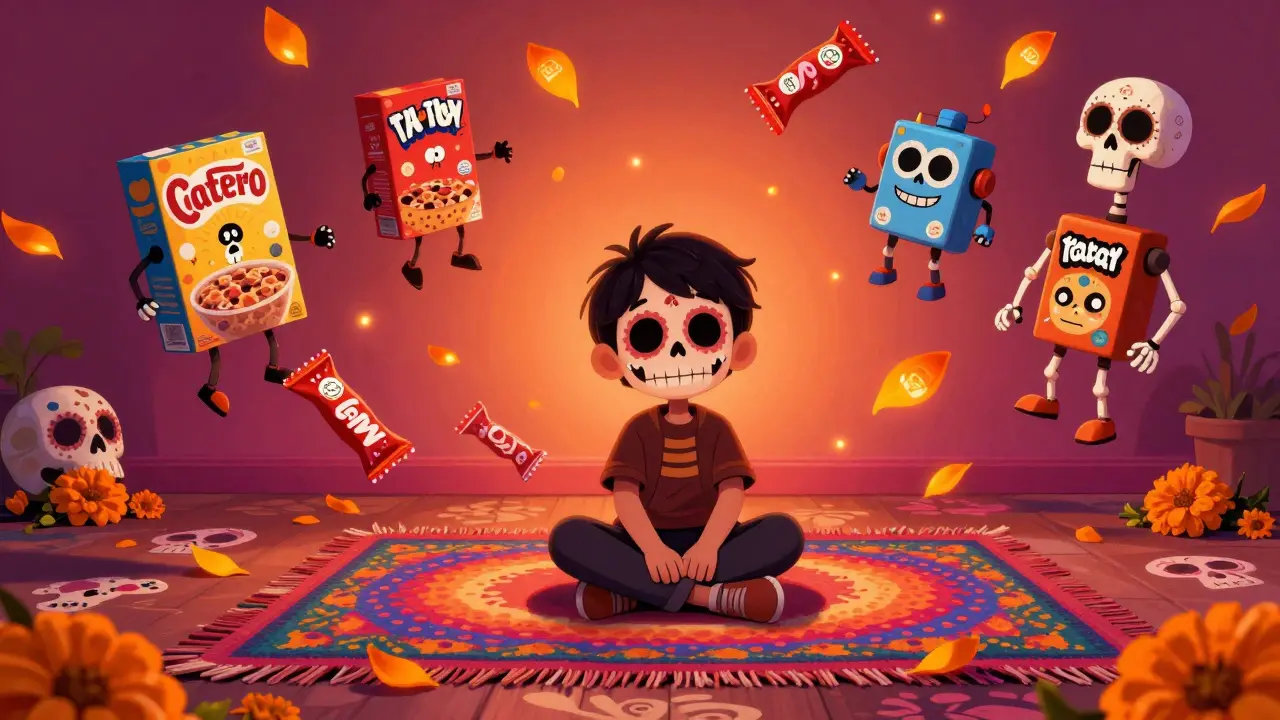
Every time your child watches a cartoon, plays a game, or scrolls through a video app, they’re being targeted by ads. Not the kind you skip on TV-these are cleverly designed to hook young minds. They look like part of the show. They use favorite characters. They promise free toys, unlimited lives, or magic powers. And they’re everywhere. By 2025, kids under 12 in New Zealand were exposed to an average of 12 ads per hour of digital content. That’s more than double what they saw just five years ago.
Why Kids’ Ads Are Different
Adults know when they’re being sold to. Kids don’t. Research from the University of Auckland’s Child Development Lab shows that children under eight can’t tell the difference between content and advertising. A cartoon character selling cereal? To them, it’s just another part of the story. That’s why regulators in the U.S., Canada, and the EU have strict rules about ads aimed at kids. But here’s the catch: those rules don’t always apply to apps, games, or YouTube-style platforms.
Most ads in kids’ content today aren’t traditional commercials. They’re native ads-product placements inside games, sponsored videos labeled "Made with YouTube Kids," or pop-ups that say "Click for a surprise!" These aren’t just annoying. They’re designed to trigger impulse responses. A 2024 study by the Office of the Children’s Commissioner found that 68% of children under 10 asked for a product they saw in a video, even if they didn’t understand what it was or why they wanted it.
Where You’ll Find These Ads
You might think you’re safe if your child only watches "kid-friendly" apps. Think again. YouTube Kids, Netflix Kids mode, Roblox, TikTok’s "For You" feed, and even educational apps like ABCmouse are filled with ads. Some are hidden inside gameplay. Others appear as "reward" videos-"Watch this ad to get 50 coins!"-which teach kids that watching ads equals rewards.
Even apps that claim to be "ad-free" often have in-app purchases that function like ads. A game might let you skip a level for $2.99, but the ad before it says "Get this for free!" That’s not free. It’s a trap. And kids don’t know the difference.
Here’s where ads show up most often:
- YouTube Kids: 80% of videos include ads, even in "curated" playlists.
- Roblox: Sponsored items, branded games, and influencer promotions disguised as user content.
- TikTok: Algorithm-driven ads that appear between videos, often featuring trending toys or snacks.
- Mobile games: Push notifications, banner ads, and "limited-time offers" that create urgency.
- Educational apps: Some free learning apps use ads to fund development-like a math game that interrupts every three problems with a toy ad.
What the Law Actually Allows
New Zealand follows the Advertising Standards Authority guidelines, which say ads must not exploit children’s inexperience or trust. But enforcement is weak. There’s no legal requirement for apps to disclose ad content clearly. No law says a game must label sponsored levels. No rule forces YouTube to block all ads from kids’ videos.
The only real protection comes from the Children’s Code (UK-inspired, adopted by NZ in 2024), which says digital services likely to be used by children must design for safety by default. That means:
- No profiling based on behavior
- No nudges to stay online longer
- No default settings that enable ads
But here’s the problem: most apps still turn these rules off unless you manually change them. And most parents don’t know where to look.
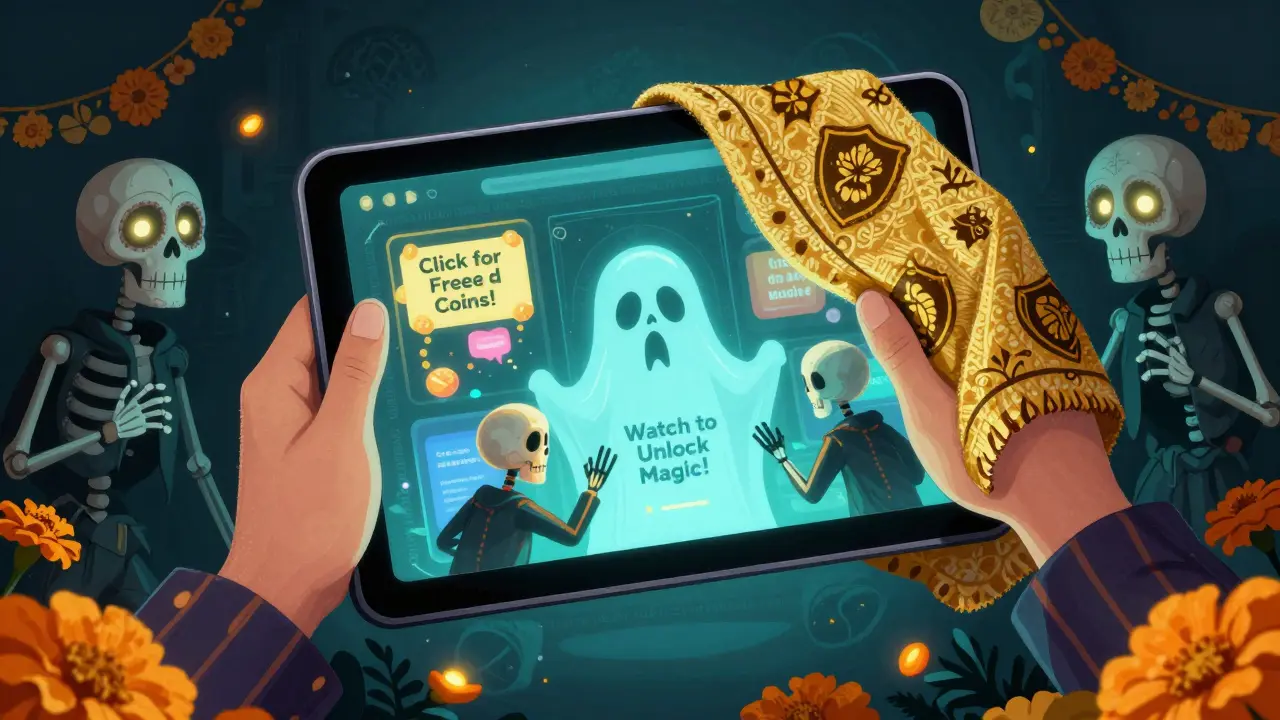
How to Actually Limit Exposure
You can’t eliminate ads completely-but you can cut them down by 90%. Here’s how:
- Use built-in parental controls: On iOS, go to Screen Time > Content & Privacy Restrictions > Allowed Apps > turn off "In-App Purchases" and "Advertising." On Android, use Google Family Link to block ads in apps and limit ad personalization.
- Switch to ad-free subscriptions: YouTube Premium, Netflix, and Disney+ remove ads from kids’ content. For $10-$15 a month, you’re paying for peace of mind.
- Install a trusted ad blocker: On iPads and Android tablets, use AdGuard or NetNanny. These don’t just block banners-they stop hidden tracking scripts and sponsored content inside games.
- Choose kid-safe platforms: Apps like Khan Academy Kids, PBS Kids, and Endless Alphabet are truly ad-free and funded by public or nonprofit support.
- Teach them to spot ads: Play a game: "Is this an ad?" Show them a video with a character holding a cereal box. Ask: "Did the cartoon make this up, or is someone paying to show this?" Start early-by age six, most kids can recognize sponsored content if you practice.
What Works and What Doesn’t
Some "solutions" sound good but don’t work. Don’t rely on:
- "Safe search" filters: These block explicit content, not ads.
- Turning off Wi-Fi: Kids still use tablets on cellular data or school networks.
- Just talking about it: Kids forget. They need systems, not lectures.
What does work? Consistency. If you use an ad blocker on the tablet but let them watch YouTube on the TV without one, they’ll notice-and ask for the "funny ads" again.
One parent in Wellington told me she switched her 7-year-old from YouTube Kids to PBS Kids after realizing 7 out of 10 videos had ads. Within two weeks, her child stopped asking for toys after watching videos. "It wasn’t about the toys," she said. "It was about the noise. The ads made everything feel like a sales pitch. Now it’s just stories. And that’s enough."
What You Can Do Today
You don’t need to overhaul your whole digital life. Start with one step:
- Check your child’s main app or device today. Go into settings. Look for "ads," "personalization," or "marketing." Turn them off.
- Replace one ad-supported app with an ad-free alternative. Try Khan Academy Kids-it’s free, no sign-up needed, and has zero ads.
- Set a 10-minute rule: After every 10 minutes of screen time, ask, "Did you see any ads? What were they selling?" Make it a habit, not a lecture.
The goal isn’t to ban screens. It’s to make sure the screen isn’t selling to your child while they’re learning, playing, or just relaxing. Kids deserve content that entertains them-not manipulates them.
What’s Coming Next
By 2027, New Zealand is expected to pass a law requiring all apps targeting under-12s to display a clear "This is an ad" label in bold text. But until then, you’re the filter. You’re the one who decides what your child sees.
It’s not about being a strict parent. It’s about being a smart one. The ads won’t disappear. But your child’s attention? That’s yours to protect.
Are ads in kids’ apps illegal in New Zealand?
No, ads aren’t illegal, but they must follow the Advertising Standards Authority guidelines. The problem is enforcement. Most ads in apps and games don’t clearly label themselves as ads, which violates the spirit-but not always the letter-of the rules. The new Children’s Code (2024) requires default safety settings, but parents still need to turn them on manually.
Can I block ads on YouTube Kids?
Yes, but not with the app alone. YouTube Kids still shows ads even in "curated" playlists. To block them, you need YouTube Premium, which removes ads across all YouTube content. Alternatively, use an ad blocker like AdGuard on your tablet or install a parental control app that filters ads at the network level.
Are educational apps safe from ads?
Not always. Many free educational apps use ads to stay free. A math app might show a toy ad after every third problem. Look for apps with "ad-free" in the description or those made by trusted nonprofits like PBS Kids, Khan Academy, or Common Sense Media. Paid apps are almost always cleaner.
What’s the best ad blocker for kids’ devices?
For iPads and Android tablets, AdGuard and NetNanny are the most reliable. They block not just banners but also hidden tracking scripts and sponsored content inside games. Avoid free ad blockers-they often collect data themselves. Stick with paid, privacy-focused tools that don’t track your child’s activity.
How do I teach my child to recognize ads?
Start simple. Watch a video together and ask, "Who paid for this to be here?" Point out logos, characters selling products, or phrases like "Get it now!" Make it a game. By age six, most kids can identify ads if you practice regularly. The goal isn’t to scare them-it’s to help them understand that not everything on screen is for fun.
Should I let my child use TikTok or Roblox?
Both platforms are filled with ads disguised as user content. TikTok’s algorithm pushes sponsored products, and Roblox lets brands create their own games. If your child uses them, enable strict parental controls, turn off personalized ads, and limit screen time. Consider using them only under supervision. There are safer alternatives like PBS Kids or Nintendo Switch games with no ads.
