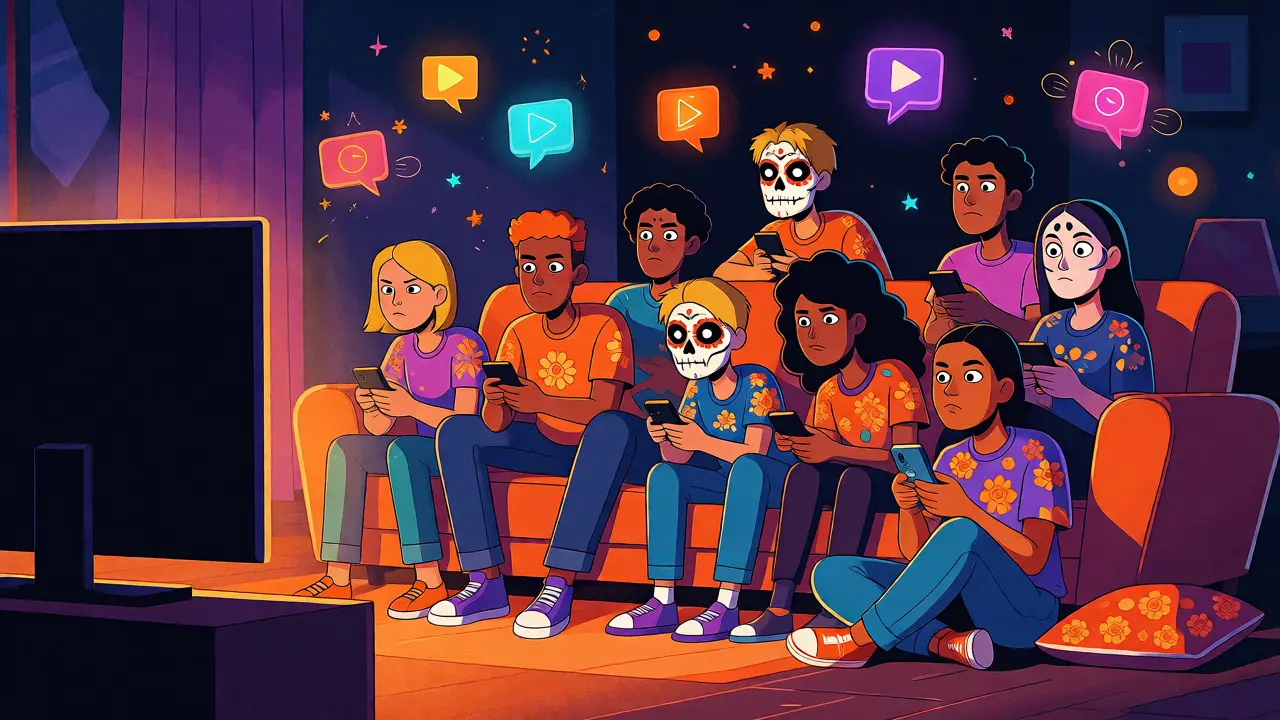
There’s a specific kind of loneliness that hits when you’re watching the season finale of Hulu’s latest hit and you can’t immediately turn to your best friend to say, "Did you see that twist?" You text them, sure. But by the time they reply, the moment is gone. The tension has dissipated. The shared gasp didn’t happen at the same second.
This is exactly why Hulu Watch Party exists. It’s not just a gimmick; it’s a digital living room. If you’ve ever tried to coordinate a movie night over FaceTime or Discord, you know the pain of syncing delays. One person starts five seconds late, another buffers, and suddenly you’re shouting "Now! Now! Wait, no, I’m still loading!" for ten minutes. Hulu Watch Party solves this by letting up to eight people watch content in perfect sync, complete with built-in chat and reactions.
But here’s the catch most articles gloss over: it doesn’t work on every device, and it requires specific account setups. If you’re part of the Disney Bundle, you might think you’re automatically set. Spoiler alert: you aren’t. Let’s get you streaming together without the technical headaches.
The Core Requirements: What You Actually Need
Before you send out invites, check your tech stack. This isn’t like Netflix Party (now Teleparty) which works as a browser extension. Hulu’s native feature is baked into their app, but only certain versions.
- Device Compatibility: You need a smart TV, streaming stick (Roku, Fire TV, Apple TV), game console (PS4, PS5, Xbox One, Series X/S), or a web browser on desktop/laptop. Mobile devices (iOS and Android) generally do not support hosting or joining native Watch Parties.
- Account Type: Everyone needs an active Hulu subscription. No free trials, no ad-supported tier limitations? Actually, wait-the ad-supported tier does work now, but ads play for everyone simultaneously. Yes, that means if one person sees a car insurance ad, everyone does. It’s weirdly communal.
- Browser Version: If you’re on a computer, Chrome and Firefox are your safest bets. Safari has historically been buggy with DRM-protected streams in these party modes.
If you’re using the Disney Bundle, ensure you’re logging into the Hulu app specifically, not the Disney+ app. They share billing, but the apps are separate entities. Mixing them up is the number one reason parties fail to launch.
Step-by-Step: Starting Your First Party
Starting a party is surprisingly simple, provided you’re on a compatible device. Here’s how the host kicks things off.
- Select Content: Browse Hulu and find a show or movie. Not all titles are eligible. Live sports and some licensed movies often lack the button due to regional rights issues.
- Find the Button: Look for the "Watch Party" icon. It usually looks like two speech bubbles or a group of avatars. If you don’t see it, try refreshing the page or checking if the title supports the feature.
- Create the Room: Clicking the button opens a setup screen. You’ll name your party (keep it fun, e.g., "The Office Marathon") and choose privacy settings. Public rooms let strangers join via search; private rooms require a link.
- Share the Link: Once created, Hulu generates a unique URL. Send this via text, Slack, or email. Anyone clicking this link will be prompted to log in to their Hulu account before joining.
Once you’re in, the interface changes. A sidebar appears on the right side of the screen. This is your command center. You can chat, react with emojis, and manage who’s in the room. As the host, you have ultimate control over playback. If someone wants to pause for bathroom breaks, they can request it, but only you can execute the pause.
The Sync Problem: Why It Sometimes Lags
Let’s talk about the elephant in the room: latency. Even with native integration, perfect sync is hard. Hulu uses server-side synchronization, meaning the server dictates the timestamp. However, internet speeds vary.
| Issue | Cause | Fix |
|---|---|---|
| Audio Desync | Different audio output devices (Bluetooth vs. Wired) | Use wired headphones or built-in TV speakers |
| Buffering Spikes | One user’s slow upload/download speed | Host should restart the party if lag persists |
| Missing Button | Content licensing restrictions | Choose a different title or use Teleparty |
If you notice audio drifting, check your Bluetooth connections. Wireless earbuds introduce a delay (latency) that varies by brand. If half your party is on AirPods and half on TV speakers, the sync will feel broken even if the video is aligned. For serious binge sessions, wired audio is king.

Using Hulu Watch Party with the Disney Bundle
Since you’re likely subscribed to the Disney Bundle, you might wonder if you can watch Disney+ or ESPN+ content this way. Currently, no. The Watch Party feature is exclusive to the Hulu platform.
However, there’s a workaround for cross-platform viewing. If you want to watch a Marvel series from Disney+, you’ll need a third-party tool like Teleparty (formerly Netflix Party). Teleparty works as a Chrome extension and syncs playback across multiple streaming services, including Hulu, Disney+, HBO Max, and Amazon Prime Video.
Why use Hulu’s native feature then? Because it’s cleaner. No extensions to install. No browser crashes. And crucially, it works on TVs. Teleparty is strictly desktop/browser-based. If your friend group is spread across different countries, native Hulu Watch Party handles regional variations better than some extensions, though geo-restrictions still apply. If you’re in New Zealand and your friend is in the US, you might face library differences. Hulu’s catalog differs by region. Always check availability first.
Etiquette and Features: Making It Fun
A watch party is more than just synchronized video. It’s a social event. Hulu includes features designed to enhance this, but many users ignore them.
- Reactions: You can send emojis that float across the screen. Use sparingly. Spamming heart emojis during a tense thriller scene kills the mood.
- Chat Moderation: As host, you can mute users. If your uncle won’t stop talking about his lawn care during a horror movie, mute him. He won’t notice until the credits roll.
- Skipping Intro: Only the host can skip intros. Coordinate beforehand. Nothing ruins the vibe like arguing over whether to skip the opening theme song while everyone else is already settled in.
Another pro tip: create a separate voice channel. Hulu’s chat is great for quick comments, but it lacks nuance. For deep analysis or long conversations, open a Discord server or a WhatsApp group call. Mute your TV volume slightly so you can hear each other, or use a headset with a mic. This hybrid approach-native sync for video, external app for voice-is what power users prefer.
Troubleshooting Common Glitches
Technology fails. When it does, here’s how to fix it fast.
Party Ends Unexpectedly: This often happens if the host closes the tab or loses connection. If you’re the host, stay logged in. If you’re a guest, refresh the page. If the problem persists, leave and rejoin using the original link.
Can’t See Chat: Check your display settings. On some TV interfaces, the chat sidebar can be hidden behind the video player. Look for a small arrow or menu icon to expand the panel.
Ads Don’t Match: In the ad-supported tier, ads are targeted based on individual profiles. While the timing is synced, the actual ad content might differ. This can lead to confusion if you’re trying to discuss the commercial break. Switch to the ad-free plan if this bothers your group.
Alternatives to Consider
If Hulu Watch Party doesn’t fit your needs, consider these options:
| Feature | Hulu Native | Teleparty | Rave |
|---|---|---|---|
| TV Support | Yes | No | Limited |
| Multi-Service | No (Hulu only) | Yes | Yes |
| Setup Difficulty | Low | Medium (Extension) | High (App required) |
| Cost | Included | Free | Freemium |
Teleparty is best for mixed-service groups. Rave is powerful but clunky for casual viewers. Stick with Hulu’s native tool if everyone is on Hulu and watching on big screens.
Frequently Asked Questions
Can I use Hulu Watch Party on my phone?
Generally, no. Hulu Watch Party is designed for larger screens. While you can sometimes view the chat on mobile, the video sync and hosting capabilities are restricted to TV apps, streaming sticks, consoles, and desktop browsers. For mobile-only friends, consider using a secondary device like a tablet connected to a TV.
Does Hulu Watch Party work with the Ad-Supported plan?
Yes, it does. However, ads will interrupt the party for everyone simultaneously. Note that while the timing is synced, the specific ads shown may vary based on individual user profiles and targeting algorithms.
How many people can join a Hulu Watch Party?
You can invite up to seven guests plus the host, making a total of eight participants. This limit helps maintain sync stability and ensures the chat remains manageable.
Why is the Watch Party button missing for some shows?
Licensing agreements prevent some content from supporting simultaneous streaming. Additionally, live events and certain sports broadcasts are excluded. If the button is missing, try a different episode or title.
Is Hulu Watch Party included in the Disney Bundle?
Yes, because the Disney Bundle includes a Hulu subscription. You simply need to log into the Hulu app using your bundled credentials. The feature itself costs nothing extra beyond your existing subscription.