
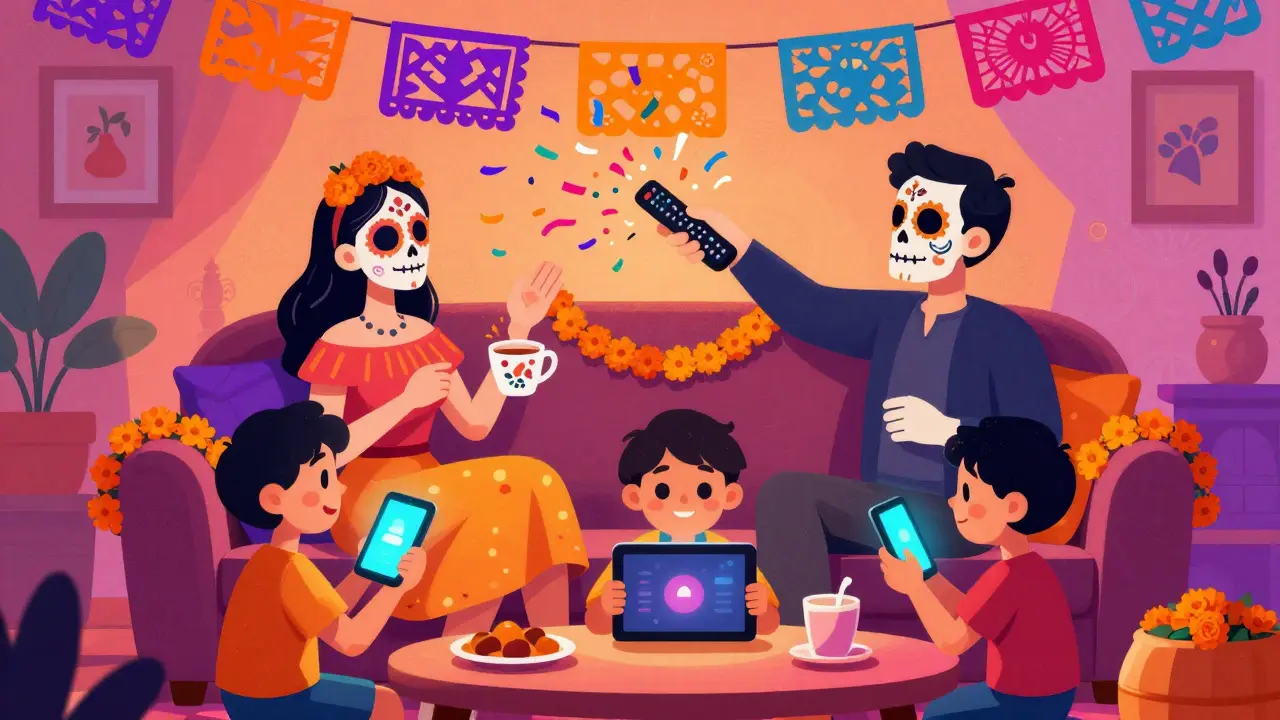
You sit down to watch your favorite show, but the kids want cartoons, your partner wants the news, and you just want to relax. Sound familiar? For years, cable TV was the easy fix. One remote, one bill, everyone happy. But those days are fading fast. With prices rising and content splitting across dozens of platforms, more families in Auckland and beyond are choosing to cut the cord.
But here’s the catch: cutting the cord isn’t just about saving money. It’s about making sure no one feels left out. If you don’t plan it right, you might end up with a house full of frustrated viewers instead of saved cash. The goal is simple: keep the entertainment flowing while keeping the budget intact. Let’s walk through how to make that happen without the drama.
Why Families Are Ditching Cable
It’s not just about cost, though that’s a big part of it. A standard cable package in New Zealand can easily run over $150 a month. That’s money that could go toward groceries, holidays, or even better internet. Plus, most people only watch a fraction of the channels they pay for. Why pay for sports when you don’t care about rugby? Or cooking shows when you order takeout?
Then there’s the convenience factor. Streaming services let you watch what you want, when you want. No waiting for reruns. No commercial breaks that last longer than the actual episode. And with devices like smart TVs, tablets, and phones, everyone can have their own screen. That means less fighting over the remote and more personal time for each family member.
But switching isn’t as simple as unplugging the box. You need to think about who watches what, how much data you use, and whether your internet can handle multiple streams at once. If you skip these steps, you’ll regret the switch within a week.
Mapping Out Your Family’s Viewing Habits
Before you cancel anything, you need to know what your family actually watches. Grab a notebook or open a spreadsheet. List every person in the household and note their top three shows, movies, or types of content. Do the kids love animated series? Does your partner binge true crime docs? Do you stick to live sports?
This step is crucial because it helps you decide which streaming services are worth keeping. You don’t need Netflix if nobody watches its originals. You don’t need Disney+ if the kids are too old for Pixar. Be honest about what matters. This list will become your roadmap for building a lean, effective streaming setup.
Also, consider peak times. When does everyone try to watch something at once? If it’s after dinner on weekdays, you’ll need an internet plan that supports simultaneous high-definition streams. If it’s mostly weekends, you might get away with a lighter plan. Knowing this helps you avoid buffering nightmares later.
Picking the Right Streaming Services
Once you know what everyone watches, it’s time to choose your services. Don’t sign up for everything. Start with the essentials based on your family’s habits. Here’s a quick breakdown of popular options:
- Netflix: Great for variety, including dramas, comedies, and kids’ content. Good for households that like to explore different genres.
- Disney+: Essential if you have young children or fans of Marvel, Star Wars, or Pixar. Also includes National Geographic for nature lovers.
- Amazon Prime Video: Offers a mix of originals and rented movies. Often bundled with shopping benefits, so check if you already pay for Prime.
- Apple TV+: Known for high-quality originals. Smaller library but strong critical acclaim. Good for adults who prefer curated content.
- Binge or Stan: Local New Zealand options that carry popular UK and US shows. Useful if your family follows British sitcoms or specific international series.
Avoid signing up for all of them at once. Pick two or three to start. Rotate others in as needed. Many services offer free trials, so test them before committing. Remember, you can always add more later. The key is to stay flexible and avoid subscription fatigue.
Setting Up the Tech Side
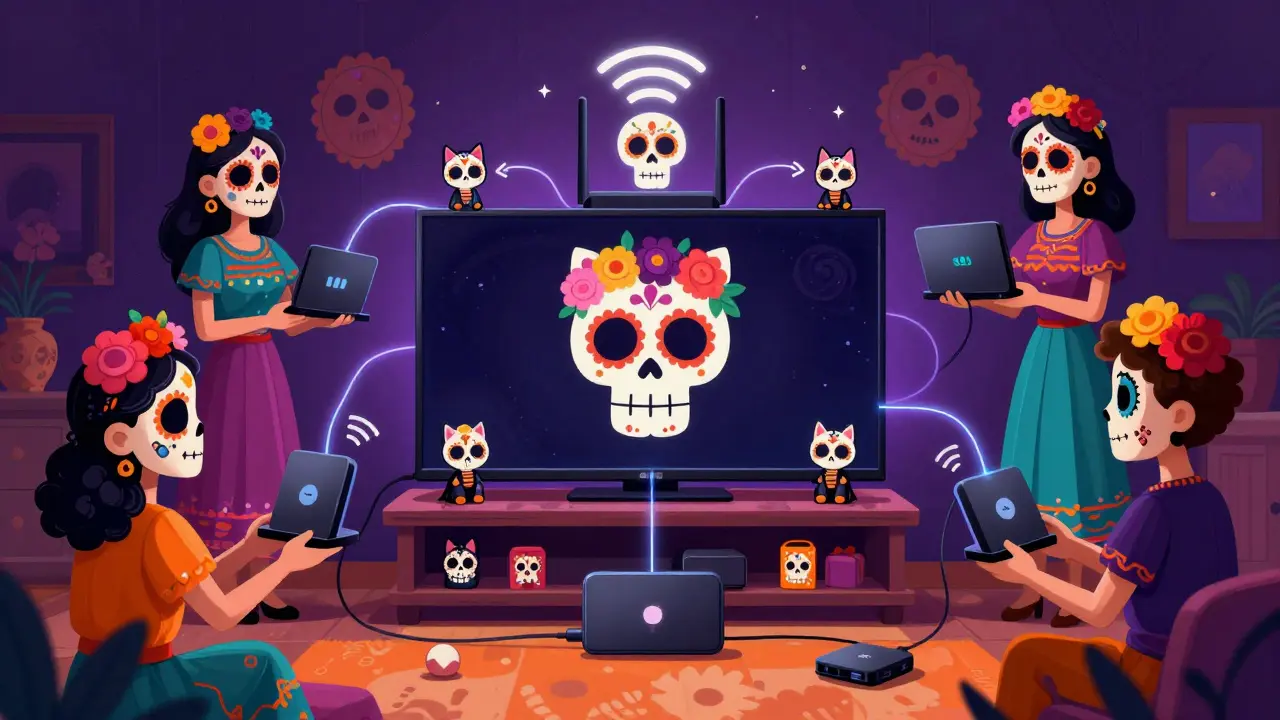
Your streaming experience depends heavily on your home network. If your Wi-Fi drops every time someone starts a movie, you’ll be back to cable in no time. First, check your internet speed. Most HD streams require at least 5 Mbps per device. If four people are watching at once, you need 20 Mbps minimum. For 4K content, double that number.
If your current plan doesn’t cut it, talk to your provider. In Auckland, many fiber optic plans offer speeds well above 100 Mbps. Upgrade if necessary. Then, position your router centrally. Walls and floors block signals, so place it where it reaches every room. Consider adding mesh Wi-Fi extenders if your home is large or has thick walls.
Next, decide on devices. Smart TVs are convenient, but older models may lag behind in app updates. Streaming sticks like Roku, Amazon Fire Stick, or Apple TV are affordable alternatives. They plug into any HDMI port and often perform better than built-in TV software. Make sure each major viewing area has access to a device. This prevents bottlenecks and keeps everyone happy.
Managing Subscriptions Like a Pro
One of the biggest pitfalls of cord-cutting is losing track of subscriptions. It’s easy to forget about that trial you started six months ago. Suddenly, you’re paying for five services you barely use. To avoid this, create a simple system.
Use a shared calendar or app to track renewal dates. Set reminders two weeks before each date. Ask yourself: Did we use this service enough to justify the cost? If not, cancel it. Rotate subscriptions seasonally. Watch a few shows on one platform, then switch to another. This keeps costs low and content fresh.
Consider using a password manager to store login details securely. Share accounts within the household, but respect privacy settings. Some services allow multiple profiles, which lets each person have personalized recommendations. Use that feature. It reduces friction and makes navigation easier for everyone.
Handling Live TV and Sports
Not everything is available on demand. If your family loves live sports, news, or local events, you’ll need a solution. Traditional cable isn’t the only option. Live TV streaming services like Sling TV, Hulu + Live TV, or YouTube TV offer channel packages that mimic cable. However, these can still be pricey.
In New Zealand, Freeview remains a solid alternative. An antenna connected to your TV gives you access to local channels like TVNZ and Three. It’s free, reliable, and perfect for news and local programming. Combine this with selective streaming subscriptions, and you cover most bases without overspending.
For sports, check if specific leagues offer direct streaming rights. Some rugby or cricket matches are available exclusively through official broadcaster apps. These may require separate logins or pay-per-view fees. Plan ahead for big games so you’re not caught off guard.
Teaching Kids Digital Responsibility
With unlimited content comes unlimited temptation. Children especially need guidance. Unrestricted access can lead to excessive screen time, exposure to inappropriate material, or addiction-like behaviors. Set clear rules early.
Use parental controls built into streaming platforms. Most services allow you to set age restrictions, limit viewing hours, and block certain categories. Create separate profiles for kids with curated content. Encourage co-viewing when possible. Discuss what they’re watching. It builds trust and helps them develop media literacy.
Establish tech-free zones and times. Dinner tables, bedrooms, and mornings should remain screen-free. Model good behavior yourself. If you’re constantly scrolling during family time, they’ll follow suit. Balance is key. Streaming enhances life; it shouldn’t dominate it.
How much can I save by cutting the cord?
Savings vary depending on your previous cable bill and chosen streaming services. On average, families save between $50 and $100 monthly by replacing cable with targeted subscriptions and free-to-air options.
Do I need special equipment to stream?
You need a stable internet connection and a compatible device such as a smart TV, streaming stick, tablet, or computer. No special cables or boxes required beyond basic hardware.
Can I share my streaming account with neighbors?
Most services prohibit sharing outside your household. Violating terms can result in account suspension. Stick to family members living under the same roof to stay compliant.
What if my internet goes down?
Download content offline when possible. Many apps allow downloading episodes or movies for later viewing. Keep a backup plan like DVDs or board games for unexpected outages.
Is cord-cutting permanent?
No. You can return to cable anytime. Treat cord-cutting as a flexible experiment. Adjust based on changing needs, preferences, or financial situations.
