
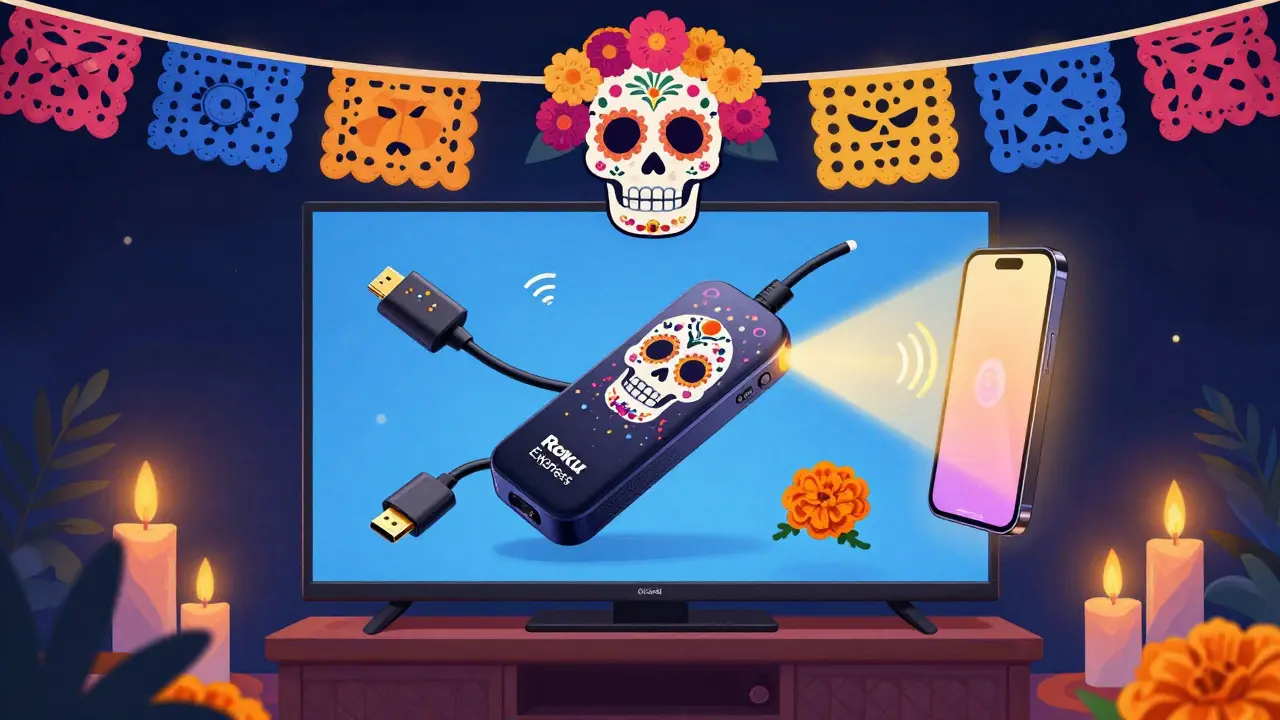
Ever checked into a hotel or Airbnb only to find the TV stuck on a local news channel with no way to log into your Netflix account? You plug in your laptop, only to realize the HDMI port is broken. Or worse - the Wi-Fi is so slow that your favorite show buffers every 30 seconds. It’s 2025. You shouldn’t have to sacrifice your entertainment just because you’re away from home.
The good news? A small, affordable travel streaming kit can fix all of that. These compact devices let you turn any TV into your personal entertainment hub - whether you’re in a Tokyo hotel room or a cabin in the Rockies. No more begging the front desk for a password or settling for cable you don’t want. Just plug in, connect to Wi-Fi, and start streaming.
What’s in a Travel Streaming Kit?
A travel streaming kit isn’t just a stick. It’s a complete system designed for portability, ease of use, and compatibility. Most kits include:
- A streaming stick or small media player (like a Roku Express, Amazon Fire TV Stick, or Google Chromecast)
- A compact power adapter that works with international outlets
- A short HDMI extension cable (to avoid blocking other ports)
- A foldable or magnetic wall mount for TVs without enough space
- A small remote with a built-in battery (or a universal remote app on your phone)
Some kits even come with a microSD card slot for offline content or a built-in VPN to bypass regional restrictions. The best ones weigh less than 100 grams and fit in your pocket - smaller than your wallet.
Why Your Hotel TV Won’t Work the Way You Want
Most hotel TVs are locked down. They run custom firmware that blocks third-party apps, disables USB ports, and sometimes even hides the HDMI input. Even if you plug in your device, you might see a message like “Source not supported” or “Access denied.”
Airbnbs are better - but not always. Many hosts disable guest access to the TV settings or forget to update the software. You might find an old Roku with no internet, or a smart TV that asks for a code you can’t enter without the original remote.
That’s why bringing your own device matters. You control the software, the login, and the streaming quality. No more waiting for someone else to fix it.
Top 3 Travel Streaming Kits for 2025
Not all streaming sticks are made equal. Here are the three that actually work in real-world travel situations:
1. Roku Express 4K+ (2025 Edition)
This is the most reliable option for international travel. It supports 4K HDR, has dual-band Wi-Fi that switches automatically between 2.4GHz and 5GHz, and works with almost every TV made in the last 10 years. The remote has a headphone jack for private listening - perfect for late-night viewing in a hotel.
It uses a standard USB-C power adapter, so you can plug it into any phone charger. No need to carry a bulky wall plug. Just slip it into your toiletry bag.
2. Amazon Fire TV Stick Lite
Amazon’s entry-level stick is great if you’re already in the Alexa ecosystem. It’s cheap, quiet, and responds to voice commands through your phone’s app. The remote doesn’t have volume buttons, so you’ll need to use the TV’s controls - but that’s fine if you’re using your own device.
It doesn’t support Dolby Vision, but for most travelers, 1080p is enough. The setup process is simple: connect to Wi-Fi, sign in to your Amazon account, and you’re done. No registration required.
3. Google Chromecast with Google TV (2025)
If you use YouTube, Google Play, or Android apps daily, this is your best bet. It runs Android TV, so you can install any app from the Play Store - including Disney+, Apple TV+, and regional services like iQIYI or Viu.
The remote is small and easy to lose, so most users just control it via their phone. The real advantage? It learns what you watch and suggests content from all your subscriptions in one place. No more switching between apps.
What to Avoid
Not every streaming device is travel-friendly. Skip these:
- Apple TV 4K - too bulky, needs a dedicated power brick, and doesn’t work well with non-Apple TVs.
- Old Roku models without USB-C - they require bulky power adapters that won’t fit in international sockets.
- Smart TVs with built-in apps - they’re slow, outdated, and often require a login code you can’t type without a physical remote.
- Devices that require a subscription to activate - like some Chinese brands that lock features behind a paywall.
Also avoid anything labeled “hotel-grade” unless you’ve tested it. Many are just rebranded devices with locked-down software that won’t let you install your own apps.
How to Set Up Your Kit in 60 Seconds
Here’s the fastest way to get streaming on any TV:
- Plug the streaming stick into the HDMI port. If it doesn’t fit, use the extension cable.
- Connect the USB power cable to the TV’s USB port or a nearby outlet using your travel adapter.
- Turn on the TV and switch the input to the correct HDMI channel.
- Wait for the setup screen. Select your language and connect to Wi-Fi.
- Log in to your Netflix, Disney+, or other accounts using your phone’s browser.
- Start watching. Use your phone as a remote if the physical remote is missing.
Pro tip: Save your login credentials in your phone’s password manager. That way, you can copy-paste them into the TV’s browser without typing on a tiny on-screen keyboard.
Streaming in Different Countries
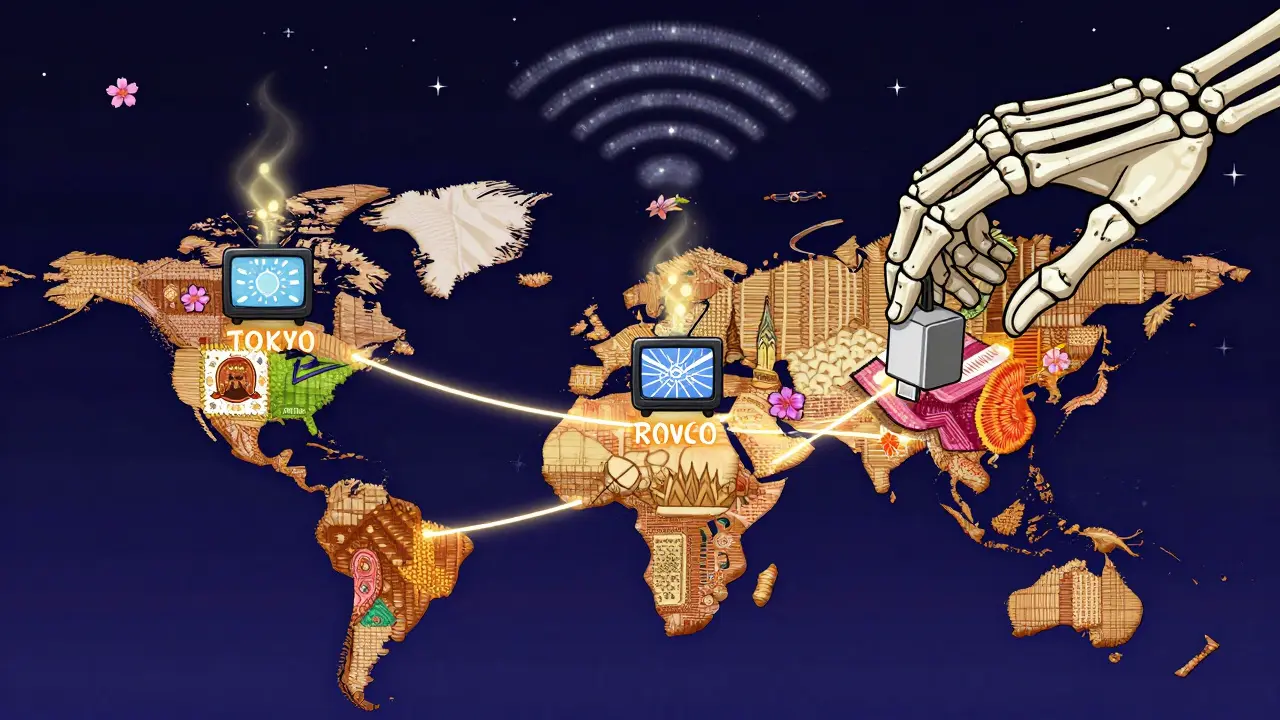
Content availability changes by region. Netflix in Japan doesn’t have the same shows as Netflix in the U.S. And some services like BBC iPlayer or ITVX are geo-blocked entirely.
That’s where a good VPN comes in. Some streaming sticks, like the Chromecast with Google TV, let you install a VPN app directly. Others require you to set up a VPN on your home Wi-Fi router before you travel - which is more work.
For most travelers, a simple solution is to use your phone’s hotspot with a VPN enabled. Then connect your streaming stick to that hotspot. Your content stays the same, no matter where you are.
Just make sure your VPN works with streaming services. Not all do. NordVPN, ExpressVPN, and Surfshark are known to unblock Netflix, Hulu, and Disney+ reliably.
Power and Compatibility Tips
Every country has different plug types. You’ll need a universal travel adapter - but don’t buy one that’s too big. Look for one with USB-C and USB-A ports so you can charge your phone and streaming stick at the same time.
Also, check your TV’s HDMI version. Older TVs (pre-2015) may not support 4K or HDR. If you’re unsure, stick with a 1080p device like the Fire TV Stick Lite. It’ll work fine.
And never plug your streaming stick into a TV that’s connected to a soundbar or home theater system unless you’ve tested it. Sometimes the audio doesn’t pass through correctly.
Real Traveler Stories
A couple from Melbourne used their Roku Express kit during a 3-week trip across Europe. They watched Stranger Things in a hostel in Prague, The Crown in a villa in Tuscany, and Yellowstone on a rainy night in Edinburgh. They never once had to ask for help.
A solo traveler in Bangkok kept his Chromecast in his backpack. He used it every night to watch local Thai dramas on Viu - something he couldn’t access back home. He said it helped him feel less lonely.
These aren’t gimmicks. They’re tools that restore control. When you’re away from home, your entertainment shouldn’t be up for debate.
Final Checklist Before You Leave
Before packing your travel streaming kit, double-check:
- Is your device fully charged or does it have a working power cable?
- Do you have a universal adapter that fits your destination?
- Have you logged into all your streaming accounts on a different device?
- Is your VPN installed and working on your phone?
- Did you test the HDMI extension cable at home?
That’s it. You’re ready. No more waiting. No more frustration. Just your shows, your way, wherever you land.
Can I use a travel streaming kit on any TV?
Yes, as long as the TV has an HDMI port - which nearly all TVs made after 2010 do. Even older models from 2005 onward usually have at least one HDMI input. If the port is blocked by other cables, use the HDMI extension cable that comes with most travel kits.
Do I need Wi-Fi to use a streaming stick?
Yes, all streaming sticks require an internet connection to function. You can’t download content directly onto them like a hard drive. But you can use your phone’s hotspot if the hotel Wi-Fi is slow or blocked. Just make sure your mobile plan includes enough data.
Is it legal to bring my own streaming device to a hotel?
Absolutely. Hotels can’t legally block you from using your own devices. Some may try to discourage it by saying their TV system is “proprietary,” but that’s just a sales tactic. You own your streaming account and your device - you have every right to use them.
Can I use a travel streaming kit with a smart TV?
Yes, but it’s usually better to avoid the TV’s built-in system. Smart TVs often run outdated software, have slow interfaces, and require login codes you can’t type easily. Your streaming stick will be faster, more reliable, and let you access apps the TV doesn’t support.
How much data does streaming use on a trip?
Standard definition uses about 1GB per hour. HD uses 3GB, and 4K can use up to 7GB per hour. If you watch 2 hours a night for 10 days, you’ll need around 60GB. Most mobile hotspots offer unlimited plans now - just make sure your provider doesn’t throttle speeds after a certain limit.
