
You bought the fancy soundbar or receiver. You subscribed to Netflix Premium. You put on a blockbuster with Dolby Atmos in the description, expecting that rain to fall from above and helicopters to circle your head. But instead? It sounds flat. Like a bad car stereo. Or worse, it’s just plain old stereo.
The culprit usually isn’t your speakers. It’s a setting buried three menus deep in your streaming box or your TV. We’re talking about AVR passthrough. If you don’t get this right, your expensive home theater system is essentially running on training wheels.
What Is AVR Passthrough Anyway?
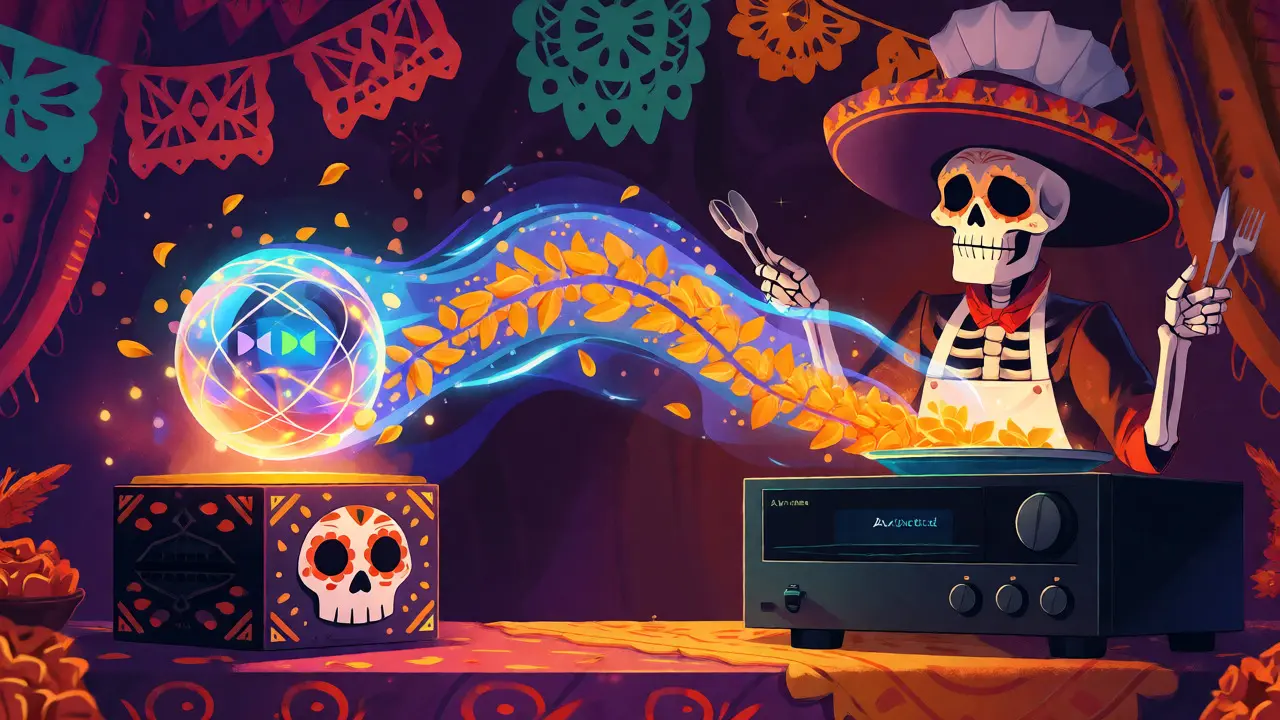
Think of your streaming device (like an Apple TV, Roku, or Nvidia Shield) as a waiter bringing food to the table. Your AV Receiver (AVR) is the chef who knows how to plate the dish perfectly. Passthrough is when the waiter carries the raw ingredients directly to the chef without trying to cook them himself.
When passthrough is off, your streaming device tries to decode the audio itself. It takes the complex Dolby Atmos signal, breaks it down into basic PCM (Pulse Code Modulation), and sends that simple version to your receiver. Your receiver then has to guess where the overhead sounds should go. It often fails.
When passthrough is on, the device sends the original, untouched data stream-called a Bitstream-straight to the receiver. The receiver does the heavy lifting. It decodes the Atmos object metadata and places those sounds exactly where they belong. This is critical because most streaming sticks have weak processors compared to dedicated AVRs.
The EARC vs. ARC Trap
Before you touch any settings, check your cables. Not all HDMI ports are created equal. This is where many people lose their minds trying to fix audio issues.
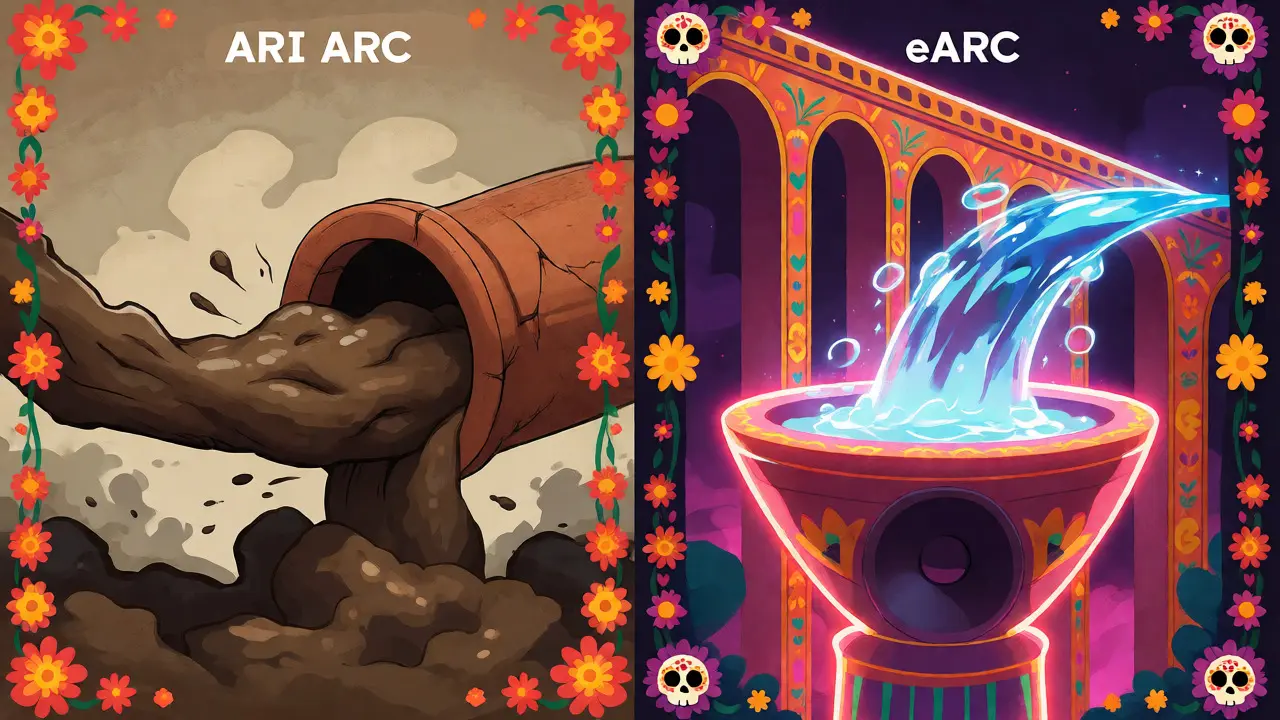
HDMI ARC (Audio Return Channel) is the older standard. It works, but it has bandwidth limits. It can handle compressed surround sound like Dolby Digital Plus, but it struggles with high-bandwidth formats like uncompressed Dolby TrueHD or DTS-HD Master Audio. More importantly, getting full-resolution Atmos over ARC can be hit-or-miss depending on your hardware age.
eARC (Enhanced Audio Return Channel) is the modern upgrade. Introduced around 2018-2019, eARC provides massive bandwidth (up to 37 Mbps). This allows lossless audio and object-based formats like Dolby Atmos to pass through cleanly from your TV to your receiver.
| Feature | HDMI ARC | HDMI eARC |
|---|---|---|
| Bandwidth | Limited (~1 Mbps effective) | High (Up to 37 Mbps) |
| Atmos Support | Compressed (DD+) | Lossless & Compressed |
| Sync Latency | Higher risk of lip-sync errors | Auto-synced via CEC |
| Cable Needed | Standard High Speed | Premium High Speed / Ultra High Speed |
If your TV and Receiver both support eARC, use it. Look for the port labeled "eARC" on the back of your devices. It’s usually distinct from regular HDMI ports. If you only have ARC, you’ll likely still get Atmos, but it will be the compressed version. For most people, this is fine. For audiophiles with $5,000 setups, it’s not.
Setting Up Your Streaming Device
Every brand hides these settings differently. Here is how to find them on the big players in 2026.
Apple TV 4K
Apple makes this surprisingly easy if you know where to look. Go to Settings > Apps > Video and Audio.
- Format: Set this to "Best Available." This tells the Apple TV to output the highest quality format your TV supports.
- Match Content: Turn this ON. It adjusts frame rates to match movies, which indirectly helps audio stability.
- Immersive Audio: Ensure this is enabled. If you see options for "Automatic," stick with that unless you have specific compatibility issues.
Note: Apple TV doesn’t have a traditional "passthrough" toggle because it handles negotiation automatically via HDMI handshake. If it’s failing, try unplugging the power cord for 30 seconds to reset the handshake.
Roku Ultra or Streaming Stick+
Roku users need to dig a bit deeper. Navigate to Settings > System > Advanced system settings > HDMI input.
- HDMI Input: Select "Auto Detect" first. If that fails, manually select "Dolby Digital Plus" or "Dolby Atmos" if available.
- Advanced Audio Output: This is the key. Change this from "PCM" to "Auto" or "Dolby Digital Plus." PCM forces the device to decode audio, killing Atmos. Auto lets the device decide based on what the TV reports.
If you choose "Auto" and still don’t get Atmos, switch specifically to "Dolby Digital Plus." Some older TVs report incorrectly to Roku devices, causing the auto-detect to fail.
Nvidia Shield TV Pro
This is the king of Android TV boxes for a reason. It gives you granular control. Go to Settings > Device Preferences > Sound > Digital Output.
- Digital Output Format: Select "Auto" initially. If no Atmos icon appears, change this to "Dolby Atmos" or "Dolby Digital Plus."
- Bitstream Out: Make sure this is set to "Pass-through." Never use PCM here if you want Atmos.
- Volume Control: Set this to "TV" or "Receiver" depending on who you want controlling volume. Usually, letting the Receiver handle it is best for sync.
The Shield also has a "Test Tone" feature in the same menu. Use it! Play the test tone and watch your Receiver’s display. If it says "Dolby Atmos" or "DD+", you’re golden. If it says "PCM," you haven’t fixed it yet.
The TV’s Job: Don’t Mess With It
Here is a counter-intuitive tip: In most cases, your TV should not process the audio. Its job is to pass the video signal to the screen and the audio signal to the receiver.
Go into your TV’s audio settings. Look for terms like "Digital Audio Out," "Optical/HDMI ARC," or "Speaker Settings."
- Output Mode: Choose "Pass-through," "Bitstream," or "Raw." Avoid "PCM" or "Stereo."
- Audio Delay: Leave this at zero. Let the Receiver handle lip-sync adjustments. They are better at it.
- eARC Enable: On some TVs (especially LG and Sony), you must explicitly enable eARC in the general settings or HDMI settings menu. It’s not always on by default.
If your TV is decoding the audio before sending it to the receiver, you’ve already lost the battle. The receiver needs the raw data.
Troubleshooting: Why Isn’t It Working?
You followed all the steps. You checked the cables. You enabled eARC. Yet, your Receiver still displays "Stereo" or "PCM." What now?
The Handshake Problem
HDMI devices talk to each other using a protocol called EDID (Extended Display Identification Data). Sometimes, they get confused. Who is the boss? Who supports what?
Fix: Power cycle everything in the correct order. This resets the EDID handshake.
- Turn off the TV.
- Turn off the Receiver.
- Unplug the streaming device.
- Wait 60 seconds.
- Plug in the streaming device.
- Turn on the Receiver.
- Turn on the TV.
- Launch an Atmos app (Netflix, Disney+, etc.).
The Cable Bottleneck
Not all HDMI cables are created equal. A cheap cable might work for 1080p video but choke on 4K HDR + Atmos audio.
Check the label on your cable. You need at least "High Speed HDMI" with Ethernet. Ideally, use "Premium High Speed" or "Ultra High Speed" (HDMI 2.1). If your cable is more than 5 meters long, quality matters even more. Replace it with a certified fiber-optic HDMI if necessary.
App-Specific Quirks
Just because you enabled Atmos doesn’t mean every show has it. Netflix, for example, requires the "Premium" plan (the most expensive tier) to stream in 4K HDR with Atmos. The Standard plan caps out at 1080p and stereo or basic surround.
Also, check the app itself. In YouTube, you must search for "Dolby Atmos" or filter by audio type. Many user-uploaded videos are stereo only. In Spotify, ensure "High Quality" streaming is on in settings.
Is Bitstream Better Than PCM?
This is the eternal debate. Technically, yes, for Atmos.
PCM is uncompressed linear audio. It’s reliable. Every speaker understands it. But it lacks the metadata tags that tell your receiver, "Hey, this helicopter sound belongs in the ceiling channel."
Bitstream contains the encoded format (Dolby/DTS) plus the metadata. Your receiver decodes this in real-time. Modern receivers have powerful DSPs (Digital Signal Processors) designed specifically for this task. Streaming sticks do not.
So, why would anyone use PCM? Compatibility. If your receiver is ancient (pre-2010), it might not understand Dolby Digital Plus. PCM ensures you at least hear something, even if it’s downmixed to stereo. But for 2026 setups? Always aim for Bitstream/Passthrough.
Pro Tips for Audiophiles
If you want to squeeze every drop of performance out of your setup, consider these tweaks:
- Bypass the TV Completely: Connect your streaming device directly to the Receiver’s HDMI input. Then connect the Receiver’s HDMI OUT to the TV. This removes the TV from the audio chain entirely. No TV processing, no TV bugs. Just pure signal to the amp.
- Check CEC Settings: Consumer Electronics Control (CEC) allows one remote to control multiple devices. Sometimes, disabling CEC on the streaming device prevents weird audio dropouts during scene changes. Try toggling it off if you experience stuttering.
- Firmware Updates: Manufacturers fix audio bugs constantly. Check your TV, Receiver, and Streaming Device for updates monthly. Denon and Sony frequently release patches that improve eARC stability.
Getting AVR passthrough right isn’t rocket science, but it is finicky. It requires checking three different devices and ensuring they speak the same language. Once it clicks, though, the difference is night and day. You stop hearing "audio" and start hearing "soundscapes." Give it ten minutes of troubleshooting, and your movie nights will never be the same.
Do I need a special HDMI cable for Dolby Atmos?
Yes, ideally. While older High Speed HDMI cables can carry compressed Atmos, eARC and uncompressed Atmos require higher bandwidth. Use a Premium High Speed or Ultra High Speed HDMI cable certified for 4K@60Hz or 4K@120Hz to ensure stable transmission.
Why does my TV say 'PCM' even though I selected 'Auto'?
This usually means the handshake failed. The TV or Receiver defaulted to PCM because it couldn't negotiate a higher format. Try power cycling all devices in the order listed in the troubleshooting section. Also, ensure eARC is explicitly enabled in your TV's settings, as it is often disabled by default.
Can I use optical cable for Dolby Atmos?
Technically, yes, but it is limited. Optical (Toslink) can carry compressed Dolby Digital Plus, which includes a version of Atmos. However, it cannot carry uncompressed Atmos or DTS:X. Bandwidth is much lower than HDMI eARC, so you lose audio fidelity. HDMI is strongly preferred.
Does Netflix require a premium subscription for Atmos?
Yes. As of 2026, Netflix reserves 4K HDR and Dolby Atmos streaming for its Premium tier plan. Lower tiers cap resolution at 1080p and typically limit audio to Stereo or basic Surround Sound without object-based positioning.
What is the difference between ARC and eARC for gaming?
eARC reduces latency and supports higher bandwidth audio formats. For gaming, this means better lip-sync accuracy and support for advanced audio codecs used in modern titles. ARC may introduce slight delays and compresses audio, which can detract from immersive game worlds.
