
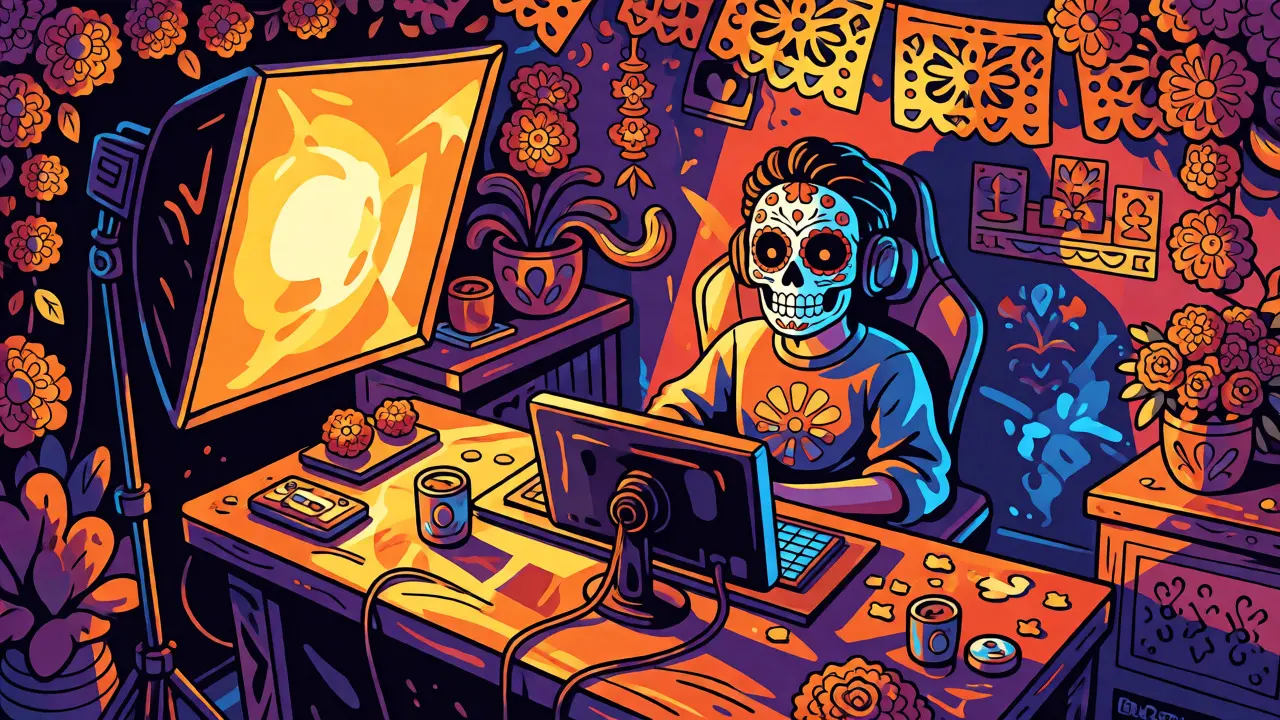
You’ve got the camera. You’ve got the mic. Your audio is crisp. But when you hit that "Go Live" button, your face looks like a ghostly blob or a shadowy void. Sound familiar? It’s not your camera’s fault-it’s your lighting. Most new streamers think they need a $2,000 studio setup to look professional. They don’t. You just need to understand three basic concepts: the Key Light, the Fill Light, and Background Lighting. Get these right, and even a webcam from five years ago will look like it belongs in a Hollywood interview.
Why Your Camera Hates Bad Light (And How to Fix It)
Here’s the hard truth: cameras are terrible at handling mixed light sources. If you have warm yellow light from your desk lamp clashing with cool blue daylight from your window, your white balance goes haywire. Your skin turns orange, your walls turn green, and you look tired. This happens because most webcams use automatic white balance, which tries to guess what "white" is. When you feed it conflicting colors, it guesses wrong.
The fix isn't expensive gear; it's consistency. You want one primary light source on your face. That’s it. Everything else should support that main source or stay out of the way. Think of it like cooking. You can throw everything into the pot, but if you want a clear broth, you skim the scum. In video terms, you remove the messy light. Once you control the direction and color temperature of your light, your image quality jumps instantly. No filters needed.
The Key Light: Your Main Source of Truth
The Key Light is the primary light source illuminating your subject. It determines the overall mood and exposure of your shot. Without it, you’re just guessing. Where do you put it? Not directly above your head-that creates raccoon eyes (dark shadows under the brows). Not straight on-this flattens your face and makes you look two-dimensional.
Instead, place your key light slightly off-center, about 45 degrees to the side of your camera, and slightly higher than eye level, angled down. This mimics natural sunlight and creates gentle shadows that define your cheekbones and jawline. It adds depth. If you’re using a ring light, you might be tempted to mount it directly on the camera lens. That works for beauty influencers who want zero shadows, but for general streaming, it often looks flat and clinical. A softbox positioned at an angle gives you more dimensionality.
What kind of light should you buy? LED panels are the standard now. Look for ones with adjustable color temperature (measured in Kelvin). Daylight is around 5600K. Tungsten (warm bulb) is around 3200K. Stick to 5600K if you have windows, or 3200K if you’re streaming late at night with no natural light. The brand matters less than the specs. A cheap Neewer or Godox panel with high Color Rendering Index (CRI > 95) will outperform an expensive vintage lamp every time.
The Fill Light: Softening the Harshness
If your key light is the sun, the fill light is the bounce card. Its job is simple: reduce contrast. When you shine a bright light from one side, the other side of your face falls into deep shadow. While some shadow is good for definition, too much hides details and looks dramatic in a way that distracts from your content. Enter the fill light.
You don’t necessarily need a second expensive lamp for this. A white foam core board, a piece of poster board, or even a white wall opposite your key light can act as a passive fill. Bounce your key light off it toward the shadowed side of your face. If you’re streaming in a dark room with black walls, you’ll need an active fill light. Place this on the opposite side of your key light, also at 45 degrees, but make it significantly dimmer. Rule of thumb: set your fill light to about half or one-third the brightness of your key light. You want to lift the shadows, not erase them completely. If both lights are equal, you lose all depth.
Softness matters here. Hard light creates sharp, defined edges. Soft light wraps around objects. Use a larger diffusion surface for your fill if possible. A small bare LED bulb creates harsh hotspots. A large softbox spreads the light evenly, making skin tones look smoother without needing heavy smoothing filters in OBS.
Background Lighting: Separation and Depth
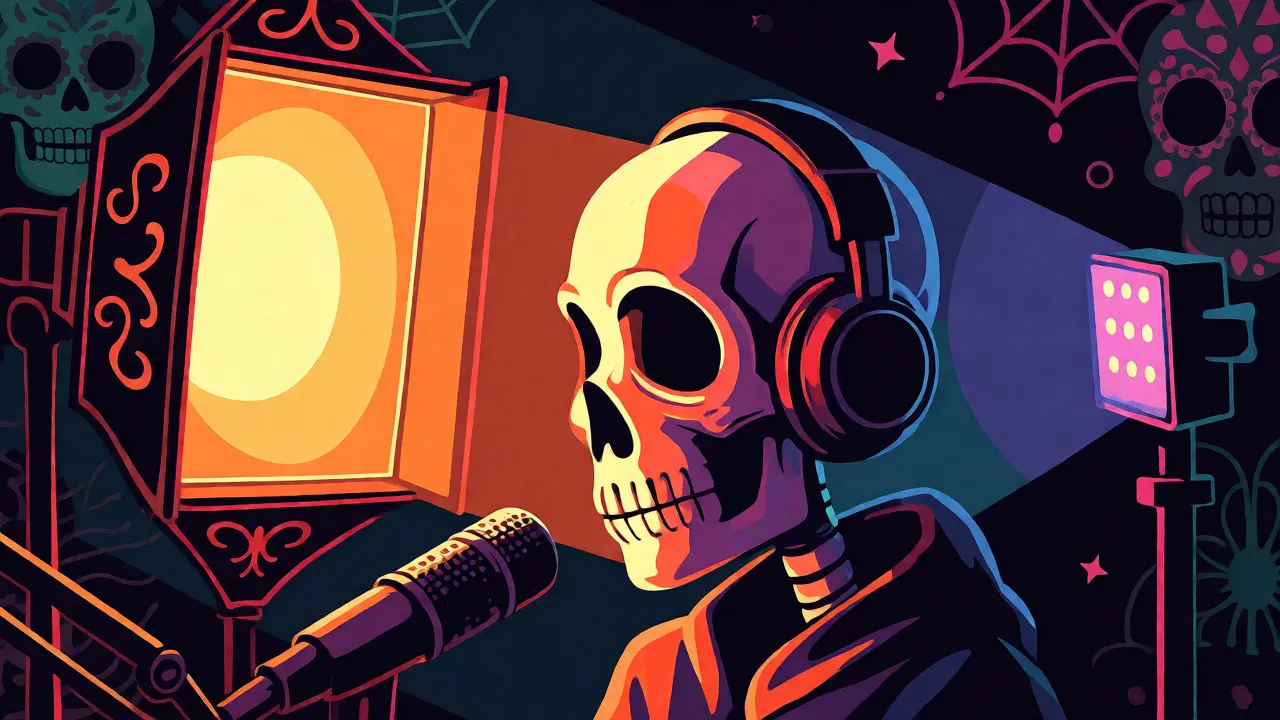
This is where most beginners fail. They light their face perfectly, then sit against a plain white wall. Result? They look like a floating head. Or worse, they lean back, and their shadow merges with the wall behind them. Background lighting serves two purposes: separating you from the background and adding visual interest.
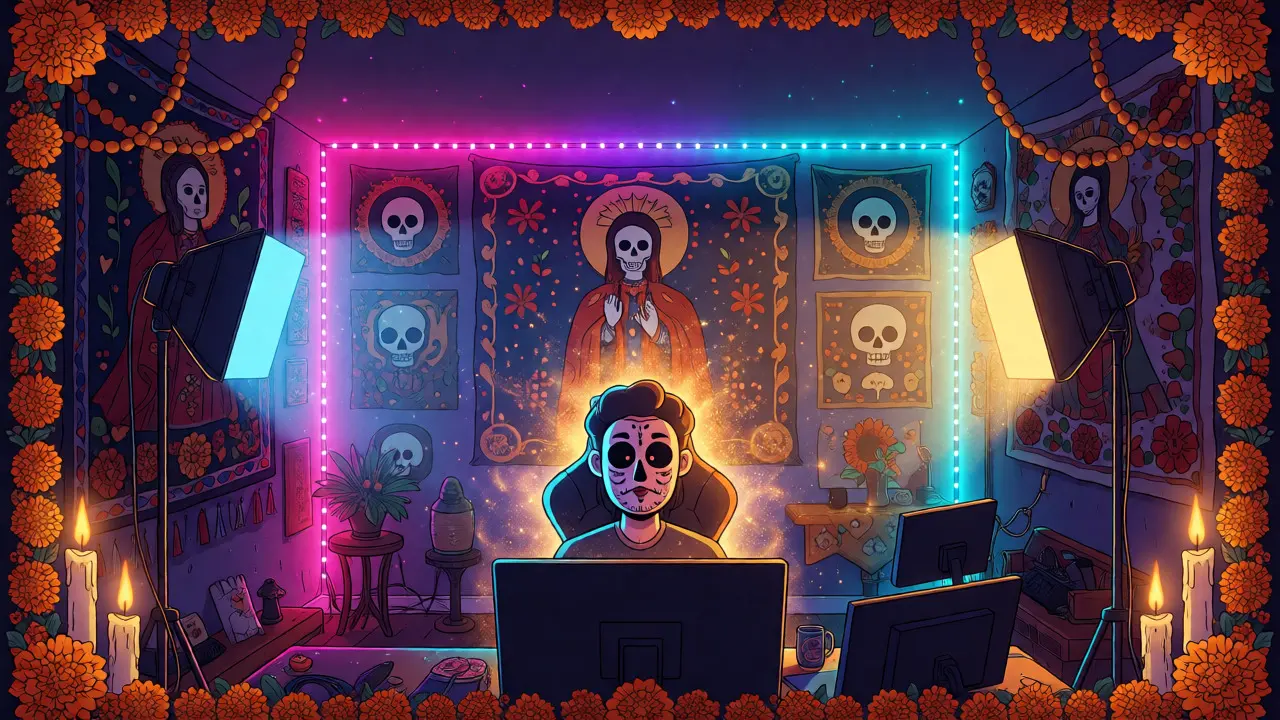
First, distance. Pull your chair away from the wall. Even two feet makes a huge difference. It allows your shadow to fall behind you rather than onto the wall, creating separation. Second, add light to the background itself. This doesn’t mean blasting the whole wall with a floodlight. Use RGB tubes, small LED strips, or practical lamps (like a nice desk lamp or neon sign) to create pockets of color and texture.
Color psychology plays a role here. Blue and purple tones feel tech-forward and calm. Warm oranges and reds feel cozy and energetic. Match your background vibe to your channel identity. If you play horror games, maybe stick to darker, moody greens or reds. If you’re doing educational streams, keep it neutral and clean so viewers aren’t distracted by flashing disco lights. Remember, the background should never compete with your face. Keep it dimmer than your key light. If your background is brighter than your face, your camera will underexpose your face to compensate, turning you into a silhouette.
Putting It All Together: The Three-Point Setup
Let’s visualize the classic three-point lighting system adapted for streaming. Imagine a triangle. You are at the top point. The camera is below you.
- Key Light: Front-left, 45 degrees up. Brightest source.
- Fill Light: Front-right, 45 degrees up. Dimmer, softer source.
- Back/Rim Light: Behind you, pointing at your shoulders/hair. Optional but recommended.
The third element, the rim or hair light, is often skipped by beginners but is a game-changer. Placing a small light behind you, aimed at the back of your head and shoulders, creates a subtle outline. This separates you from the background visually, giving your image a professional pop. It highlights hair texture and shoulder contours. If you don’t have a dedicated rim light, a small LED strip taped to the back of your monitor or shelf can work wonders.
| Setup Type | Equipment Needed | Best For | Difficulty Level |
|---|---|---|---|
| Window Only | Natural light, reflector | Daytime casual chats, low budget | Easy |
| Ring Light | 1 Ring Light, Webcam | Beauty, makeup tutorials, tight spaces | Very Easy |
| Basic Two-Light | 2 LED Panels, Stands | Gaming, Podcasts, General Vlogging | Moderate |
| Full Three-Point | 2 Large Softboxes, 1 Rim Light, Diffusers | Professional Interviews, High-end Production | Advanced |
Common Mistakes That Ruin Your Image
You’ve bought the gear. You’ve set it up. But something still looks off. Here are the usual suspects.
1. Mixed Color Temperatures: If your key light is 5600K (cool white) and your room light is 2700K (warm incandescent), your white balance will struggle. Turn off overhead ceiling lights. Rely solely on your controlled LED sources. If you must use ambient light, match your LEDs to the ambient temp, or gel your LEDs to correct them.
2. Over-lighting: More light isn’t always better. If your face is blown out (pure white with no detail), lower your intensity. Cameras handle noise better when slightly underexposed than when overexposed. Check your histogram in OBS if possible; aim for peaks around 70-80%, not 100%.
3. Ignoring Reflections: Glasses hate direct light. If you wear glasses, raise your key light higher and angle it steeper downward. This pushes the reflection of the light source down, out of the line of sight between your eyes and the camera. Alternatively, move the light further to the side.
4. Static Positioning: Don’t lock your setup and forget it. Move your chair closer or farther from the lights. Small adjustments change the falloff dramatically. Test your framing before going live. Record a 30-second clip, watch it back, and tweak. Never trust the preview alone; check the recording.
Budget-Friendly Alternatives
Not everyone has hundreds to spend on Godox SL60W lights. Can you get great results with less? Absolutely. Natural light is free and beautiful. Face a window during the day. If the sun is too harsh, hang a sheer white curtain over it. This acts as a giant softbox.
For artificial light, consider clamp lights from hardware stores paired with daylight-balanced bulbs (5000K-6500K). Add a DIY diffuser made from baking parchment paper or a white shower curtain liner. Tape it carefully to a frame near the bulb (don’t let it touch the hot glass!). These setups cost under $50 total. They won’t have app connectivity or precise dimming, but they provide consistent, soft illumination. Many successful Twitch partners started with nothing but a window and a bedsheet.
Do I really need two lights for streaming?
No, you don't strictly need two. One well-placed key light is sufficient for many styles, especially if you have a reflective surface (like a white wall or foam board) opposite it to act as a passive fill. However, two lights give you more control over contrast and depth, which generally looks more professional.
What color temperature should my key light be?
Match your environment. If you stream during the day with windows open, set your lights to 5600K (daylight). If you stream at night with no natural light, 3200K-4000K feels warmer and cozier. Consistency is key-never mix different temperatures unless you know how to manually adjust your camera's white balance.
How far should my lights be from me?
Closer is usually better for softness. A large light source close to your face creates softer shadows than a small light source far away. Aim for 2-4 feet from your face, ensuring the light doesn't blow out your exposure. Adjust distance until your face is evenly lit without hotspots.
Can I use a ring light instead of a softbox?
Yes, ring lights are excellent for eliminating shadows entirely and providing even coverage. They are ideal for beauty streams or if you have limited space. However, they can flatten facial features. For gaming or conversational streams, a softbox placed at an angle often provides more dynamic and engaging visuals.
My background is too dark. What should I do?
Add specific background lighting. Use LED strips, RGB tubes, or small spotlights aimed at shelves, posters, or plants behind you. Ensure this light is dimmer than your key light so it doesn't distract. Also, try moving your desk further away from the wall to create physical depth.
