
Buying a streaming subscription for someone else used to be a hassle. You had to guess their plan length, worry about expiration dates, or hope they didn't already have an account. With Prime Video, the process is surprisingly straightforward, but there are still specific steps you need to follow to ensure the gift actually lands in their inbox without friction. Whether you are looking for a quick birthday present or a holiday stocking stuffer, understanding how these digital gifts work can save you from awkward "I already have this" moments.
Understanding the Prime Video Gifting Ecosystem
Before you click buy, it helps to know what you are actually purchasing. Unlike some competitors that offer standalone monthly passes, Amazon Prime Video gifting options are often tied to the broader Amazon Prime ecosystem. This distinction matters because the recipient might only want the video service, not the free shipping benefits.
In 2026, Amazon primarily offers two types of gifting mechanisms:
- Full Prime Membership Gifts: These grant access to Prime Video, Prime Shipping, Prime Music, and more. This is the most common option found on the main Amazon gifting page.
- Standalone Prime Video Add-on: For users who already have Prime Shipping but lack video access, or those who strictly want video without shipping perks, Amazon occasionally allows gifting the "Video Add-on" specifically, though this interface changes frequently based on region.
If you send a full Prime membership to someone who already has one, Amazon’s system usually extends their current term rather than creating a duplicate account. However, if they cancel immediately after receiving it, that extension might vanish. It is always safer to check with the recipient first if possible, or stick to the specific video add-on if available in your locale.
How to Buy a Prime Video Gift Subscription
The purchasing process happens entirely through the Amazon website or app. You do not need to create an account for the recipient; you just need their email address. Here is the step-by-step workflow as it stands in mid-2026:
- Navigate to the Gifting Page: Go to Amazon.com (or your local domain) and search for "Gift Cards." Look for the section labeled "Digital Delivery" under "Amazon Prime Membership Gifts."
- Select the Duration: Choose between 1 month, 3 months, or 12 months. The annual option often provides the best value per month, but shorter terms are better for testing the waters with new viewers.
- Enter Recipient Details: Type in the person's name and their email address. Double-check the spelling here. If the email is wrong, the gift code will bounce back to you, which is annoying but recoverable.
- Personalize the Message: Add a note like "Happy Birthday! Enjoy the new season." This adds a human touch to a digital transaction.
- Complete Purchase: Use your preferred payment method. Amazon processes these instantly.
Once purchased, Amazon sends an automated email to the recipient. This email contains the redemption link and instructions. It does not contain the raw alphanumeric code by default, which is a security feature to prevent accidental sharing.
Redeeming the Gift: Step-by-Step Guide
The recipient needs to act quickly once they receive the email. While the code itself doesn't expire immediately, the promotional offer linked to it might have time limits depending on regional regulations. Here is how the recipient should proceed:
| Step | Action | Device |
|---|---|---|
| 1 | Open the email from Amazon titled "Your Gift of Amazon Prime..." | Any |
| 2 | Click the "Redeem Now" button inside the email. | Mobile/Desktop |
| 3 | Sign in to the existing Amazon account or create a new one. | Web Browser |
| 4 | Confirm the activation of the Prime benefit. | Web Browser |
| 5 | Start streaming on any supported device. | Smart TV/App |
If the recipient clicks the link and sees an error saying "This gift has already been redeemed," they should contact the sender immediately. It is rare, but sometimes spam filters delay the email, and the sender might have resent it, causing a conflict. Alternatively, the recipient might have accidentally clicked a previous link.

What Happens If They Already Have Prime?
This is the most common question people have before buying. Amazon’s system is designed to handle overlapping subscriptions intelligently. When a user redeems a gift code while their current Prime membership is active, Amazon does not refund the gift to the sender. Instead, it applies the gifted time to the end of their current billing cycle.
For example, if John has 30 days left on his paid Prime subscription and receives a 1-month gift, his total Prime access extends by approximately 30 days after his original date expires. He does not lose money, and he does not get two simultaneous accounts. However, if John cancels his subscription *before* redeeming the gift, the gift becomes invalid unless he reactivates within a very short window, which varies by region.
To avoid confusion, it is helpful to tell the recipient: "Hey, I sent you a Prime gift. It will extend your current subscription if you have one." This manages expectations perfectly.
Regional Restrictions and Compatibility
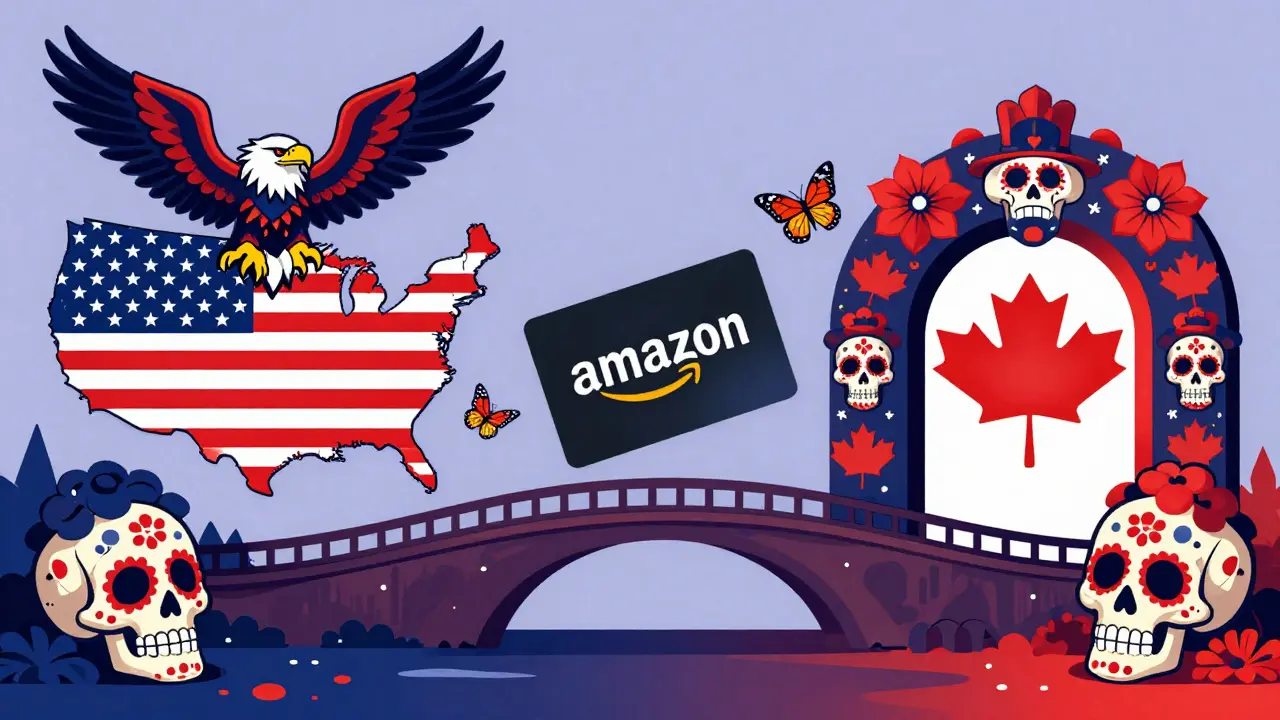
Prime Video is not a single global entity. It operates as distinct services in different countries, such as Prime Video US, Prime Video UK, and Prime Video India. A gift purchased on Amazon.com (US) cannot be redeemed on Amazon.co.uk (UK).
This is crucial for international gifting. If you live in the United States and want to gift Prime Video to a friend in Canada, you must purchase the gift on Amazon.ca. The currency, tax laws, and content libraries differ significantly between regions. Buying a US gift for a Canadian friend will result in a redemption error because the accounts are not interoperable for subscription transfers.
Always verify the recipient's primary Amazon marketplace before initiating the purchase. If you are unsure, ask them directly: "Which Amazon site do you use for shopping?" Their answer determines where you must buy the gift.
Alternative Gifting Options
If you are worried about the complexity of Prime memberships, there are simpler alternatives that still support the same goal: getting someone access to content.
- Amazon Digital Gift Card: You can buy a generic $25 or $50 Amazon gift card. The recipient can then use this balance to pay for their own Prime Video subscription. This gives them flexibility-they can choose the duration or even buy movies instead.
- Direct Movie Rentals: If you know they love a specific film, you can rent or buy that movie directly from the Prime Video store and send them the link. This bypasses the subscription model entirely.
- Third-Party Codes: Occasionally, retailers sell discounted Prime codes. Ensure these are from authorized sellers to avoid fraud. Unofficial codes may be revoked by Amazon, leaving both you and the recipient out of pocket.
The direct Prime gift is still the most seamless experience because it requires no additional steps from the recipient other than clicking a link. The generic gift card is the safest bet if you are uncertain about their preferences.
Troubleshooting Common Issues
Even with a smooth process, things can go wrong. Here are the most frequent issues and how to resolve them:
Issue: The email never arrives.
Solution: Check the spam or junk folder. Amazon emails sometimes get flagged as promotional noise. If it is not there after 10 minutes, log into your Amazon account, go to "Your Orders," find the gift purchase, and select "Resend Email."
Issue: The redemption link says "Expired."
Solution: Some gift promotions have a redemption window (e.g., 30 days). If the recipient waited too long, the code may have lapsed. In this case, the sender can contact Amazon Customer Service. They often issue a replacement code if the original was unused.
Issue: The recipient wants to cancel the free trial associated with the gift.
Solution: Gifts are not trials; they are paid-for periods. However, Amazon automatically renews subscriptions unless cancelled. The recipient should go to "Manage Your Prime Membership" and turn off auto-renewal if they do not wish to continue paying after the gifted period ends.
Can I give a Prime Video gift to someone outside my country?
No, you cannot directly transfer a subscription across borders. You must purchase the gift on the Amazon website corresponding to the recipient's country. For example, a US buyer must use Amazon.ca to gift a Canadian recipient. The content libraries and account systems are separate.
Does the Prime Video gift include free shipping?
Yes, if you gift a standard Amazon Prime membership, it includes all benefits: Prime Video, Prime Shipping, Prime Music, and more. If you only want to gift video, look for the specific "Prime Video Add-on" option, though this is less commonly available as a direct gift product compared to the full membership.
What happens if the recipient already has a Prime subscription?
The gifted time is added to the end of their current subscription term. They do not lose their existing time, nor do they get a refund. The extension ensures continuous coverage without interruption.
Can I cancel a Prime Video gift after sending it?
Once the gift is delivered via email, you cannot cancel it through your order history. If the recipient has not yet redeemed it, you can contact Amazon Customer Support immediately. They may be able to void the code if it hasn't been activated, but this is not guaranteed.
Is there a way to gift just one month of Prime Video?
Yes, Amazon typically offers 1-month, 3-month, and 12-month gifting options. The 1-month option is ideal for short-term gifts or testing the service. Select the duration during the checkout process on the Amazon gifting page.
