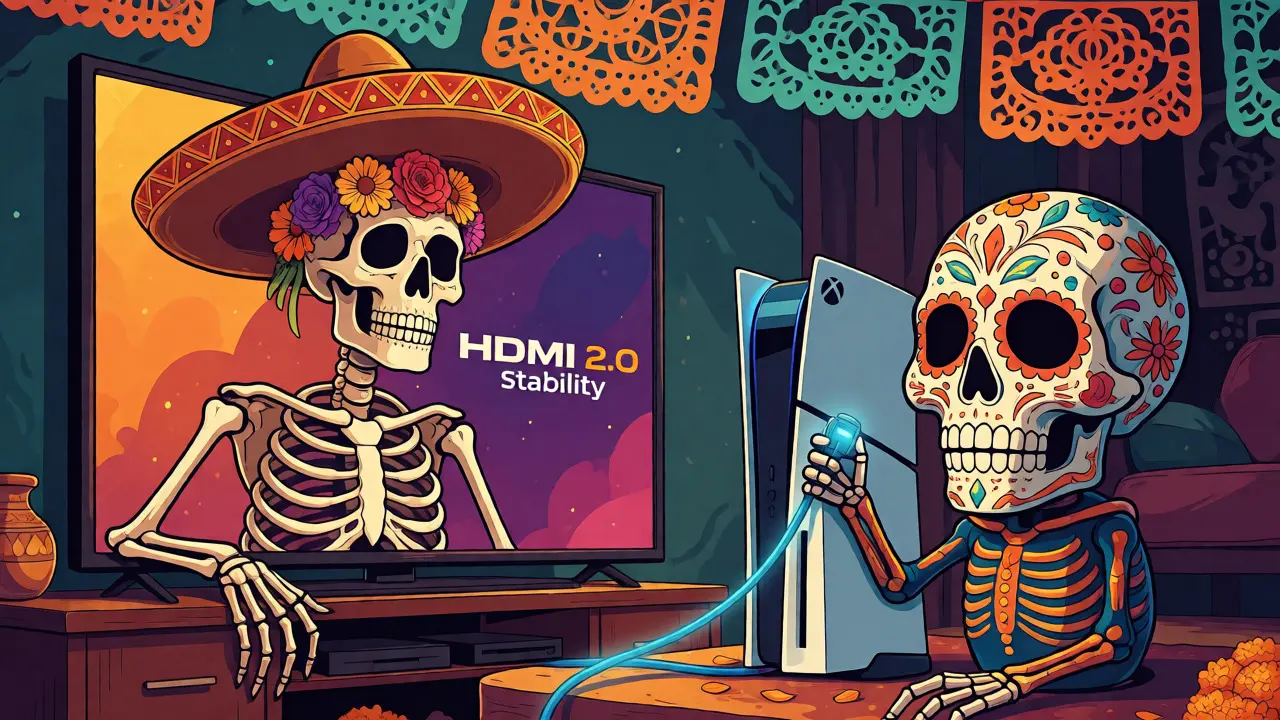
You just bought a shiny new TV or a high-end graphics card, and the salesperson or spec sheet keeps throwing around "HDMI 2.1." It sounds futuristic, expensive, and probably necessary if you want to avoid looking like a tech dinosaur. But here is the uncomfortable truth: for most people watching Netflix in 4K on a Sunday afternoon, HDMI 2.1 offers absolutely zero benefit over its predecessor.
The confusion stems from how cable standards are marketed versus how they actually function. HDMI 2.0 isn't obsolete; it’s just capped at certain performance levels that many users never hit. HDMI 2.1 unlocks higher bandwidths and features like Variable Refresh Rate (VRR), but only if your source device, display, and content all align perfectly. If you’re trying to decide whether to pay extra for a port labeled "2.1" or stick with what you have, this guide breaks down exactly where the lines are drawn-and where they blur.
Key Takeaways
- Bandwidth Limits: HDMI 2.0 supports up to 18 Gbps, while HDMI 2.1 jumps to 48 Gbps. This difference dictates maximum resolution and refresh rate combinations.
- Gaming Matters Most: Features like VRR, ALLM, and QMS are exclusive to HDMI 2.1 and crucial for PS5, Xbox Series X, and PC gamers targeting 4K at 60Hz+.
- Movie Watching is Safe: Standard 4K HDR movies rarely exceed the bandwidth of HDMI 2.0, making the upgrade unnecessary for pure cinematic consumption.
- Cable Confusion: Not all "High Speed" cables support 2.1. Look for "Ultra High Speed" certification to ensure full compatibility.
Understanding the Bandwidth Bottleneck
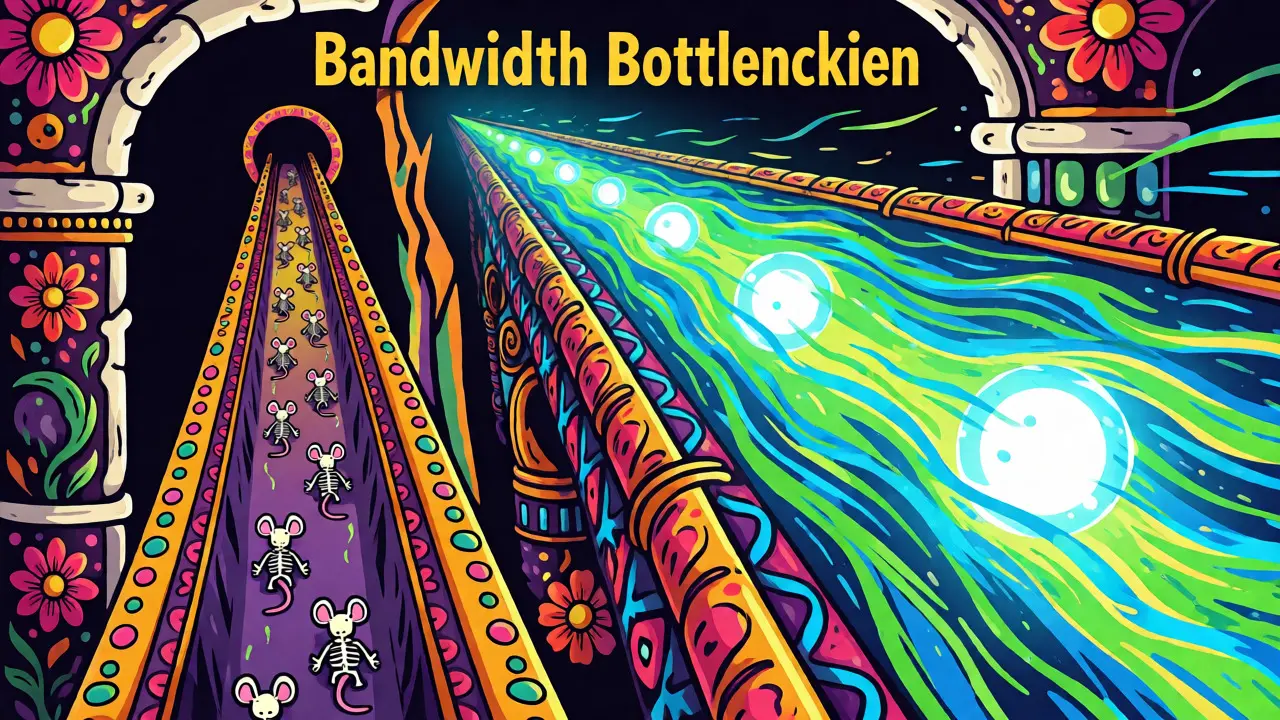
At its core, the debate between these two standards is about plumbing capacity. Think of HDMI as a pipe carrying video and audio data from your player to your screen. The wider the pipe, the more data flows through without choking.
HDMI 2.0, released in 2013, established a bandwidth ceiling of 18 gigabits per second (Gbps). This was revolutionary at the time because it allowed for 4K resolution at 60 frames per second (fps) with 4:4:4 chroma subsampling and HDR10 color depth. For the last decade, this has been the gold standard for home theater. It handles Blu-rays, standard streaming apps, and basic console gaming without breaking a sweat.
Then came HDMI 2.1, finalized in late 2017 but widely adopted starting around 2020. It expanded the pipe to 48 Gbps. That’s nearly three times the capacity. Why so much headroom? Because modern displays don’t just show static images anymore. They handle variable frame rates, higher bit depths (10-bit and 12-bit), and resolutions beyond 4K, such as 8K. Without that massive bandwidth increase, signals get compressed, colors look washed out, or the screen simply refuses to sync.
| Feature | HDMI 2.0 | HDMI 2.1 |
|---|---|---|
| Max Bandwidth | 18 Gbps | 48 Gbps |
| Max Resolution @ Refresh | 4K @ 60Hz | 4K @ 120Hz / 8K @ 60Hz |
| Variable Refresh Rate (VRR) | No | Yes |
| Auto Low Latency Mode (ALLM) | No | Yes |
| Audio Return Channel | eARC | eARC + ARC (via eARC) |
Where HDMI 2.1 Actually Makes a Difference
If you aren’t pushing pixels hard, you won’t notice the difference. But there are specific scenarios where sticking with HDMI 2.0 actively degrades your experience. These aren’t theoretical edge cases; they are common realities for modern gamers and early adopters of high-refresh-rate monitors.
High-Refresh-Rate Gaming
This is the biggest driver for HDMI 2.1 adoption. Consoles like the PlayStation 5 and Xbox Series X can output games at 4K resolution running at 120 fps. However, HDMI 2.0 caps out at 60 fps for 4K. If you plug a PS5 into an older TV via HDMI 2.0, you are forced to choose: either drop the resolution to 1080p to hit 120 fps, or keep the crisp 4K image but cap your smoothness at 60 fps. HDMI 2.1 allows both simultaneously. For competitive shooters or fast-paced action games, that fluidity is tangible.
Variable Refresh Rate (VRR)
VRR is arguably the most valuable feature introduced by HDMI 2.1. In traditional gaming, if your GPU renders a frame slower than the monitor refreshes, you see tearing-a horizontal line where the image splits. If it renders faster, you get stuttering. VRR synchronizes the display’s refresh rate with the source’s frame rate in real-time. While some proprietary solutions exist (like NVIDIA G-Sync over DisplayPort), HDMI 2.1 brings standardized VRR to TVs. This eliminates visual artifacts without the input lag associated with V-Sync. If you play open-world games with fluctuating frame rates, VRR makes the experience significantly smoother.
Dynamic HDR and Color Depth
Static HDR formats like HDR10 use a single brightness map for the entire movie. Dynamic HDR formats like Dolby Vision and HDR10+ adjust brightness scene-by-scene or even frame-by-frame. While HDMI 2.0 can technically carry Dolby Vision metadata, the increased bandwidth of HDMI 2.1 ensures that uncompressed dynamic metadata travels alongside high-bit-depth color data (up to 12-bit). This results in deeper blacks and brighter highlights without compression artifacts, particularly noticeable in dark scenes on OLED panels.
The Hidden Pitfalls of "Fake" HDMI 2.1
Here is where things get messy. The HDMI Licensing Administrator (HDMI LA) didn’t strictly enforce naming conventions when 2.1 launched. As a result, manufacturers slapped the "HDMI 2.1" label on ports that only supported *some* of the new features. This led to widespread consumer confusion.
For example, a TV might advertise "HDMI 2.1" but only support 4K@60Hz and lack VRR. Or, it might support VRR but not Auto Low Latency Mode (ALLM). To combat this, the HDMI LA introduced mandatory labeling requirements. Now, legitimate HDMI 2.1 devices must clearly list which specific features they support. When shopping, ignore the big "2.1" sticker and look for the fine print. Does it explicitly say "4K@120Hz," "VRR," and "eARC"? If those words aren’t there, you might be buying a glorified HDMI 2.0 port.
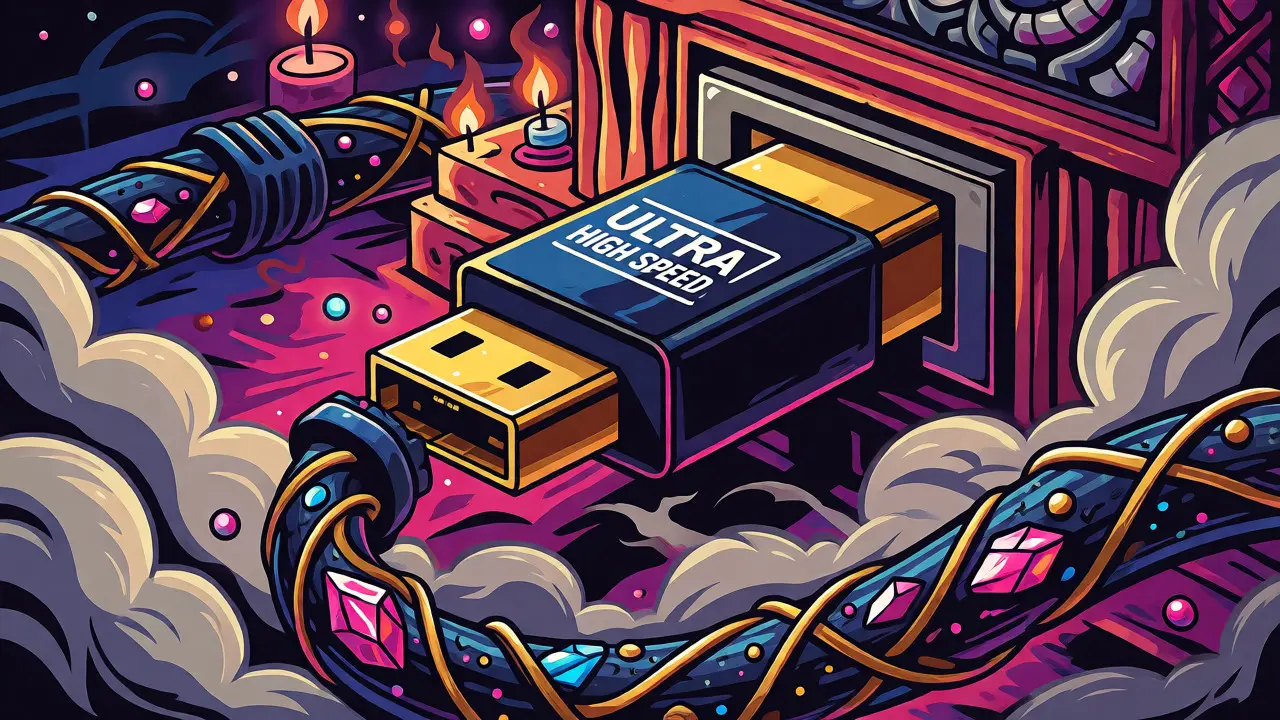
Cables are another trap. An old "Premium High Speed" HDMI cable (certified for HDMI 2.0) will physically fit into an HDMI 2.1 port, but it may fail to transmit the full 48 Gbps signal. This causes black screens, flickering, or automatic downgrading to lower resolutions. Always look for the "Ultra High Speed" certification label on the cable packaging. These cables include built-in EMI shielding to prevent interference from Wi-Fi routers and other electronics, which becomes critical at higher frequencies.
Do You Need to Upgrade Your Gear?
Let’s run through a quick decision tree based on your usage habits. Be honest about how you actually use your TV, not how you think you should use it.
You Can Stick With HDMI 2.0 If:
- You primarily watch movies and TV shows. Streaming services like Netflix and Disney+ currently max out at 4K@60Hz with HDR10 or Dolby Vision. They do not require the extra bandwidth of HDMI 2.1.
- Your TV is 1080p or 4K@60Hz. If your panel doesn’t support 120Hz refresh rates, there is no point in feeding it a 120Hz signal.
- You use older consoles. A Nintendo Switch outputs at 1080p docked. An Xbox One X tops out at 4K@30Hz or 60Hz. None of these devices utilize HDMI 2.1 features.
- Budget is tight. TVs with certified HDMI 2.1 ports often cost $100-$300 more than comparable models with only HDMI 2.0. If you don’t game, that money is better spent on a soundbar or larger screen size.
You Should Prioritize HDMI 2.1 If:
- You own a PS5, Xbox Series X, or RTX 30/40-series PC. These devices are designed to leverage 4K@120Hz and VRR. Using them on an HDMI 2.0 port bottlenecks their potential.
- You buy a premium OLED or Mini-LED TV. High-end panels from LG, Sony, and Samsung increasingly rely on HDMI 2.1 for their advanced motion handling and gaming modes.
- You plan to keep the TV for 5+ years. Future-proofing is real. As game engines become more demanding, 4K@120Hz will likely become the baseline for AAA titles within the next few years.
- You use external soundbars with Atmos. While eARC exists on some HDMI 2.0b implementations, true lossless audio passthrough is more reliable and standardized under the full HDMI 2.1 suite.
Common Misconceptions About Cables
People often assume that a thicker, more expensive cable automatically means better quality. In digital transmission, this isn’t always true. Unlike analog signals, where noise creeps in gradually, digital HDMI signals are binary: they either work perfectly, or they break up completely. There is no "slightly worse picture" due to cable quality unless the signal integrity fails entirely.
However, length matters. Passive copper HDMI cables struggle to maintain signal integrity over distances greater than 5 meters (16 feet) at 48 Gbps speeds. If you need to run a long cable from a projector to a media room, you’ll likely need an Active Optical Cable (AOC) or a fiber-optic hybrid. These are specifically engineered to handle the high-frequency demands of HDMI 2.1 over longer runs without attenuation. Don’t just buy the longest generic cable you find; check its rated speed.
Final Verdict
HDMI 2.1 is not a universal upgrade; it’s a specialized tool. For the average viewer consuming linear TV, streaming, and Blu-rays, HDMI 2.0 remains fully capable and cost-effective. The leap to 2.1 is driven almost exclusively by gaming performance and future-proofing against emerging 8K or high-refresh-rate content.
If you are building a dedicated gaming setup, ignoring HDMI 2.1 is a mistake. You are paying for hardware capabilities you cannot access. But if you are upgrading a living room TV for family movie nights, don’t let marketing pressure force you into a more expensive tier. Check your source devices, know your content limits, and buy the standard that matches your actual usage-not the one that sounds the most impressive on the box.
Can I use an HDMI 2.1 cable with an HDMI 2.0 device?
Yes, HDMI cables are backward compatible. An Ultra High Speed HDMI 2.1 cable will work perfectly with HDMI 2.0 devices, though it won’t provide any performance boost since the device itself limits the bandwidth to 18 Gbps. It’s a safe investment if you plan to upgrade your TV later.
Does my current 4K TV need HDMI 2.1 for Netflix?
No. Netflix streams 4K content at 60 frames per second with HDR10 or Dolby Vision. This fits comfortably within the 18 Gbps bandwidth limit of HDMI 2.0. You will not see any improvement in picture quality by using HDMI 2.1 for standard streaming apps.
What happens if I connect an HDMI 2.1 source to an HDMI 2.0 port?
The connection will default to the highest common denominator, which is HDMI 2.0 specifications. This means you will lose features like Variable Refresh Rate (VRR) and 4K@120Hz output. Your TV will likely display the image at 4K@60Hz instead. No damage occurs, but you sacrifice performance.
Is HDMI 2.1 worth it for a budget gamer?
It depends on your target resolution. If you plan to play at 1080p or 1440p at high refresh rates (120Hz+), HDMI 2.0 can often handle this depending on the specific timing parameters. However, if you aim for 4K gaming, HDMI 2.1 is essential for 120fps stability and VRR. Many mid-range TVs now include at least one HDMI 2.1 port, making it accessible.
How do I identify an Ultra High Speed HDMI cable?
Look for a holographic QR code label on the cable packaging provided by the HDMI Licensing Administrator. Scanning this code verifies the cable’s authenticity and confirms it supports 48 Gbps speeds. Avoid unbranded cables claiming "8K ready" without this certification, as they may fail under load.