
When you press play on your favorite 4K HDR show, you expect the colors to pop - the deep reds of a sunset, the neon glow of a city street, the rich greens of a jungle. But if your TV doesn’t support DCI-P3 or gets the color gamut wrong, those colors look washed out, dull, or just plain off. This isn’t about fancy specs on a box - it’s about what you actually see. And if you’re paying for premium streaming, you deserve to see the director’s vision, not a watered-down version.
What Is DCI-P3 and Why Does It Matter?
DCI-P3 is a color space developed by the Digital Cinema Initiatives group to match what you’d see in a real movie theater. It’s wider than the old sRGB standard that most phones and older TVs used. Think of it like a paint palette: sRGB gives you 100 colors. DCI-P3 gives you 25% more - including richer reds, yellows, and greens that sRGB can’t even touch.
Netflix, Apple TV+, and Disney+ all master their 4K HDR content in DCI-P3. That means every frame is created with this broader range of colors in mind. But if your TV only supports sRGB, it has to squish those colors into a smaller box. The result? A vibrant scene from Stranger Things or The Midnight Sky looks flat, like someone turned down the saturation slider.
DCI-P3 isn’t just about being ‘better.’ It’s about accuracy. Directors and colorists spend weeks fine-tuning each shot. A blood-red coat shouldn’t look orange. A forest shouldn’t look like a green blur. DCI-P3 keeps those choices intact.
Color Gamut: The Range That Makes HDR Work
Color gamut is the total range of colors a display can show. It’s not the same as brightness or contrast - it’s pure color territory. HDR makes things brighter, but without a wide gamut, those bright pixels still look lifeless.
There are three main gamuts you’ll see:
- sRGB - the old standard. Good for web, bad for HDR.
- DCI-P3 - the cinema standard. Used by all major streaming services for 4K HDR.
- Rec. 2020 - the future. Even wider than DCI-P3, but very few TVs can fully show it yet.
Most modern 4K HDR TVs claim to support DCI-P3. But here’s the catch: not all of them do it well. Some only hit 85% of DCI-P3. That’s like buying a sports car that only goes 85 mph when it’s rated for 120. You’ll still move faster than a sedan, but you’re missing the point.
Look for TVs that advertise at least 90% DCI-P3 coverage. Brands like LG (OLED), Sony (Bravia XR), and Samsung (QN90C) consistently hit 95%+ in independent tests. If the spec sheet doesn’t say it outright, search for reviews from trusted sources like rtings.com or DisplayMate.
Why Your Old TV Can’t Handle HDR Color
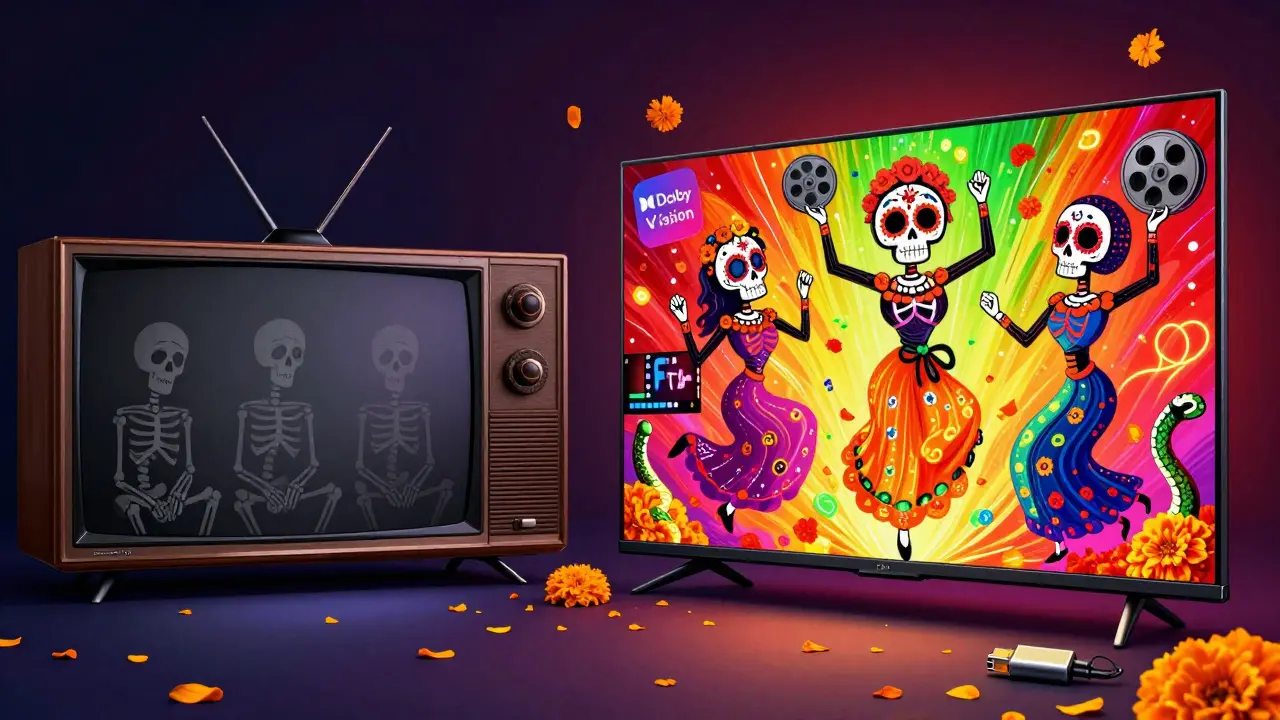
If you’ve got a 2018 or older 4K TV, chances are it’s stuck in sRGB mode even if it says “HDR-ready.” That’s because HDR isn’t just one thing - it’s a whole system. You need:
- A display that can show DCI-P3 (not just sRGB)
- Support for HDR10, Dolby Vision, or HLG
- Enough brightness (1000 nits minimum for real impact)
- A capable HDMI 2.0a or 2.1 port
Many budget 4K TVs from a few years back only hit 300-400 nits. That’s fine for regular HD, but for HDR? It’s like trying to see a fireworks show through a foggy window. The colors get lost. The contrast flattens. The whole experience becomes a chore.
Even if your TV supports HDR, if the color gamut is narrow, you’re not getting HDR - you’re getting brighter sRGB. That’s why some people say HDR looks fake. It’s not the format’s fault. It’s the display’s.
How to Check If Your Setup Is Getting Real DCI-P3
You don’t need a lab to test this. Here’s how to check in under 5 minutes:
- Play a known DCI-P3 HDR title - try Ad Astra on Apple TV+ or The Crown on Netflix.
- Pause on a scene with deep reds or bright yellows - like a red dress against a sunset.
- Look at the color. Does it look natural? Or does it look like a cartoon? If it’s too orange or too pink, your TV is clipping colors.
- Go into your TV’s picture settings. Look for a color space or color gamut option. If it says “Auto,” “Standard,” or “sRGB,” change it to “DCI-P3” or “Wide.” If that option doesn’t exist, your TV can’t do it.
- Check the HDMI port. If you’re using HDMI 1.4, upgrade to HDMI 2.0 or higher. Older ports can’t carry the bandwidth for full HDR.
On Apple TV 4K, you can go to Settings > Video and Audio > HDR and see if it says “HDR10” or “Dolby Vision.” If it says “HDR10+” or “Dolby Vision IQ,” you’re golden. If it says “HDR” without details, you’re probably stuck in a compromised mode.
What to Look for When Buying a New TV
Not all HDR TVs are created equal. Here’s what to prioritize:
- Color Gamut Coverage - Aim for 90%+ DCI-P3. Ignore claims like “100% color” - that’s marketing speak.
- Peak Brightness - 1000 nits minimum. 1200+ is better for sunlight-lit rooms.
- Panel Type - OLED beats QLED for true blacks and color accuracy. QLED can be brighter, but often oversaturates.
- HDR Format Support - Dolby Vision is the gold standard. HDR10+ is good. Basic HDR10 is the bare minimum.
- Calibration - Some TVs come pre-calibrated for film. Look for “Filmmaker Mode” or “Cinema Mode.” Turn it on.
For under $1,000, the LG C3 OLED is still one of the best. It hits 98% DCI-P3, supports Dolby Vision, and has perfect blacks. If you’re on a tighter budget, the TCL Q6D is decent at 92% DCI-P3 - but only if you turn off the “Vivid” mode.
Streaming Services and Color: Who’s Doing It Right
Not every streamer masters content the same way. Here’s the real breakdown:
- Apple TV+ - Masters everything in DCI-P3 and Dolby Vision. Consistent, accurate, no compression tricks.
- Netflix - Uses DCI-P3 for originals, but some licensed content gets downgraded. Look for the Dolby Vision logo.
- Disney+ - Great for Marvel and Star Wars. But older Pixar films sometimes look muddy due to legacy masters.
- Amazon Prime Video - Hit or miss. Some shows are stunning. Others look like they were upscaled from HD.
Bottom line: Apple TV+ and Netflix (with Dolby Vision) give you the most accurate color experience today. If you care about color, pick your service wisely.
Color Isn’t Just About Tech - It’s About Emotion
Think about the last time a movie made you feel something. That red in Amélie isn’t just a color - it’s warmth, joy, nostalgia. That blue in Blade Runner 2049 isn’t just dark - it’s loneliness.
When your TV gets the color wrong, you’re not just missing pixels. You’re missing the story.
Color accuracy isn’t a luxury for cinephiles. It’s the difference between watching a show and living inside it. If you’re investing in 4K HDR, make sure your TV isn’t holding back the colors the creators worked so hard to get right.
It’s not about having the most expensive TV. It’s about having one that does justice to the art.
Is DCI-P3 the same as HDR?
No. HDR (High Dynamic Range) is about brightness and contrast - how dark the blacks are and how bright the highlights can get. DCI-P3 is about color range - how many different colors the screen can show. You need both for true HDR color. A TV can be HDR without DCI-P3, but it won’t show the full color depth.
Can I see DCI-P3 on my phone?
Yes, but only on newer high-end models. iPhones from the XS onward, Samsung Galaxy S20 and newer, and Google Pixel 6 and up support DCI-P3. But even then, the screen is small, and most streaming apps don’t let you toggle color modes. For true color accuracy, a large HDR TV is still the best experience.
Does HDMI cable matter for color accuracy?
Yes, but not the way you think. Any HDMI 2.0 or 2.1 cable will carry DCI-P3 and HDR. You don’t need an expensive “4K HDR” cable. But if you’re using an old HDMI 1.4 cable - the kind that came with your 2015 TV - it can’t handle the bandwidth. Swap it out for any standard HDMI 2.0 cable. No need to spend more than $10.
Why does my TV look different from the movie theater?
Movie theaters use professional projectors calibrated to DCI-P3 with 14,000 nits of brightness. Your TV might hit 1,000 nits at best. Also, theaters have total darkness. Your living room has lights, windows, reflections. Even with perfect color, ambient light will mute the effect. Turn off the lights, use blackout curtains, and you’ll see a big difference.
Should I turn on “Vivid” or “Dynamic” mode for better color?
No. Those modes oversaturate colors to make them pop in stores. They make skin tones look orange and skies look purple. For accurate color, use “Cinema,” “Filmmaker Mode,” or “Standard.” These modes preserve the original color grading. If it looks too dull at first, that’s because it’s real - not fake.
If you’ve been wondering why your 4K HDR content doesn’t feel as immersive as the trailers, the answer is usually color - not resolution. DCI-P3 isn’t a buzzword. It’s the bridge between what filmmakers create and what you see on your screen. Get it right, and streaming becomes something closer to cinema.
