
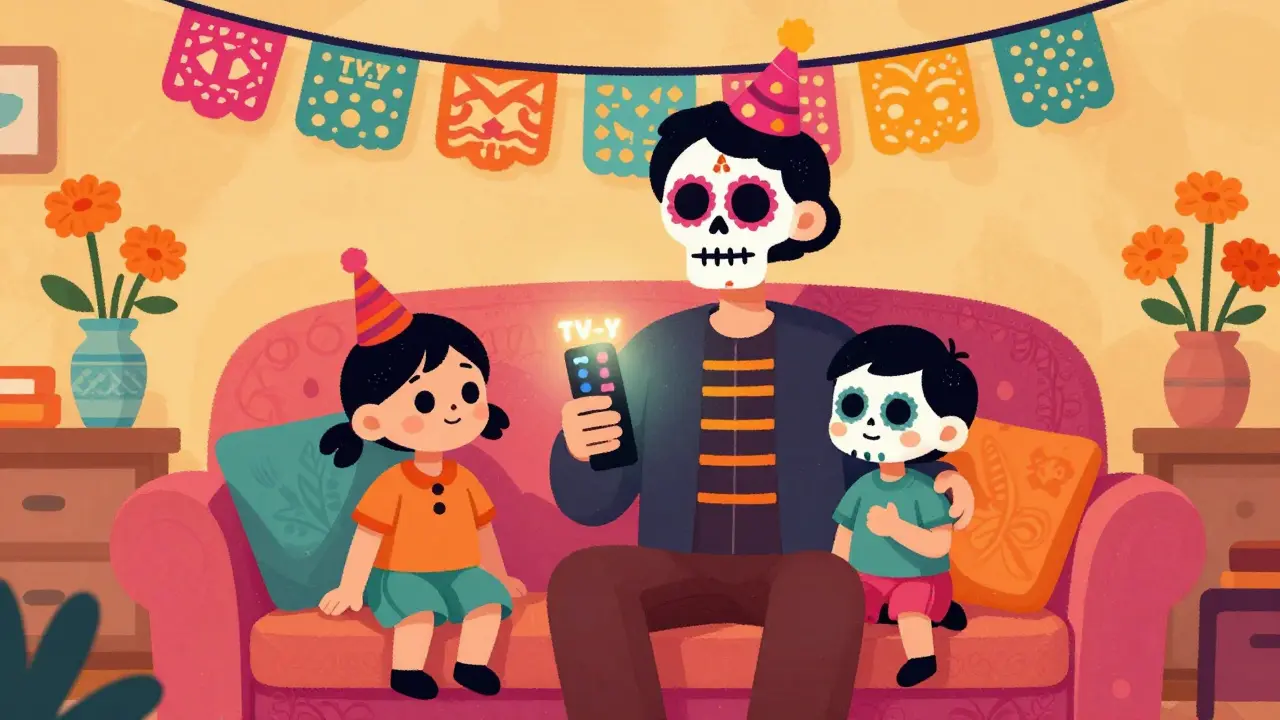
Ever clicked play on a movie only to realize five minutes in that it’s way too intense for your eight-year-old? You’re not alone. The shift from scheduled television to on-demand streaming has scrambled the old rules of what kids can watch and when. Gone are the days when you could just check the TV guide at 6 PM. Now, with thousands of titles available instantly, understanding how content is rated is more critical than ever for keeping your screen time safe and age-appropriate.
This isn't just about avoiding scary monsters; it's about navigating complex themes like violence, language, and sexual content that vary wildly across platforms. Whether you are using Netflix, Disney+, Amazon Prime Video, or Hulu, each service relies on different rating systems, some inherited from traditional broadcast networks and others created specifically for the digital age. Knowing these codes helps you set up effective parental controls and have honest conversations with your family about media consumption.
The Legacy Standards: TV-Y to TV-MA
Most of us grew up with the TV Parental Guidelines Monitoring System, established in the late 1990s. This system remains the backbone of content rating for most major streaming services in the United States. It categorizes shows based on age appropriateness, using a simple alphanumeric code that appears briefly before the program starts.
The scale begins with TV-Y, which stands for "All Children." These programs are designed specifically for the youngest viewers, typically ages 2 to 6. Think of *Bluey* or *Sesame Street*. The content contains no material that would be considered offensive by parents. There is no violence, no suggestive dialogue, and certainly no profanity. It is safe harbor territory.
As children grow older, the ratings shift. TV-Y7 indicates content suitable for children aged 7 and older. This category often includes fantasy violence or mild comedy that might be too intense for preschoolers but is generally acceptable for early elementary school students. Sometimes you will see a modifier like TV-Y7-FV, where "FV" stands for Fantasy Violence. This signals that while there is conflict, it is clearly distinguishable from real-world harm, such as superheroes battling villains in an animated setting.
Then comes TV-G, or General Audience. This is the broadest category, encompassing content suitable for all ages. While it lacks the specific child-centric focus of TV-Y, it still avoids controversial topics. Shows like *The Great British Bake Off* often fall here. They are engaging for adults but completely harmless for kids to watch alongside them.
The middle ground is occupied by TV-PG, suggesting Parental Guidance. This rating warns that the content may contain material unsuitable for younger children. Modifiers help clarify the risk: D for suggestive dialogue, L for coarse language (though usually limited to mild terms), V for violence, and S for sexual situations. A show rated TV-PG-L might have characters arguing with some harsh words, prompting parents to decide if their child is mature enough to handle that context.
For teenagers, we have TV-14. This rating advises that the content may be unsuitable for children under 14. The intensity increases significantly here. You might encounter more realistic violence, stronger language, or complex romantic themes. Many popular teen dramas and action movies fall into this bucket. Parents often use this as a hard cutoff for younger siblings, allowing only teens to access this tier.
Finally, there is TV-MA, Mature Audience Only. This is the equivalent of an R-rated movie. Content rated TV-MA may include graphic violence, explicit sexual activity, or strong profanity. It is strictly intended for adults. Streaming services usually require a PIN or password override to unlock this content, ensuring that accidental clicks don’t expose children to inappropriate material.
| Rating Code | Target Age | Key Characteristics | Common Modifiers |
|---|---|---|---|
| TV-Y | All Children (2-6) | No offensive content, educational or gentle entertainment | None |
| TV-Y7 | 7+ | Fantasy violence, mild comedy | FV (Fantasy Violence) |
| TV-G | General Audience | Suitable for all ages, minimal controversy | D, L, V, S (rarely used) |
| TV-PG | Parental Guidance | Mild language, some tension, thematic elements | D, L, V, S |
| TV-14 | 14+ | Stronger language, realistic violence, sexual references | D, L, V, S |
| TV-MA | Mature Audience | Graphic violence, explicit sex, strong profanity | L, S, V |
Movie Ratings vs. TV Ratings: The MPAA Factor
While TV ratings dominate series, movies on streaming platforms often carry their original theatrical ratings from the Motion Picture Association (MPAA). This creates a dual-system environment that can confuse parents. You might see a film rated G (General Audiences) or PG (Parental Guidance Suggested), which align closely with TV-G and TV-PG. However, the distinctions become sharper at higher levels.
An PG-13 movie allows for more intense content than a TV-14 show in certain areas, particularly regarding language and nudity, though TV-14 often permits more sustained violence. An R rating restricts admission to those under 17 unless accompanied by a parent, mirroring the TV-MA restriction but sometimes feeling less rigid in practice because parents know they are buying or renting the content directly. Finally, NC-17 is rare on mainstream streaming services due to advertising restrictions, but it signifies adult-only content that goes beyond R-rated boundaries.
It is crucial to note that streaming originals-movies made exclusively for Netflix, Apple TV+, or HBO Max-often bypass the MPAA entirely. Instead, they receive TV ratings. For example, a gritty drama produced by Netflix will likely be rated TV-MA rather than R, even if the content is identical. This means you cannot rely solely on the "R" label to judge intensity; you must look at the specific descriptors provided by the platform.

Platform-Specific Nuances and Global Variations
Not all streaming services use the same standards. In Europe, you might encounter the BBFC (British Board of Film Classification) ratings, such as U, PG, 12A, 15, and 18. In Australia, the ACB uses G, PG, M, MA15+, and R18+. If you are traveling or accessing international libraries, these differences matter. A show rated "M" in Australia might be comparable to TV-14 in the US, but cultural sensitivities around violence versus sexuality can shift the boundary.
Disney+ tends to stick to TV-Y through TV-PG, reflecting its brand identity as a family-friendly hub. However, with the acquisition of Marvel and Star Wars content, you will increasingly see TV-14 and even TV-MA labels on shows like *The Boys* (via the Star hub) or *WandaVision*. Netflix, known for its diverse library, employs a robust rating system that includes detailed textual descriptions. When you hover over a title on Netflix, you often see a breakdown like "Violence, Language, Sexual Content," giving you granular insight before you commit to watching.
Hulu and Amazon Prime Video also provide these detailed warnings. Amazon’s X-Ray feature, for instance, can identify actors and music, but it also integrates content advisories. Understanding these platform-specific tools allows you to curate a safer viewing environment without manually checking every single title.

Setting Up Effective Parental Controls
Knowing the ratings is only half the battle; enforcing them requires technical setup. Every major streaming service offers parental controls, but they vary in complexity. Here is how to secure your accounts:
- Create Separate Profiles: Never share a main profile with children. Create dedicated profiles for each child. Most platforms allow you to set maturity limits per profile. This ensures that recommendations are tailored to their age and that restricted content is hidden from their view.
- Enable PIN Protection: Set a four-digit PIN for purchasing content and for overriding maturity restrictions. Keep this PIN secret from your children. On Netflix, go to Account > Profile & Parental Controls > Change Restrictions. On Disney+, navigate to Settings > Parental Controls.
- Use Third-Party Tools: Services like Qustodio or Circle can monitor screen time and block apps entirely, providing an extra layer of security beyond the streaming platform’s native controls. These are especially useful if you suspect your child is sharing passwords with friends who have looser restrictions.
- Regular Audits: Algorithms change, and new content is added daily. Periodically review the "Watchlist" and "Continue Watching" sections to ensure nothing inappropriate has slipped through. Kids are clever; they might click on a thumbnail that looks innocent but leads to a TV-14 episode.
Remember, parental controls are not foolproof. Tech-savvy teenagers can often find workarounds. The most effective tool remains open communication. Explain to your children why certain content is restricted and encourage them to come to you if they see something disturbing. This builds trust and helps them develop critical thinking skills about media.
Reading Between the Lines: Descriptors Matter
A rating code is a starting point, not the whole story. Two shows can both be rated TV-14, but one might be intense due to horror elements while the other is intense due to emotional drama. Always read the descriptors. If your child is sensitive to gore, avoid titles marked with "V" for Violence, even if the age rating seems acceptable. If they are easily disturbed by sexual themes, steer clear of "S" for Sexual Situations.
Websites like Common Sense Media provide independent reviews that break down content by age group and highlight specific issues. They offer insights that official ratings miss, such as the presence of consumerism, drug use, or positive role models. Using these resources alongside official ratings gives you a comprehensive picture of what your family is consuming.
In the end, mastering TV ratings and streaming content systems empowers you to take control of your home entertainment. It transforms a potentially chaotic landscape into a curated, safe space where everyone can enjoy quality content without worry. By understanding the codes, utilizing parental controls, and staying informed, you protect your children while fostering a healthy relationship with media.
What is the difference between TV-14 and TV-MA?
TV-14 indicates content suitable for ages 14 and older, featuring moderate violence, language, or sexual references. TV-MA is for mature audiences only (17+), containing graphic violence, explicit sexual activity, or strong profanity. TV-MA is significantly more intense and restrictive.
Do streaming services use the same ratings as cable TV?
Most major US streaming services like Netflix, Hulu, and Disney+ use the standard TV Parental Guidelines (TV-Y to TV-MA). However, movies often retain their MPAA theatrical ratings (G, PG, PG-13, R). International services may use local ratings like BBFC in the UK or ACB in Australia.
How do I set parental controls on Netflix?
Log into your Netflix account via a web browser. Go to "Account," then select "Profile & Parental Controls." Choose the profile you want to restrict, set the maturity level, and create a PIN to prevent changes. You can also lock specific titles individually.
Is TV-Y7 safe for a 5-year-old?
TV-Y7 is designed for children aged 7 and older. While some 5-year-olds may handle it well, the content may include fantasy violence or mild fear-inducing scenes that could be too intense for preschoolers. TV-Y is the safer choice for ages 2-6.
What does the 'L' modifier mean in TV ratings?
The 'L' modifier stands for Language. It indicates that the program contains coarse or crude dialogue. In TV-PG, this usually means mild swearing. In TV-14 and TV-MA, it can include stronger profanities.
